


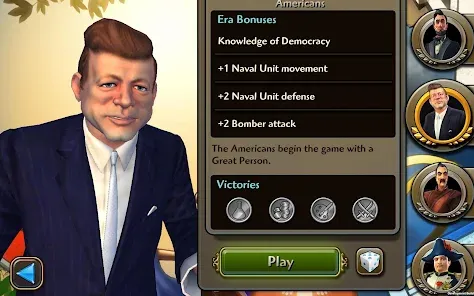
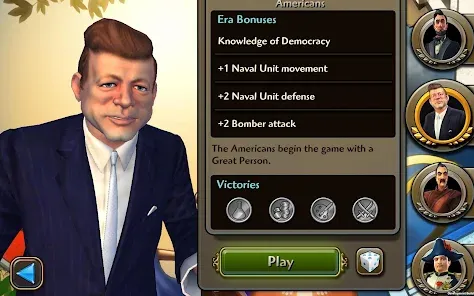
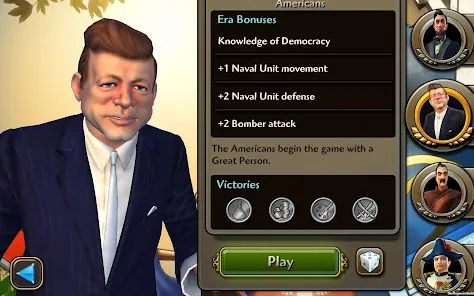
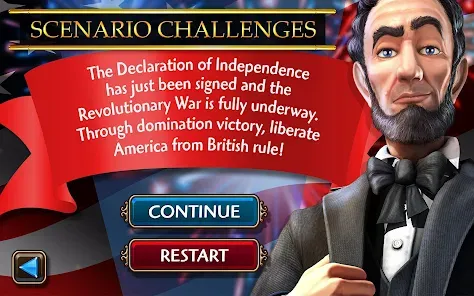
"Civilization Revolution 2" is a turn-based strategy game that builds upon the successful formula of its predecessor, offering players a rich and engaging experience. One of its standout features is the diverse selection of civilizations, each with unique leaders, units, and abilities that influence gameplay. Players can choose from historical figures like Cleopatra and Gandhi, each providing distinct advantages that shape their strategies.
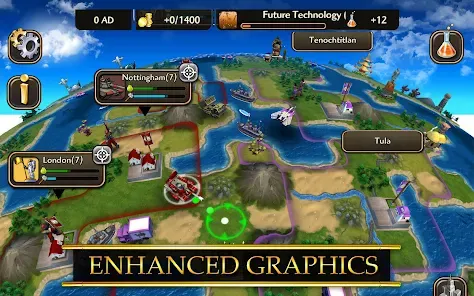
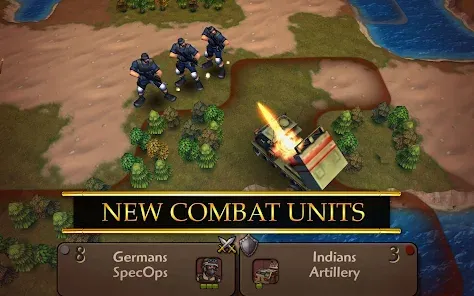
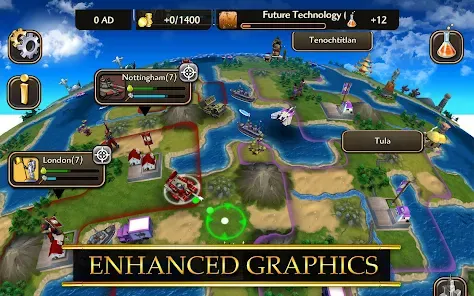
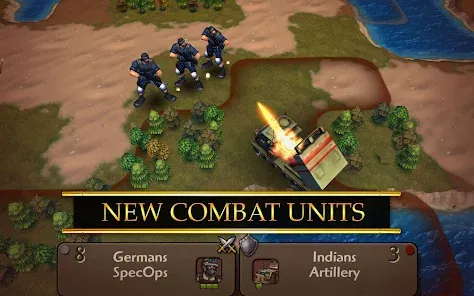
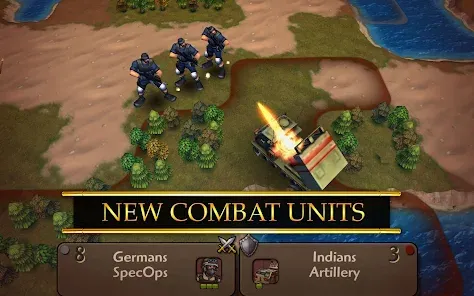
The game also introduces enhanced graphics and animations, making the visual experience more immersive. Players can engage in diplomacy, trade, and warfare, with a more refined combat system that allows for tactical maneuvers on the battlefield. Additionally, the game includes a variety of victory conditions, such as military conquest, cultural dominance, and scientific advancement, giving players multiple paths to success.
Another notable feature is the inclusion of a World Wonders system, where players can build iconic structures that provide significant bonuses. The game also supports multiplayer modes, allowing friends to compete or cooperate in their quest for global domination. Overall, "Civilization Revolution 2" combines strategic depth with accessible gameplay, making it appealing to both newcomers and veterans of the series.
To get started with "Civilization Revolution 2," players should first familiarize themselves with the game’s interface and mechanics. Upon launching the game, players can choose to start a new game or continue an existing one. Selecting a civilization is crucial, as each comes with unique strengths and weaknesses that will influence your strategy throughout the game.
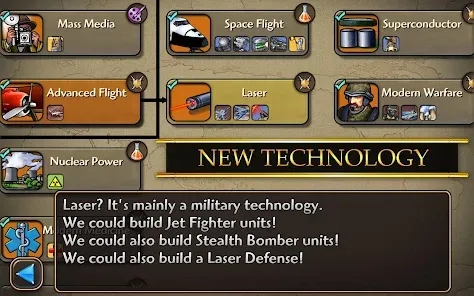
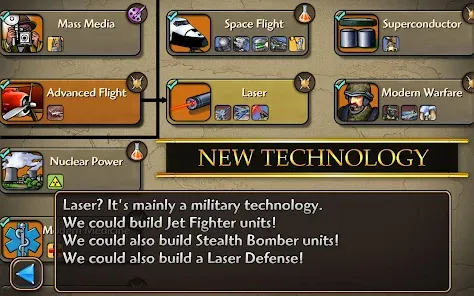
Once in the game, players will manage cities, gather resources, and develop technologies. It’s essential to balance military, economic, and cultural development to ensure a well-rounded civilization. Players can explore the map to discover new territories, engage in diplomacy with other civilizations, and expand their empires through strategic warfare or peaceful negotiations.
Utilizing the game's tutorial can be beneficial for beginners, as it provides guidance on essential gameplay mechanics. Players should also pay attention to the various victory conditions available, as this will help shape their long-term strategies. Regularly saving progress is advisable, especially during intense multiplayer sessions, to avoid losing hard-earned advancements. With practice and strategic planning, players can master the complexities of "Civilization Revolution 2" and lead their civilization to greatness.
"Civilization Revolution 2" offers a range of advantages that make it a compelling choice for strategy game enthusiasts. One of the primary pros is its accessibility; the game simplifies many complex mechanics found in traditional Civilization titles, making it easier for newcomers to grasp. The vibrant graphics and engaging animations enhance the overall experience, drawing players into the world of civilization-building.
Another significant advantage is the variety of civilizations and leaders available, allowing for diverse gameplay experiences. The inclusion of multiple victory conditions encourages players to experiment with different strategies, keeping the gameplay fresh and exciting. Additionally, the multiplayer mode adds a social element, enabling friends to challenge each other in their quest for dominance.

 Engaging gameplay with streamlined mechanics for quick strategic decisions. Rich historical civilizations offer diverse strategies and play styles. Vibrant graphics and animations enhance the immersive experience. Multi-platform availability allows for gaming on the go. Intuitive controls make it accessible for new and experienced players alike.
 Limited depth compared to traditional Civilization games, reducing strategic complexity. Graphics and animations feel outdated, lacking modern visual appeal. AI opponents can be unchallenging, leading to less engaging gameplay.
  Google Play
  App Store
 Yes, Civilization Revolution 2 may collect certain personal data as outlined in its privacy policy, including information related to gameplay and user accounts.
Civilization Revolution 2 does not offer a free trial or free version; it is a paid app that must be purchased to access its full features.
Civilization Revolution 2 can be played offline, but certain features may require an internet connection for multiplayer modes or updates.
Players can contact support or send feedback through the official app store page or the developer's website, where they can find contact information and support resources.
Since Civilization Revolution 2 is not subscription-based, there is no subscription to manage or cancel; players simply purchase the app to play.
Unfortunately, once activated, your Customer Number cannot be changed. If you have concerns, please contact Customer Service for further assistance.
You can reach Customer Service through the in-game support menu or by visiting our official website's support section.
To activate your account, follow the link sent to your email during registration. If you didn't receive it, check your spam folder or contact Customer Service.
If you've changed your email address, you must log in with your previous email. To update it, contact Customer Service for assistance.
Your Customer Number can be found in your account settings or confirmation email. If you still can't find it, contact Customer Service for assistance.