

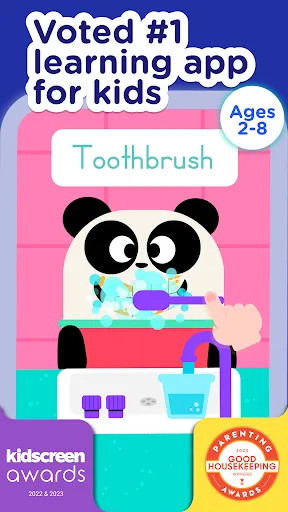
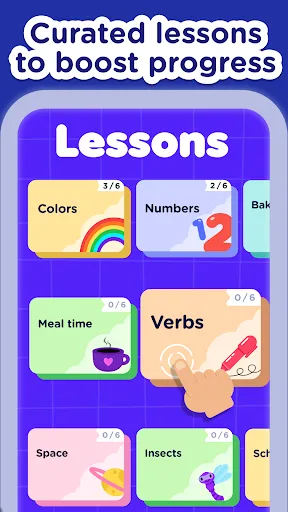
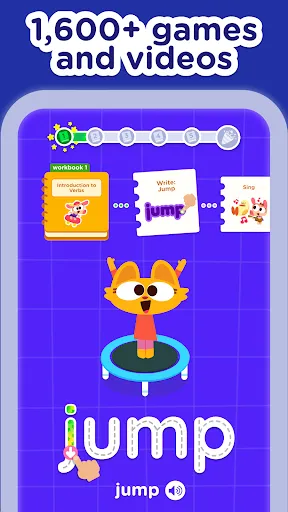
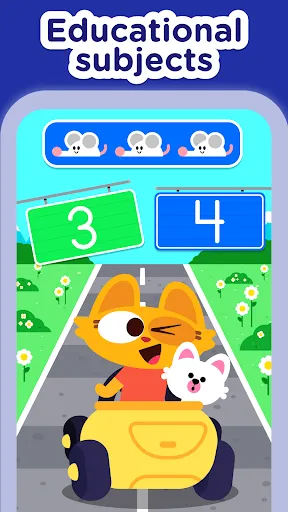
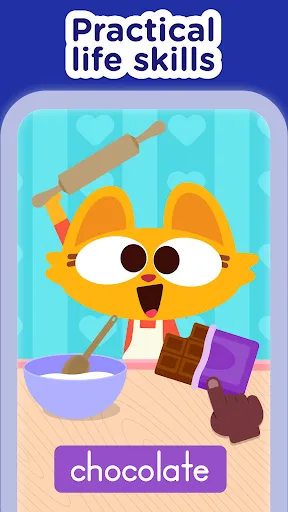
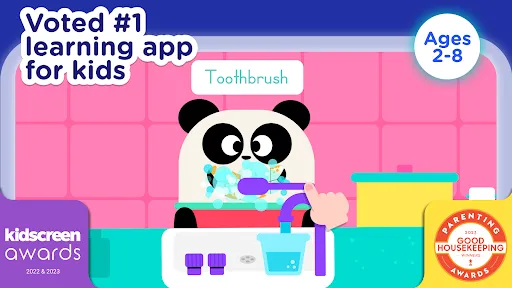
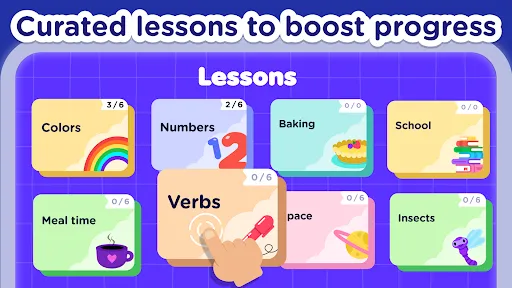
"Lingokids - Play and Learn" is an engaging educational app designed for children aged 2 to 8 years. One of its standout features is a vast library of interactive games and activities that cover essential topics such as vocabulary, math, and science. The app employs a playful approach to learning, making it enjoyable for young learners. Additionally, it offers a variety of animated videos and songs that help reinforce language skills in a fun and memorable way.
Another notable feature is the personalized learning path, which adapts to each child's progress and learning style. This ensures that children are challenged appropriately while also receiving support in areas where they may struggle. The app also includes a progress tracker for parents, allowing them to monitor their child's development and engagement with the content. Furthermore, "Lingokids" is available in multiple languages, making it accessible to a diverse audience and promoting bilingual learning.
Using "Lingokids - Play and Learn" is straightforward and user-friendly. First, download the app from your device's app store and create an account. Once registered, you can set up a profile for your child, which will help tailor the learning experience to their needs. The app's interface is colorful and intuitive, making it easy for young children to navigate through various activities.
After setting up, you can explore the different categories available, such as games, songs, and videos. Encourage your child to engage with the interactive lessons, as they are designed to be both educational and entertaining. Regular use of the app will help reinforce learning, and parents can utilize the progress tracker to assess their child's growth. Additionally, consider setting aside dedicated time each day for your child to interact with the app, fostering a routine that promotes consistent learning.
Like any educational tool, "Lingokids - Play and Learn" has its advantages and disadvantages. One of the primary pros is its engaging content, which captivates children's attention and makes learning enjoyable. The app's interactive games and songs are designed to enhance language skills and cognitive development, making it a valuable resource for early education. Additionally, the personalized learning paths ensure that children receive tailored support, catering to their individual learning styles.
On the downside, some users may find that the app requires a subscription for full access to all features, which could be a barrier for some families. Additionally, while the app is designed for young learners, parents may need to supervise their children to ensure they are using the app effectively and not spending excessive time on screens. Overall, "Lingokids" offers a wealth of educational content, but it's essential for parents to balance screen time with other forms of learning and play.

 Lingokids offers engaging, interactive lessons for young learners. The platform supports multiple languages, enhancing language skills. Personalized learning paths adapt to each child's unique pace. Fun games and activities make learning enjoyable and effective. Parents can track progress and celebrate milestones easily.
 Limited content variety may lead to decreased engagement over time Subscription costs can add up for families Lack of personalized learning paths may not suit every child's needs
  Google Play
  App Store
 Yes, users can submit suggestions or feedback directly through the app or by contacting customer support via their website or social media channels.
Lingokids - Play and Learn adheres to strict privacy policies and collects minimal personal information, primarily for account management and improving user experience.
Yes, Lingokids - Play and Learn allows users to download certain content for offline use, enabling learning without an internet connection.
To cancel your Lingokids - Play and Learn subscription, you can go to your account settings in the app or through your app store settings, depending on the device you are using.
The subscription cost for Lingokids - Play and Learn varies based on the chosen plan, with options for monthly and annual subscriptions.
Yes, you can activate your account using your email address, which will guide you through the activation process.
Yes, you can change your login information in your account settings under the "Profile" section.
You can reach our customer service through the help section in the app or by emailing support
Customer numbers cannot be updated directly. If you need assistance, please contact customer service for further guidance.
To activate your subscription, log in to your account, go to settings, and follow the prompts to complete the activation.