

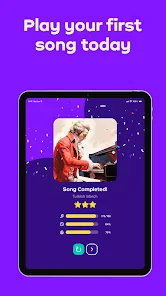
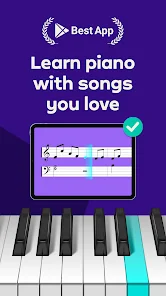
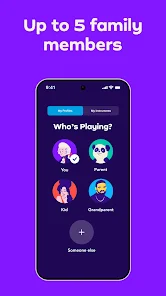
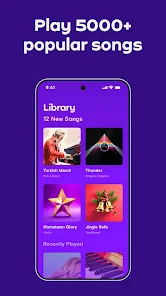
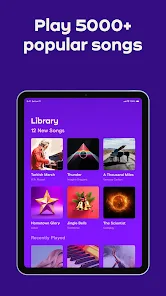
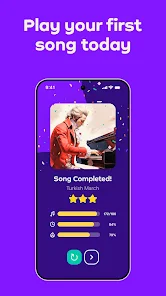
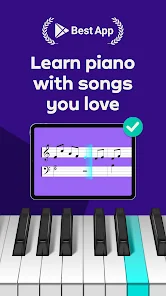
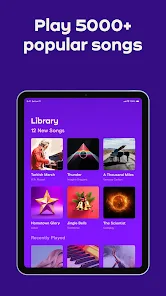
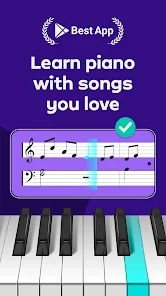
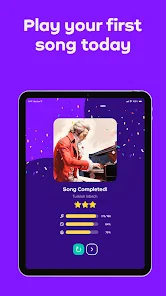
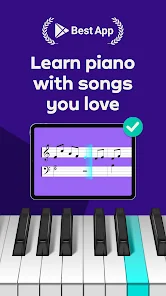
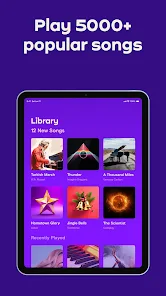
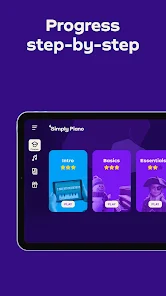
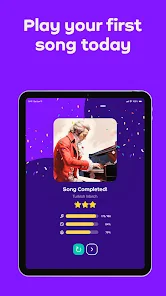
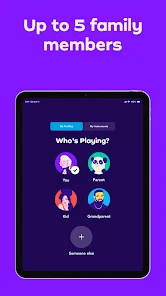
"Simply Piano: Learn Piano Fast" is a user-friendly app designed to help beginners and intermediate players learn piano efficiently. One of its standout features is the interactive learning method, which allows users to play along with songs while receiving real-time feedback. This feature helps users identify mistakes and improve their playing skills quickly. The app offers a wide range of songs across various genres, catering to different musical tastes and keeping the learning process engaging.
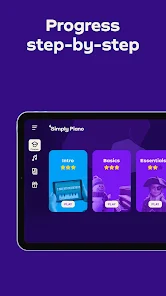
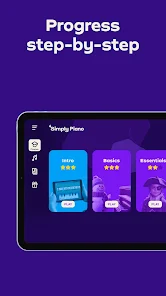
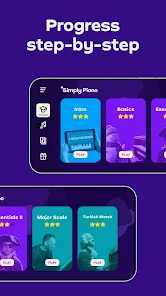
Another notable feature is the step-by-step courses that guide users through the fundamentals of piano playing, including reading sheet music, understanding chords, and mastering techniques. The app also includes a practice mode, which allows users to slow down songs and focus on challenging sections. Additionally, "Simply Piano" provides personalized learning paths, adapting to the user's skill level and progress, ensuring a tailored experience. With its visually appealing interface and gamified elements, the app makes learning piano enjoyable and motivating.
Using "Simply Piano: Learn Piano Fast" is straightforward and intuitive, making it accessible for users of all ages. To get started, download the app from your device's app store and create an account. Once registered, you can choose your skill level, whether you are a complete beginner or have some prior experience. The app will then recommend a personalized learning path based on your selection.
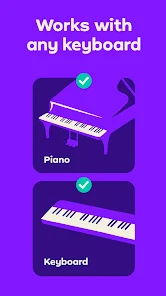
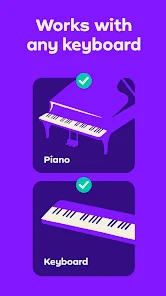
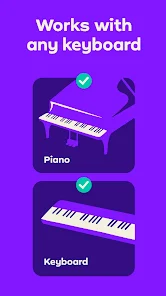
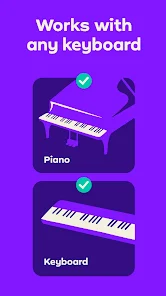
After setting up, you can explore the various courses and song libraries available. Simply select a song or lesson, and the app will guide you through the learning process. You can use your piano or keyboard to play along, and the app will listen to your performance, providing instant feedback. Make sure to practice regularly, as consistency is key to mastering the piano. The app also allows you to track your progress, helping you stay motivated and focused on your goals.
Like any educational tool, "Simply Piano: Learn Piano Fast" has its advantages and disadvantages. One of the primary pros is its user-friendly interface, which makes it easy for beginners to navigate and learn at their own pace. The app's interactive feedback system is another significant benefit, as it helps users correct mistakes in real-time, enhancing their learning experience. Additionally, the extensive library of songs and structured courses keeps users engaged and motivated to practice.
On the downside, some users may find the subscription model a bit pricey, especially if they are unsure about their long-term commitment to learning piano. While the app is excellent for beginners, more advanced players might find the content somewhat limited. Furthermore, the reliance on a digital interface may not suit everyone, as some learners prefer traditional methods of instruction. Overall, "Simply Piano" is a valuable tool for many aspiring pianists, but it may not be the perfect fit for everyone.

 Learn at your own pace with flexible lesson plans tailored to your schedule. Enjoy interactive lessons that make practicing fun and engaging for all ages. Access a vast library of songs across various genres to keep motivation high. Receive instant feedback on your playing to help you improve quickly. Benefit from expert tips and tutorials designed to enhance your piano skills efficiently.
 Limited song library restricts variety for users. Subscription costs can accumulate quickly over time. May lack personalized feedback for skill development.
  Google Play
  App Store
 Yes, users can submit suggestions or feedback through the app's support section or website, where they can often find a contact form or community forum.
Simply Piano - Aprende Rápido may collect personal data as outlined in its privacy policy, which typically includes information necessary for account creation and usage analytics.
Yes, Simply Piano - Aprende Rápido allows users to download lessons for offline use, enabling practice without an internet connection.
Users can cancel their Simply Piano - Aprende Rápido subscription through their app store account settings or directly within the app under the subscription management section.
Subscription costs for Simply Piano - Aprende Rápido vary based on the plan selected, generally offering monthly, yearly, or lifetime options. Check the app for the most current pricing.
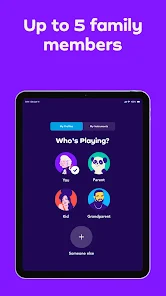
Yes, you can log in to your Simply Piano account on multiple devices using the same credentials. Just make sure to log out from other devices if needed.
Yes, you can reactivate your account by logging in with your previous credentials. If you encounter issues, contact customer service for help.
You can reach customer service by visiting our website and using the contact form or by emailing support
If you didn't receive your activation link, try resending it from the login page or check your spam folder. If still missing, contact customer service for support.
To activate your account, follow the link in your confirmation email after signing up. If you didn't receive it, check your spam folder.