


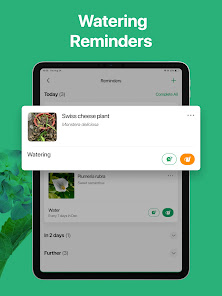
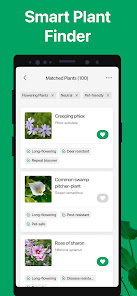
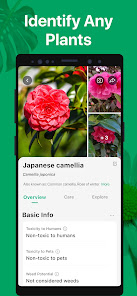


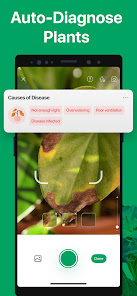

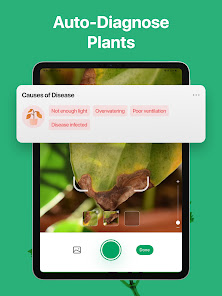
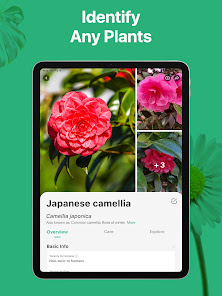
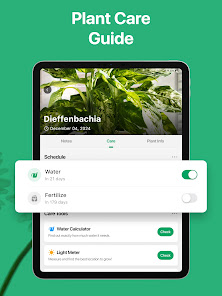
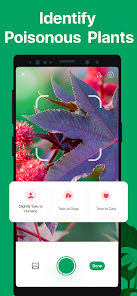
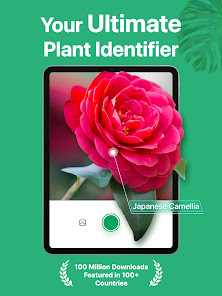
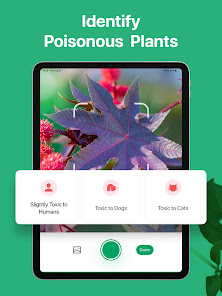
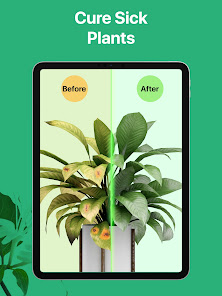
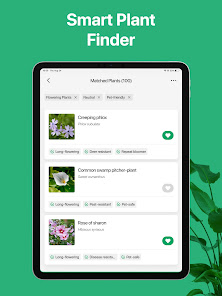
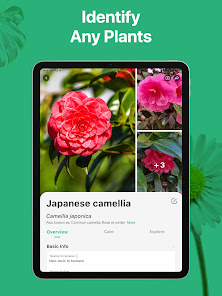
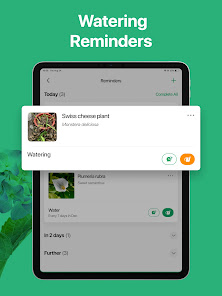
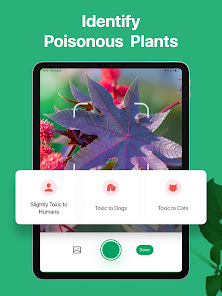
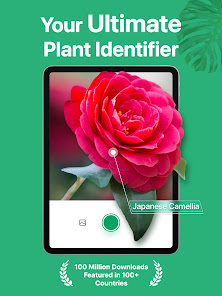
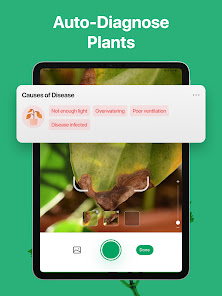
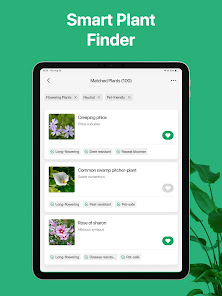
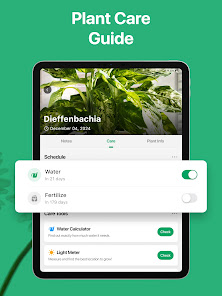
PictureThis - Plant Identifier is not just an ordinary plant identification app; it’s a comprehensive toolkit for plant lovers and gardening enthusiasts. Here are some of the standout features that make it a must-have:
As an avid gardener, I often find myself surrounded by various plants, both indoors and outdoors. PictureThis has become my go-to app in several scenarios. For instance, during a recent visit to a botanical garden, I took countless photos of exotic plants that caught my eye. Using the app, I quickly identified each one, learning about their origins and care requirements. Additionally, when I was shopping for new houseplants at a local nursery, I used PictureThis to double-check the health and suitability of potential purchases, ensuring I brought home only the best specimens.
The user interface of PictureThis is sleek and intuitive, making it easy even for newcomers to navigate. Upon opening the app, I’m greeted with a clean layout that allows me to access the camera function immediately for identification. The workflow is smooth; after taking a photo, the app processes it quickly and displays identification results within seconds. I appreciate how the information is presented in a digestible format, combining images, care tips, and community feedback. Performance-wise, I’ve experienced minimal lag, even in areas with poor connectivity. Overall, my experience has been delightful, and I often find myself discovering new plants and expanding my gardening knowledge through the app.
PictureThis offers a free version with basic features, which is quite functional for casual users. However, for those who want access to premium features like unlimited plant identification and advanced care guides, there’s a subscription model available. The pricing is reasonable, especially considering the wealth of information and support the app provides. I opted for the premium subscription during a promotional period, which felt like a worthwhile investment for my gardening journey.
The team behind PictureThis is proactive in providing regular updates, which is evident in the new features and enhancements rolled out periodically. I’ve noticed improvements in plant identification accuracy and the addition of new plants to their database. Customer support is responsive; I once had a query regarding a plant identification, and I received a thorough response within a day. They also have an FAQ section that addresses common concerns, making it easy to find help when needed.
As an American user, security and privacy are important considerations when using apps like PictureThis. The app is available on both the App Store and Google Play, which adds a layer of trust for users. Upon registering, I was required to provide minimal personal data, which is standard for many apps. I appreciate that PictureThis maintains transparency about data usage in their privacy policy.
In terms of ads and tracking behavior, I’ve noticed that the app operates without intrusive ads, which enhances the overall user experience. While it does collect some usage data to improve its services, I feel comfortable knowing that my information is handled responsibly. Overall, PictureThis demonstrates a good balance between functionality and user privacy, making it a safe choice for plant enthusiasts.

 Instantly identify plants with a simple photo Access detailed care tips for each species Discover similar plants and their features Track your plant collection effortlessly Enjoy a user-friendly interface for all ages
 Limited database for less common plants Requires internet access for full functionality Subscription needed for premium features Accuracy can vary with image quality
 Yes, PictureThis may collect personal data as outlined in its privacy policy, including information necessary for account creation and usage analytics.
PictureThis offers a free version with limited features, as well as a subscription model that unlocks additional functionalities.
Yes, an internet connection is required for the app to work effectively, as it relies on cloud-based image recognition and data retrieval.
You can contact support or provide feedback through the app’s help section or by visiting the official PictureThis website for additional contact options.
You can manage or cancel your subscription through the account settings in the app or the app store where you initially subscribed.
You can contact customer service via the app's Help Center or email support at support
Open the app, tap "Log In," and enter your email and password. You can also log in with social media accounts like Facebook or Google.
No activation is necessary. Simply download the app, create an account, and start using PictureThis immediately.
PictureThis does not have a direct customer service phone number. Use the in-app support or email for assistance.












 Google Play
  App Store