

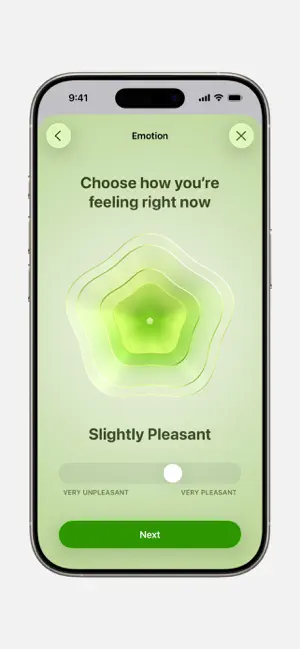


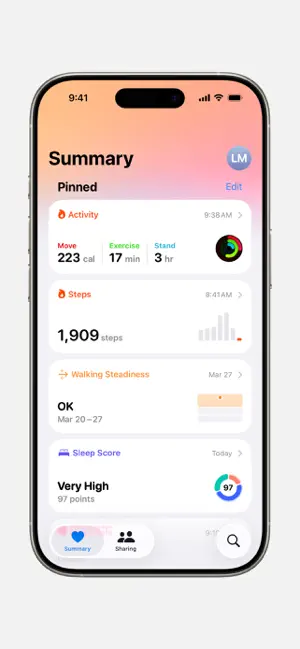
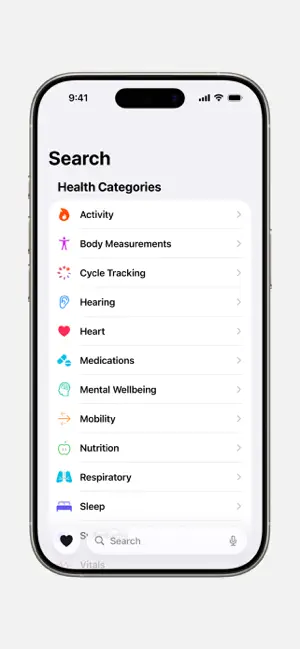

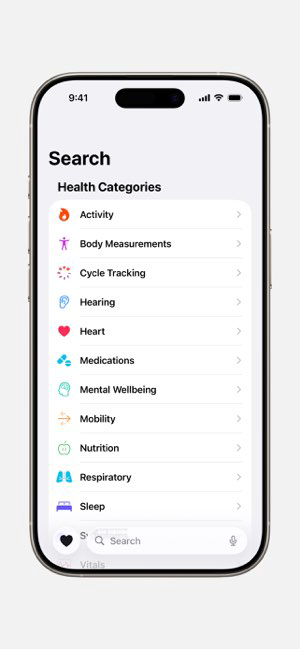
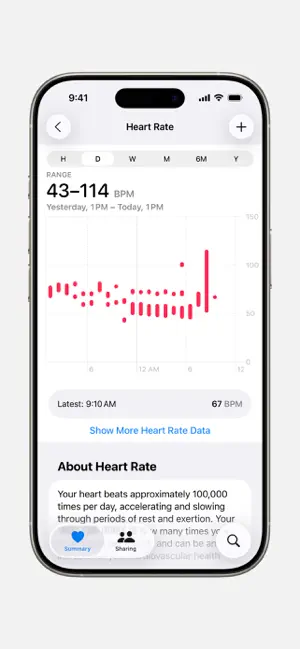


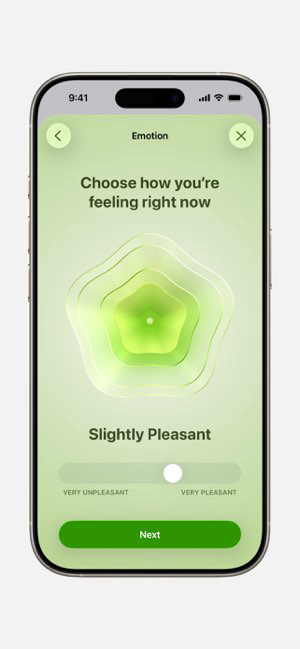





Apple Health is a powerhouse of health and fitness tracking, designed to streamline your wellness journey. With its robust set of features, it helps you monitor various aspects of your health, ensuring you stay informed and motivated. Here are some core features that truly stand out:
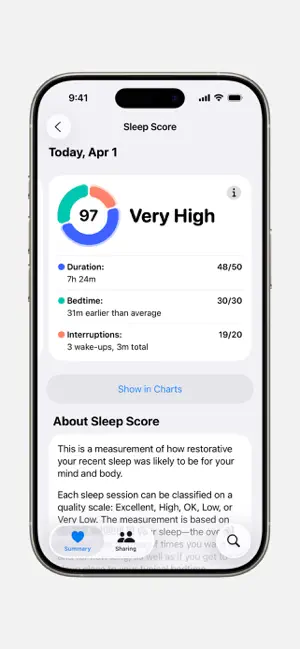
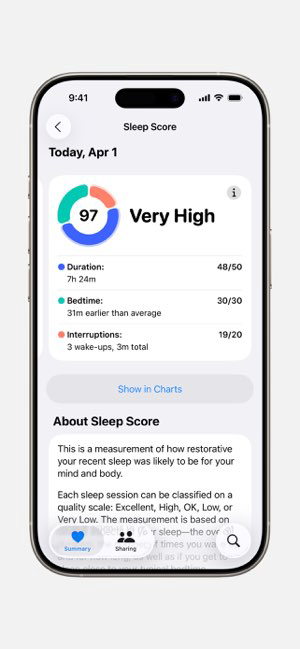
In my daily life, I find myself using Apple Health in various scenarios. For example, I start my mornings by checking my sleep data to see how well I rested the night before. After my morning coffee, I often head out for a jog, and I love that I can see my step count and heart rate in real time. On weekends, I use the app to track my longer hikes, which helps me stay motivated to explore new trails. Additionally, I use the mindfulness features during work breaks to help manage stress and refocus my energy. It’s not just an app; it’s a companion that encourages healthy habits throughout my day.
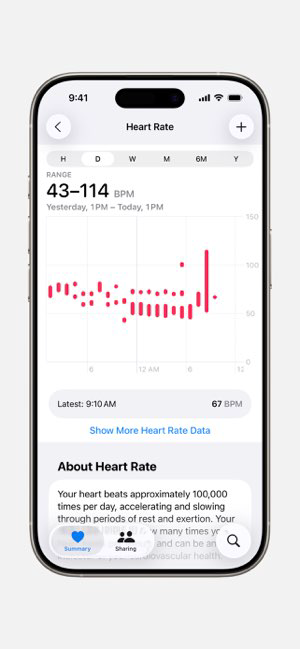
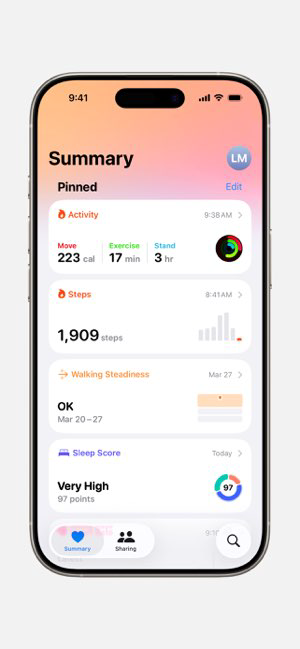
The user interface of Apple Health is intuitive and visually appealing. The layout is clean, with health metrics represented in easily digestible graphs and charts. Navigating through different sections is a breeze, and I appreciate how the app groups similar data, making it simple to switch between my activity, heart rate, and sleep logs. Performance-wise, I’ve experienced no lag, even when syncing data from my Apple Watch. Overall, using the app feels like having a personal trainer and health coach in my pocket. It’s engaging, informative, and I often find myself discovering new features that enhance my health journey.
Apple Health is a free app available on iOS devices, which is a significant advantage for users looking for a comprehensive health tracking solution without the burden of subscription fees. While additional features may be available through third-party apps or devices that integrate with Apple Health, the core functionality is entirely accessible without any cost. This makes it an attractive option for anyone keen on maintaining their health without breaking the bank.
Apple regularly updates the Health app to enhance features and security measures, ensuring users benefit from the latest advancements in health tracking technology. Whenever a new update is available, I receive prompt notifications on my device, which keeps me informed. Additionally, Apple provides robust support through their online resources and community forums, making it easy to find solutions to any issues I might encounter. The commitment to improving the app and addressing user feedback is evident and reassuring.
As an American user, security and privacy are paramount when it comes to health apps. Apple Health is available on the App Store, which adds a layer of trust, knowing that it undergoes strict scrutiny before being made available for download. Registration requires minimal personal information, which is a significant plus in today’s data-sensitive environment. The app does not display ads, nor does it engage in tracking behavior that compromises user privacy. Apple emphasizes that health data is encrypted and stored securely on your device, providing peace of mind. Overall, I feel confident using Apple Health, knowing that my personal health information is protected and managed with the utmost care.

 Tracks fitness metrics effortlessly for better health insights Integrates with various devices for comprehensive monitoring Encourages healthy habits through personalized reminders Offers easy sharing of health data with professionals Supports mental wellness with mindfulness and meditation tools
 Limited compatibility with non-Apple devices Lack of comprehensive health data tracking User interface can be overwhelming for beginners Privacy concerns with data sharing and storage
 Apple Health collects personal health data to provide insights and recommendations, but users have control over what data is shared and can manage privacy settings according to their preferences.
Apple Health is free to download and use, with no subscription required for its core features, so there is no need for a free trial.
While you can access some features of Apple Health without an internet connection, certain functionalities, like syncing data from other apps or devices, may require an internet connection.
You can contact Apple Support for assistance with Apple Health through the Apple Support website or the Support app on your device. Feedback can also be submitted through the app by navigating to the settings menu.
Since Apple Health itself does not have a subscription, there is no need to manage or cancel a subscription for the app. However, you may need to manage subscriptions for third-party apps that connect with Apple Health through your Apple ID settings.
The Apple Health app is automatically activated when you set up your iPhone; just open the app and follow the prompts.
You can reach Apple Support at 1-800-MY-APPLE or visit the Apple Support website for assistance.
Your Apple Health app does not have a separate customer number; instead, use your Apple ID for support inquiries.
Open the Apple Health app, and it will automatically use your Apple ID to log in if you're using an iPhone.












 Google Play
  App Store