

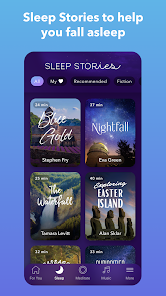
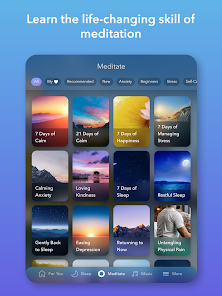
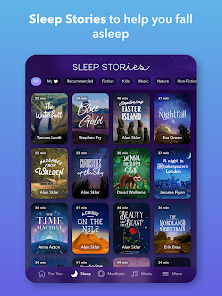
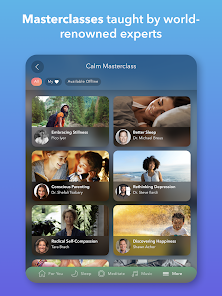
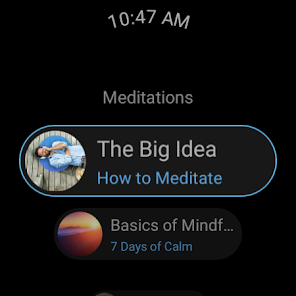
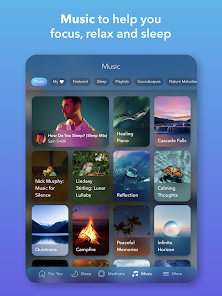
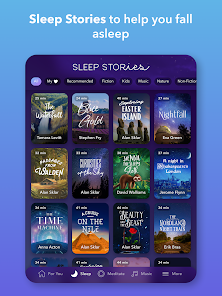
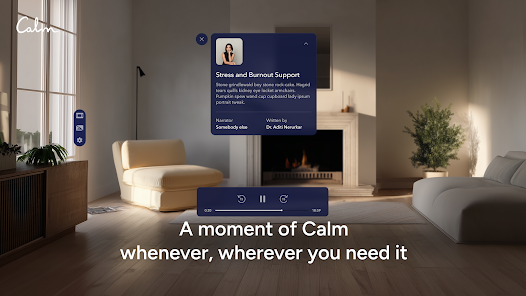
In my busy life, I often juggle work commitments, family responsibilities, and personal time. Calm has become a go-to tool for creating moments of tranquility amidst the chaos. For instance, every morning, I start my day with a short meditation session to set a positive tone. During my lunch breaks, I sneak in a quick breathing exercise to relieve stress and maintain my focus. And in the evenings, I turn to the Sleep Stories to help me unwind before bed. Each scenario has made me realize how essential it is to prioritize mental well-being, and Calm has seamlessly integrated into my routine to facilitate that.
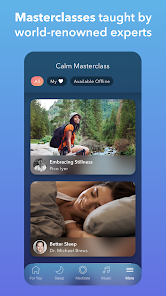
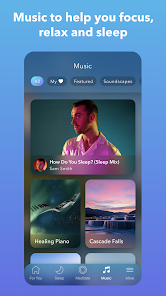
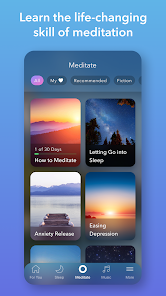
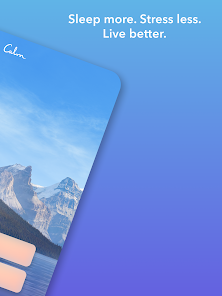
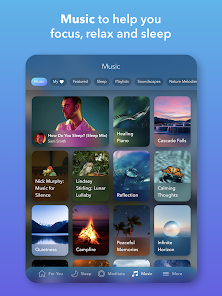
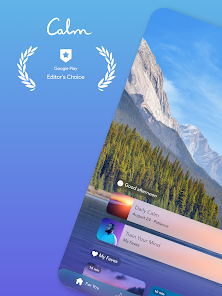
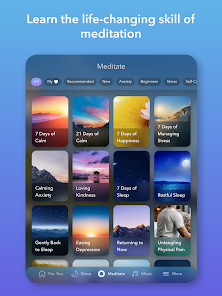
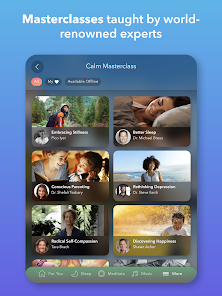
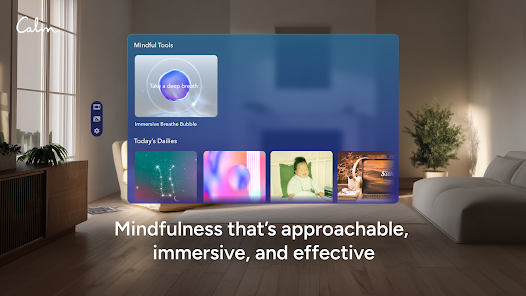
The user interface of the Calm app is sleek and intuitive, making navigation a breeze. Upon opening the app, I’m greeted with a visually appealing dashboard that highlights various sections like Meditate, Sleep, and Music. The flow is incredibly smooth; finding a meditation or sleep story only takes a few taps. I appreciate the organized categories that allow me to easily browse through tailored content based on my mood or needs. The performance is consistently reliable, with minimal loading times. After using Calm for several weeks, I’ve found that it not only helps me relax but also encourages a more mindful approach to my daily life, which is something I had been seeking for a long time.
Calm operates on a freemium model, which means that while many features are accessible for free, a premium subscription unlocks a treasure trove of additional content. The premium subscription is priced at $69.99 per year, which, when broken down, feels reasonable considering the wealth of resources available. I opted for the annual subscription, convinced that investing in my mental health was worth every penny. The premium features include exclusive content, additional meditation programs, and a wider selection of sleep stories, all of which have enhanced my experience.
Calm is consistently updated, ensuring that users have access to fresh content and improved features. I’ve noticed new meditations and sleep stories being added regularly, which keeps the experience engaging. Should any issues arise, the customer support is commendable; I once had a question about my subscription, and their support team responded promptly and effectively. The app also provides helpful resources and FAQs that guide users through common concerns, making it easy to find solutions without hassle.
As an American user, I pay close attention to the security and privacy aspects of my apps, and Calm does not disappoint. The app is officially available on both the App Store and Google Play, ensuring that it meets the necessary security standards for mobile applications. Registration requires minimal personal data, primarily just an email address, which is reassuring. Additionally, Calm is transparent about its privacy policy, stating that they do not sell personal data to third parties. While the app does not contain intrusive ads, it does utilize some tracking to personalize the user experience, which is common among most apps today. Overall, I feel secure using Calm, knowing that my information is handled with care.

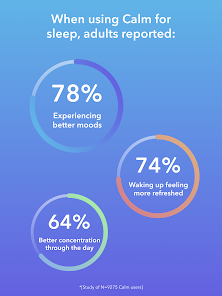
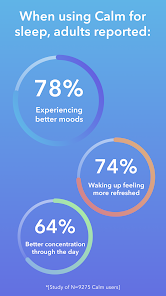
 Promotes deep, restful sleep for rejuvenation Guided meditations reduce stress and anxiety levels Relaxing soundscapes enhance focus and concentration Customizable sleep stories for personalized relaxation Mindfulness practices improve overall emotional well-being
 Limited free content available for users Subscription costs can be high Audio selections may not appeal to everyone User interface can be confusing at times
 Calm collects personal data as outlined in their privacy policy, which may include information such as user preferences and usage patterns to enhance the user experience.
Calm does offer a free trial for new users to explore the app's features, but access to premium content typically requires a subscription.
While an internet connection is required for initial downloads and streaming content, many features can be accessed offline once downloaded.
Users can contact Calm's support team through the app's help section, or by visiting the Calm website where they can find additional resources and feedback options.
Users can manage or cancel their subscriptions through their account settings in the app or by accessing the subscription management options on the app store from which they downloaded Calm.
Yes, you can reset your password by tapping "Forgot Password?" on the login screen and following the instructions sent to your email.
You can contact Calm's customer service through the app's settings or visit their website for support options.
If you have a promo code, go to "Settings," select "Account," and enter the code to activate your subscription.
Open the app, tap on "Log In," and enter your email and password associated with your account.
Navigate to "Settings," select "Account," and then "Manage Subscription" to update your payment details.











 Google Play
  App Store