

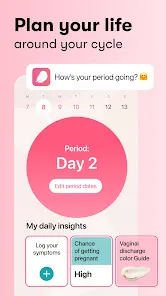
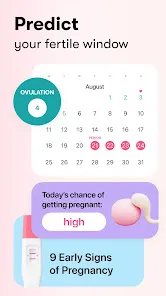
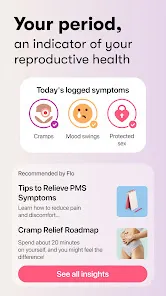
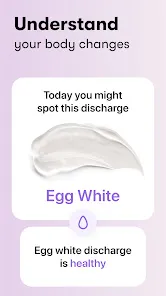
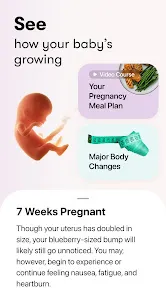

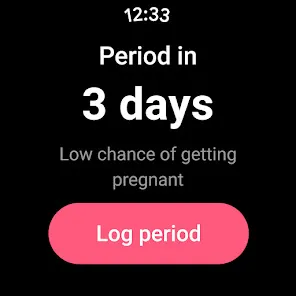
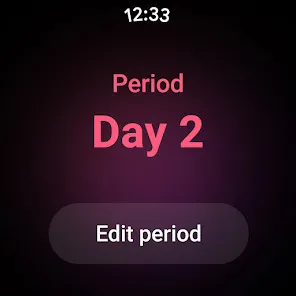
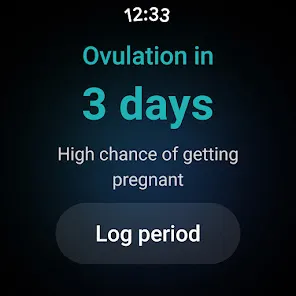
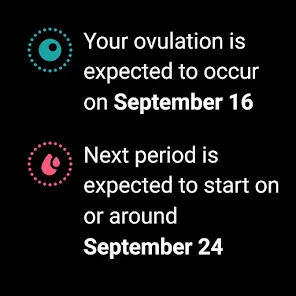
The "Flo Period & Pregnancy Tracker" is a comprehensive app designed to assist users in tracking their menstrual cycles and pregnancy. One of its standout features is the personalized cycle calendar, which allows users to log their periods, ovulation, and fertile days. This feature helps in predicting future cycles and understanding individual patterns. Additionally, the app offers symptom tracking, enabling users to record various physical and emotional symptoms throughout their cycle, which can provide insights into their health.
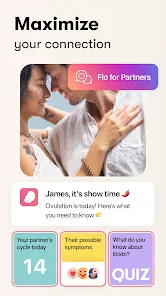
Another notable feature is the health insights and reports that the app generates based on the logged data. These insights can help users identify trends and make informed decisions about their reproductive health. The app also includes a community section where users can connect with others, share experiences, and seek advice. Furthermore, Flo provides educational content, including articles and tips related to menstrual health, pregnancy, and overall wellness, making it a valuable resource for users seeking knowledge.
Using the "Flo Period & Pregnancy Tracker" is straightforward and user-friendly. Upon downloading the app, users are prompted to create an account, which allows for personalized tracking. After setting up the account, users can input their menstrual cycle details, including the start and end dates of their periods. The app will then generate a calendar that predicts future cycles based on the entered data.
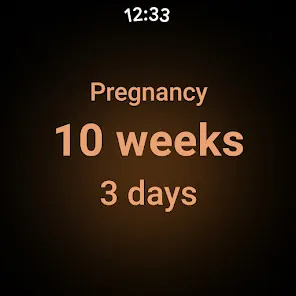
To maximize the app's benefits, users should regularly log their symptoms, moods, and any other relevant health information. This data helps the app provide tailored insights and predictions. Additionally, users can explore the educational resources available within the app to enhance their understanding of menstrual and reproductive health. For those who are pregnant or trying to conceive, the app offers specific features to track pregnancy progress and ovulation, making it a versatile tool for various stages of reproductive health.
The "Flo Period & Pregnancy Tracker" comes with several advantages. One of the primary benefits is its intuitive interface, which makes it easy for users to navigate and log their information. The app's personalized insights and predictions can empower users to better understand their bodies and reproductive health. Additionally, the community feature fosters a sense of support and connection among users, while the educational content provides valuable information on various health topics.
However, there are some drawbacks to consider. Some users have reported concerns regarding data privacy, as the app collects sensitive health information. Additionally, while the app is free, certain features may require a subscription, which could be a barrier for some users. Lastly, the accuracy of predictions can vary based on the consistency of data input, meaning that users must be diligent in logging their information for the best results. Overall, while the app offers many benefits, potential users should weigh these pros and cons before deciding to use it.

 Accurate cycle tracking helps predict your next period reliably. Personalized insights support better understanding of your body. Health reports empower informed discussions with healthcare providers. Community features offer support and shared experiences with others. Easy-to-use interface ensures seamless navigation and tracking.
 Limited customization options may not suit all users' preferences. Data privacy concerns could affect user trust and engagement. Inaccurate predictions may lead to frustration during planning.
  Google Play
  App Store
 Yes, users can submit suggestions or feedback through the app’s settings or by contacting customer support, as the developers welcome user input to improve the app.
Flo Period & Pregnancy Tracker does collect personal data to provide tailored insights and improve user experience, but it emphasizes user privacy and data security.
Yes, Flo Period & Pregnancy Tracker allows users to log their periods and symptoms offline, with data syncing when an internet connection is available.
Users can cancel their subscription through the app store where they purchased the subscription, following the specific cancellation process provided by that platform.
The subscription costs vary depending on the plan selected, with options for monthly, annual, or lifetime subscriptions. Users can check the app for the most current pricing.
Yes, but you will need to contact customer service to facilitate the change.
Yes, you can log in to your Flo account on multiple devices using the same credentials.
You can reach customer service through the app by going to Settings, then tapping on Help & Support.
After signing up, check your email for an activation link to complete your account setup.
Your customer number can be found in the app under Settings, in the Account section.