




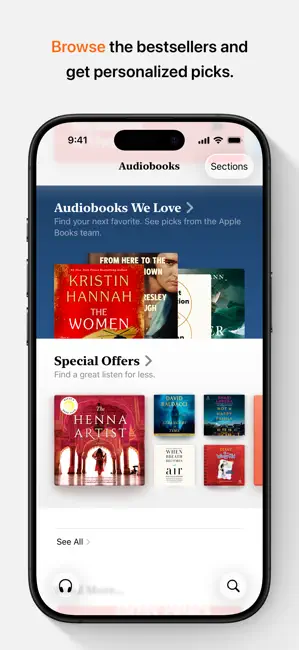
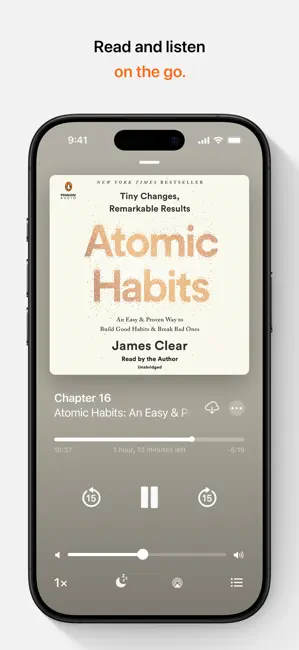


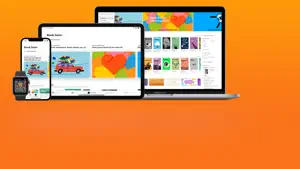



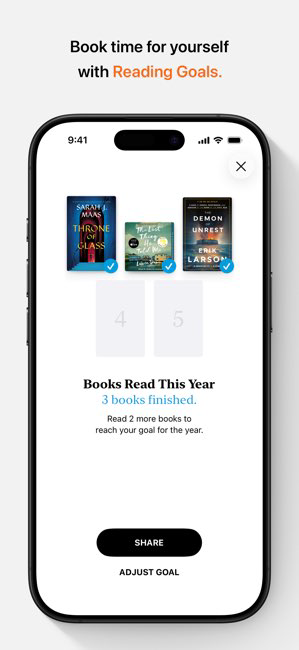



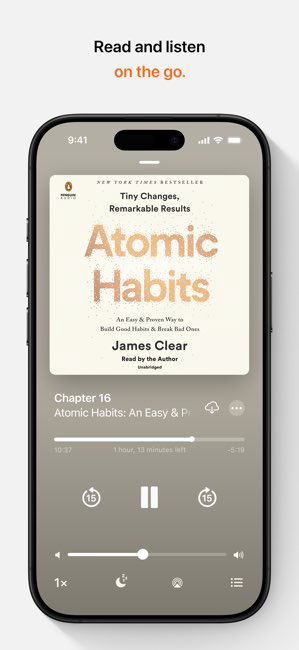







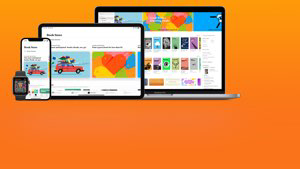


Every morning, I start my day with a cup of coffee and a few chapters from my current book on Apple Books. The app is my go-to for both leisure reading and professional development. Whether I'm commuting to work or taking a break, I find myself reaching for my iPad or iPhone to dive into a new narrative or learn something new. This versatility is invaluable for someone like me, who juggles a busy schedule. I’ve also used the app for book club meetings; it’s easy to share notes and highlights with friends, making discussions richer and more engaging.
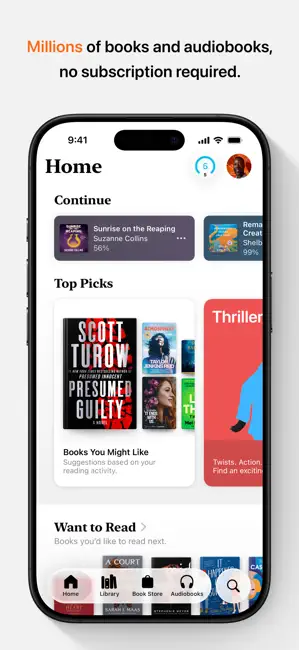
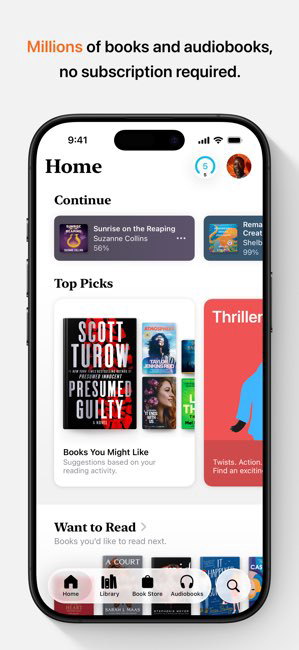
The user interface of Apple Books is clean and visually appealing, which is a significant plus for me. Navigating through my library and discovering new reads feels like flipping through the pages of a beautifully organized bookshelf. The feature workflow is intuitive; I can easily highlight passages, make notes, and bookmark pages without interrupting my reading flow. The app performs remarkably well; I’ve never experienced lag or crashes, even with multiple books downloaded. Overall, my feelings after using Apple Books are overwhelmingly positive. It feels like an extension of my love for reading—efficient, effective, and enjoyable.
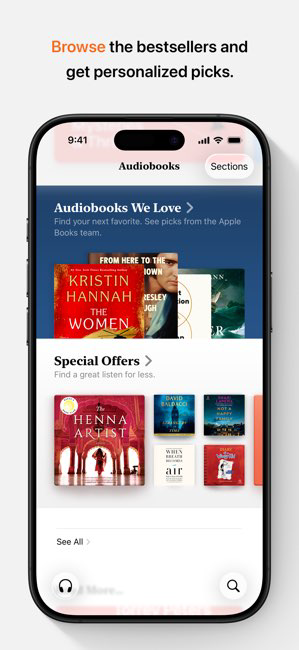
Apple Books operates on a freemium model, meaning the app itself is free to download and use. However, many books and audiobooks are available for purchase. Prices vary, with some titles being very affordable and others that might be a bit steep. I appreciate that there are also plenty of free books available, enabling me to explore new genres without a financial commitment. Overall, I find the pricing reasonable, especially considering the quality of content offered.
Apple is known for its regular updates, and the Books app is no exception. I’ve noticed improvements in performance and new features rolled out periodically, which keeps the app fresh and functional. Support is also readily available; I’ve reached out to Apple’s customer service for queries, and they have always responded promptly and helpfully. The community forums are another excellent resource for troubleshooting and tips. Overall, I feel well-supported as a user.
As an American user, security and privacy are paramount when it comes to any app, including Apple Books. The app is available through the official App Store, which adds an extra layer of trustworthiness. There are no dubious third-party vendors involved, ensuring my data remains secure. Registration is straightforward, requiring only my Apple ID, which I appreciate for its simplicity and security. I also feel reassured knowing that Apple prioritizes user privacy; I haven’t encountered intrusive ads or aggressive tracking behaviors within the app. This focus on security allows me to enjoy my reading experience without worrying about my personal information being misused.

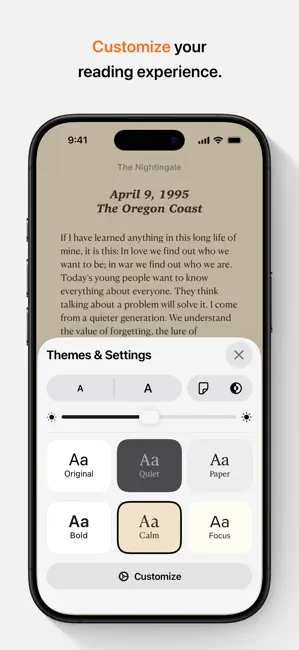
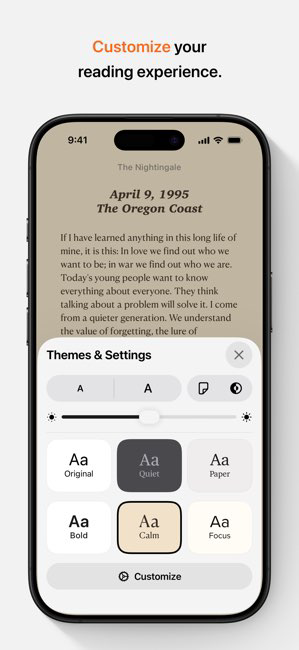
 Wide selection of books and audiobooks available online Syncs across all Apple devices seamlessly Customizable reading settings for personal comfort Integrated note-taking for better learning and retention User-friendly interface for effortless navigation
 Limited cross-platform compatibility with non-Apple devices Fewer titles compared to other eBook platforms No robust social features for sharing and discussing Lacks advanced customization options for reading experience
 Apple Books may collect personal data such as your Apple ID information and usage data to improve the service, but it adheres to Apple's privacy policies to protect your information.
Apple Books itself does not offer a free trial, but it provides a selection of free books and audiobooks that users can access without a purchase.
While an internet connection is required for purchasing and downloading content, you can read downloaded books and listen to downloaded audiobooks offline.
You can contact Apple Support through the Apple website or the Apple Support app, and you can provide feedback directly through the Apple Books app by navigating to the settings menu.
You can manage or cancel your Apple Books subscription through your Apple ID settings on your device, where you can view your subscriptions and make changes as needed.
No, an Apple ID is required to access and purchase content in Apple Books. Create one if you don’t have it.
You can reach Apple Books customer service by visiting the Apple Support website or calling Apple Support directly. Check local listings for the correct phone number.
Go to the Apple ID account page, click on “Forgot Apple ID or password?” and follow the prompts to reset your password.
Open the Apple Books app, tap on the "Account" icon, and sign in using your Apple ID and password.
Log in with your Apple ID in the Apple Books app, and your purchased content will automatically be available for download.












 Google Play
  App Store





