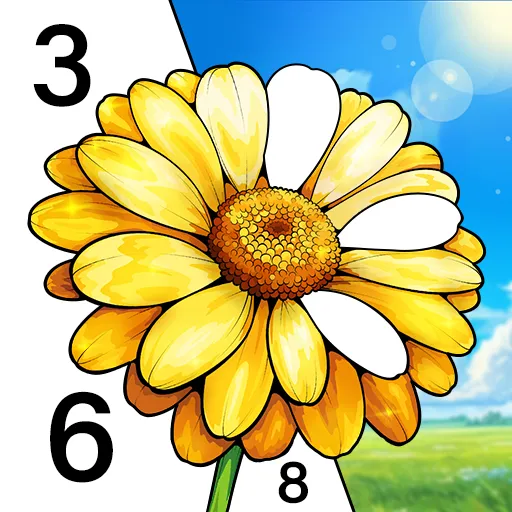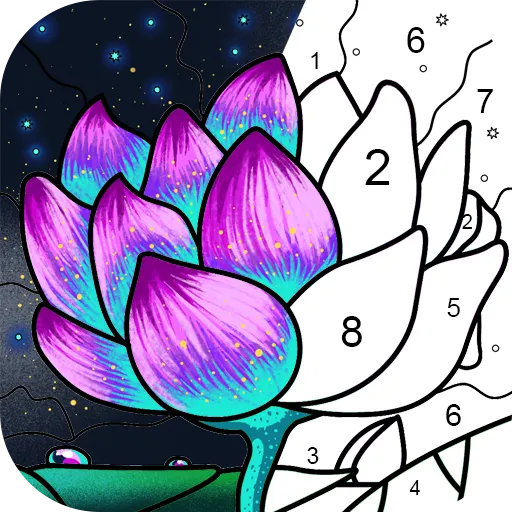




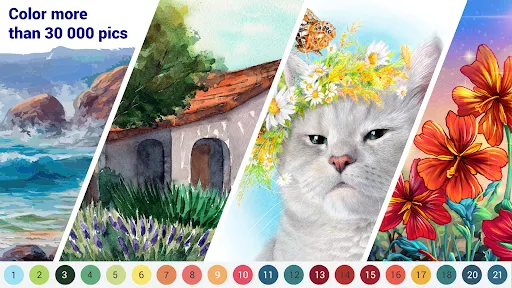

"Happy Color®: Coloring Book" is a vibrant and engaging digital coloring app designed for users of all ages. One of its standout features is the extensive library of images, which includes a wide variety of categories such as animals, landscapes, mandalas, and more. This diversity allows users to choose from thousands of pictures to color, ensuring that there is always something new and exciting to work on.
The app also offers a user-friendly interface that makes coloring easy and enjoyable. Users can zoom in and out of images, allowing for precise coloring, and the color palette is rich and varied, providing countless options for creativity. Additionally, the app includes a hint feature that helps users find the right colors for specific sections, making it accessible for beginners. Regular updates introduce new images and features, keeping the content fresh and engaging. Overall, "Happy Color®" combines relaxation with creativity, making it a popular choice among coloring enthusiasts.
Using "Happy Color®: Coloring Book" is straightforward and intuitive, making it accessible for users of all skill levels. To get started, simply download the app from your device's app store and create an account or log in. Once inside, you can browse through the extensive library of images categorized by themes. Select an image that catches your eye, and it will open in the coloring interface.
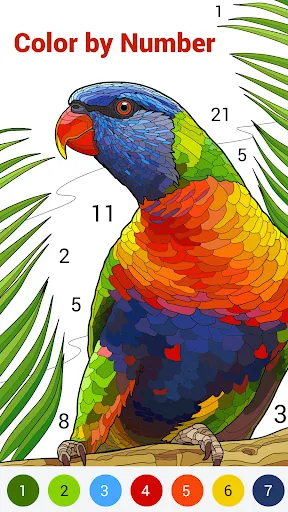
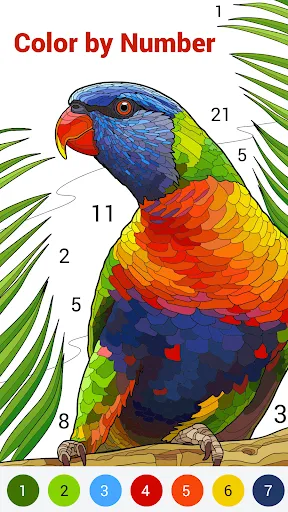
To begin coloring, choose a color from the palette at the bottom of the screen. Tap on the area you wish to color, and the app will automatically fill it in. If you prefer a more hands-on approach, you can also manually color by dragging your finger across the screen. The app allows you to zoom in for detailed work and offers an undo feature if you make a mistake. Once you finish your masterpiece, you can save it to your device or share it on social media. Enjoy the therapeutic benefits of coloring while exploring your artistic side!
"Happy Color®: Coloring Book" comes with several advantages that make it a favorite among users. One of the primary pros is its vast selection of images, which caters to various interests and skill levels. The app is free to download and use, with optional in-app purchases for additional content. Its user-friendly interface and helpful features, such as hints and zooming capabilities, enhance the overall coloring experience. Additionally, the app promotes relaxation and mindfulness, making it a great way to unwind after a long day.
However, there are some cons to consider. While the app is free, it does contain ads that can interrupt the coloring experience. Some users may find the in-app purchases necessary to access premium content, which could be a drawback for those looking for a completely free experience. Additionally, the reliance on digital devices may not appeal to traditional coloring enthusiasts who prefer physical coloring books. Overall, while "Happy Color®" offers a delightful coloring experience, potential users should weigh these pros and cons before diving in.

 Happy Color® offers a vast library of stunning images to color. Enjoy a stress-relieving experience through creative expression. The app provides an intuitive interface for effortless coloring. Regular updates keep the content fresh and engaging. Share your colorful creations with friends and family easily.
 Limited color choices may restrict creativity. Frequent ads can disrupt the coloring experience. Lacks features for advanced coloring techniques, limiting artistic expression.
  Google Play
  App Store
 Happy Color®: Coloring Book may collect certain personal data to enhance user experience, but it adheres to privacy policies and guidelines to protect user information.
Yes, Happy Color®: Coloring Book offers a free version with a selection of coloring pages, while also providing a premium subscription option for access to additional features and content.
Happy Color®: Happy Color®: Coloring Book can be used offline once the images are downloaded, but an internet connection is needed to access and download new coloring pages.
You can contact support or send feedback for Happy Color®: Coloring Book through the app’s settings or help section, where you can find options to reach their customer service team.
You can manage or cancel your Happy Color®: Coloring Book subscription through the app store settings on your device, where you can find subscription management options.
Customer numbers cannot be changed. Please contact customer service for help with your login issues.
Yes, providing your customer number can help expedite your support request with customer service.
You can reach customer service through the app or visit our website for support options.
After registration, check your email for the activation link and follow the instructions provided.
Open the app and tap on the 'Log in' button, then enter your email and password.