



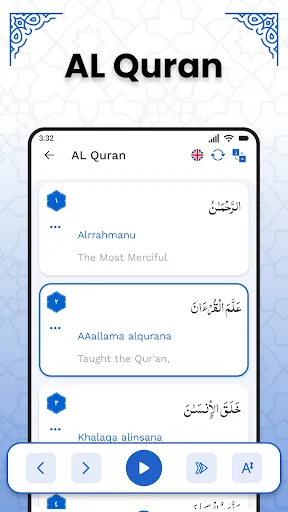
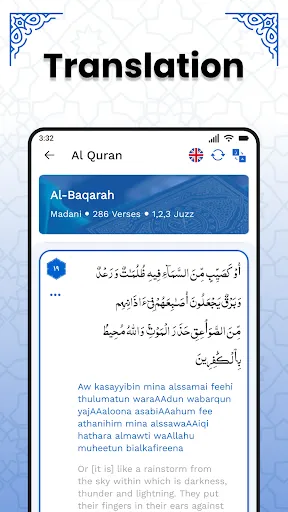
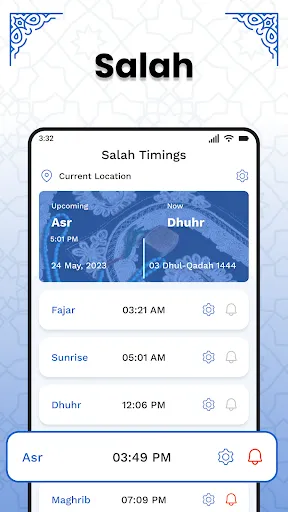
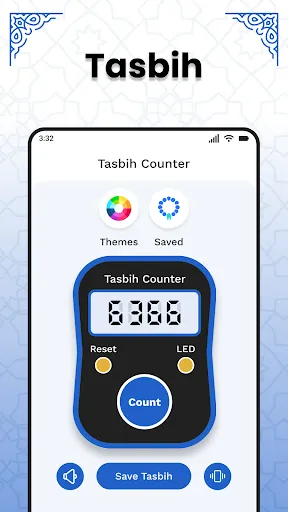
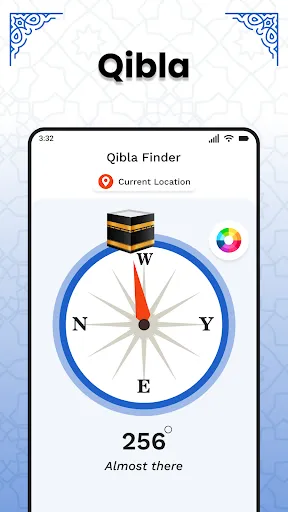
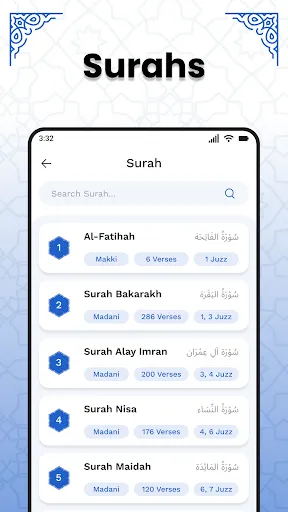
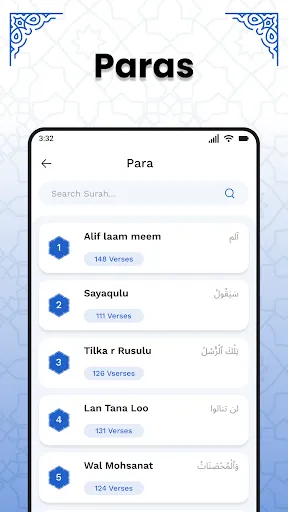
"AL Quran Kareem - Holy Quran" is a comprehensive application designed to provide users with an accessible and user-friendly experience for reading and understanding the Quran. One of its standout features is the availability of multiple translations in various languages, allowing users to grasp the meanings of the verses in their preferred language. The app also includes audio recitations by renowned Qaris, enabling users to listen to the Quran being recited beautifully, which can enhance their memorization and understanding.
Additionally, the app offers a customizable reading experience, allowing users to adjust font sizes, styles, and background colors to suit their preferences. It includes a bookmarking feature, enabling users to save their favorite verses or sections for easy access later. The app also provides a search function, making it easy to find specific verses or topics. Furthermore, users can benefit from daily reminders and notifications to encourage regular reading and reflection on the Quran.
Using "AL Quran Kareem - Holy Quran" is straightforward and intuitive, making it accessible for users of all ages. After downloading and installing the app, users can open it to find a clean and organized interface. The main screen typically displays the Quran text, and users can easily navigate through the chapters (Surahs) by swiping or using the menu options. To read a specific Surah, simply tap on its name, and the text will appear on the screen.
For those interested in listening to recitations, users can select the audio option, where they can choose from various Qaris. The app also allows users to switch between different translations by accessing the settings menu. To bookmark a verse, users can tap on the bookmark icon, ensuring they can return to it later. Additionally, users can set daily reminders to encourage consistent reading, making it easier to incorporate Quranic study into their daily routine.
The "AL Quran Kareem - Holy Quran" app comes with several advantages that enhance the user experience. One of the primary pros is its user-friendly interface, which makes navigation simple for both new and experienced users. The availability of multiple translations and audio recitations adds significant value, catering to diverse preferences and learning styles. The bookmarking and search features further enhance usability, allowing users to easily find and save important verses.
However, there are some cons to consider. Some users may find that the app requires a stable internet connection for certain features, such as audio streaming, which can be a limitation in areas with poor connectivity. Additionally, while the app offers a variety of translations, some users may prefer more in-depth commentary or Tafsir, which may not be included. Lastly, occasional ads may disrupt the reading experience, although they are typically not overly intrusive. Overall, the app provides a solid platform for Quranic study, with a few areas for improvement.

 AL Quran Kareem offers spiritual guidance for daily life decisions It enhances understanding of morality and ethics Reading promotes mental clarity and focus for believers It fosters a sense of community among Muslims worldwide The text is a source of comfort and peace in challenging times
 Misinterpretations can lead to confusion among different readers. Limited accessibility for non-Arabic speakers may hinder understanding. Cultural context may be overlooked, impacting the text's relevance.
  Google Play
  App Store
 Yes, users can submit suggestions or feedback through the app's feedback section or contact support, as the developers appreciate user input for improvements.
AL Quran Kareem - Holy Quran prioritizes user privacy and does not collect personal data unless explicitly provided by the user for specific features or services.
Yes, AL Quran Kareem - Holy Quran allows users to download specific texts and audio files for offline use, ensuring accessibility without an internet connection.
Users can cancel their subscription by going to their account settings in the app store (Google Play or Apple App Store) and following the instructions to manage subscriptions.
The subscription cost for AL Quran Kareem - Holy Quran may vary based on the type of subscription chosen, and users can check the app for the most current pricing details.
Unfortunately, customer numbers cannot be changed. If you have issues, please contact customer service for further assistance.
Yes, you can update your email in your account settings after logging in. Just go to the profile section.
You can reach our customer service by emailing support
To log in, visit our website and enter your email and password in the login section.
To report an issue, please contact customer service via email or phone, providing your customer number and a brief description of the problem.