

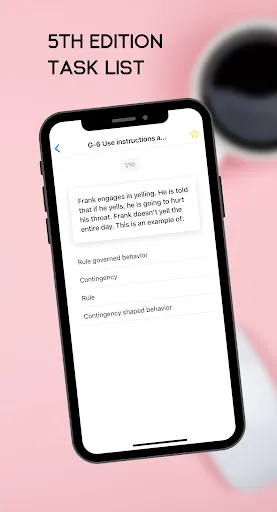
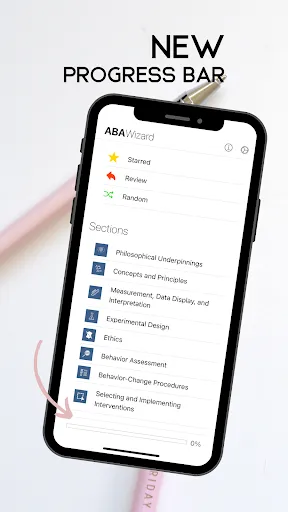
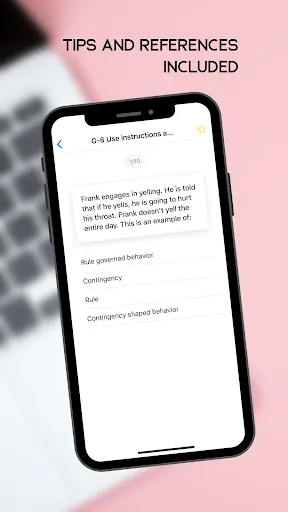
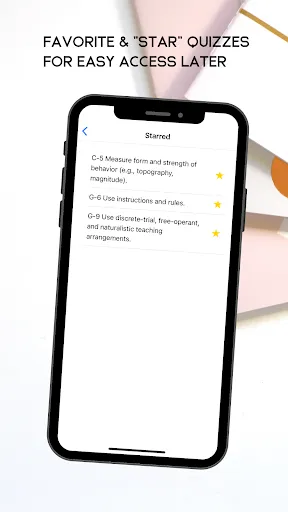
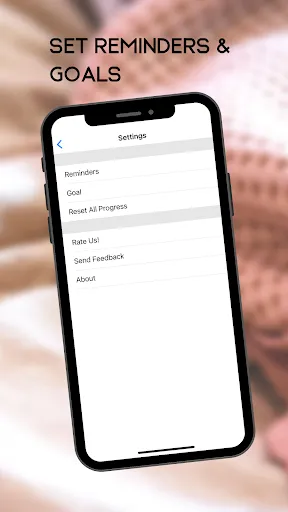
ABA Wizard is a comprehensive tool designed to assist professionals in the field of Applied Behavior Analysis (ABA). One of its standout features is the ability to create and customize behavior intervention plans tailored to individual client needs. This flexibility allows practitioners to address specific behavioral challenges effectively.
Another notable feature is the data collection system, which enables users to track client progress over time. This feature is crucial for making informed decisions about treatment adjustments and ensuring that interventions are effective. Additionally, ABA Wizard offers a user-friendly interface that simplifies navigation, making it accessible for both seasoned professionals and newcomers to the field.
The app also includes a library of resources, such as articles and research studies, which can enhance the knowledge base of users. Furthermore, it supports collaboration among team members, allowing for shared access to client data and intervention plans. Overall, ABA Wizard is designed to streamline the process of delivering ABA services while ensuring high-quality care for clients.
Using ABA Wizard is straightforward and intuitive, making it easy for practitioners to get started. First, users need to create an account and log in to the platform. Once logged in, they can navigate to the dashboard, where they will find options to create new client profiles and intervention plans.
To create a client profile, users simply input relevant information such as the client's name, age, and specific behavioral concerns. After setting up the profile, practitioners can begin developing customized behavior intervention plans by selecting from a variety of templates or creating their own from scratch. The app allows for the integration of specific goals and strategies tailored to the client's needs.
Data collection is another critical aspect of using ABA Wizard. Users can easily input data during sessions, which can then be analyzed to track progress over time. The app also provides options for generating reports, which can be shared with team members or caregivers. Overall, ABA Wizard is designed to enhance the efficiency and effectiveness of ABA practices.
ABA Wizard comes with several advantages that make it a valuable tool for professionals in the field of Applied Behavior Analysis. One of the primary pros is its user-friendly interface, which allows practitioners to navigate the app with ease. This accessibility is particularly beneficial for those who may not be tech-savvy. Additionally, the customizable intervention plans enable tailored approaches to meet individual client needs, enhancing the effectiveness of treatment.
Another significant advantage is the robust data collection and analysis features, which help practitioners monitor client progress and make informed decisions about interventions. The collaborative aspect of the app also fosters teamwork among professionals, ensuring that everyone involved in a client's care is on the same page.
However, there are some cons to consider. Some users may find the initial setup process time-consuming, especially when inputting detailed client information. Additionally, while the app offers a wealth of resources, some users may feel that the library could be expanded further. Overall, while ABA Wizard has its drawbacks, its benefits often outweigh them, making it a worthwhile investment for ABA practitioners.

 ABA Wizard simplifies data collection for efficient analysis and decision-making. The platform offers customizable templates to suit individual therapy needs. User-friendly interface enhances accessibility for therapists and clients alike. Comprehensive reporting tools track progress and facilitate communication with stakeholders. Continuous updates ensure the latest evidence-based practices are integrated seamlessly.
 Limited customization options may hinder tailored therapy approaches. High costs could restrict access for some families. User interface may be challenging for beginners to navigate.
  Google Play
  App Store
 Yes, ABA Wizard encourages users to submit suggestions and feedback through the app or via their official website to help improve the user experience.
ABA Wizard has a privacy policy that outlines how user data is handled; it is designed to prioritize user privacy and only collects necessary information for functionality.
Yes, ABA Wizard allows users to collect and manage data offline, with the ability to sync once an internet connection is available.
Users can cancel their ABA Wizard subscription through their account settings in the app or by following the cancellation instructions provided in the app store.
The subscription cost for ABA Wizard may vary based on the plan chosen, offering monthly and annual payment options for users.
Yes, you can activate your account from any mobile device by following the activation link sent to your email.
You can reach our customer service team via email or by calling the support number listed on our website. We're here to assist you!
To update your customer number, please contact customer service directly, and they will assist you with the process.
After signing up, check your email for an activation link. Click the link to activate your account and start using ABA Wizard.
To log in, go to the ABA Wizard website and enter your email and password in the login section.