



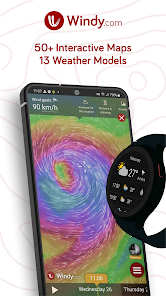
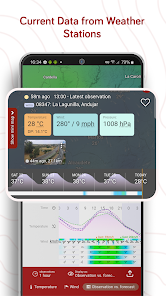
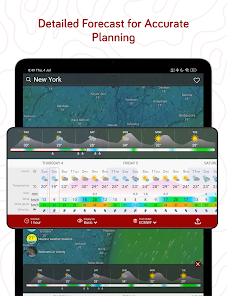
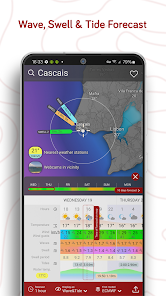
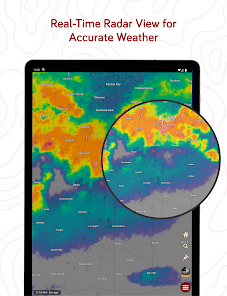
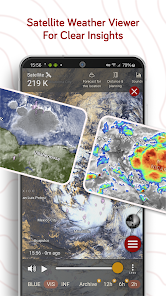
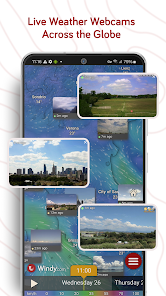
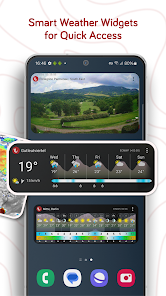
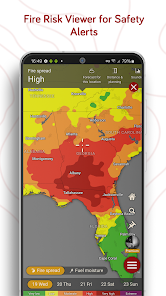
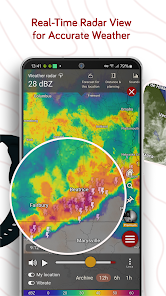
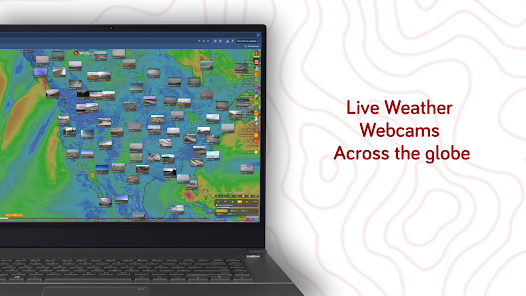
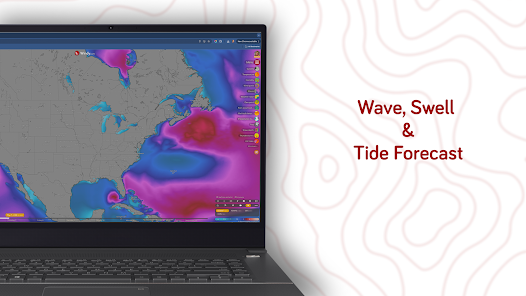
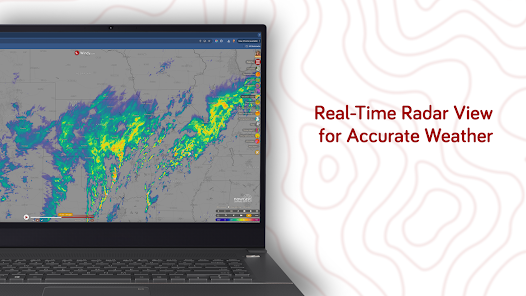
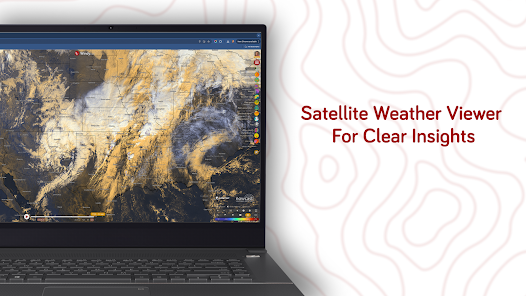
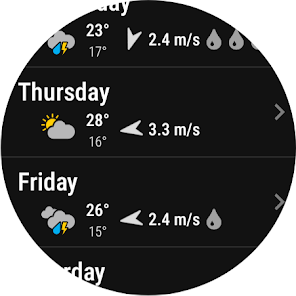
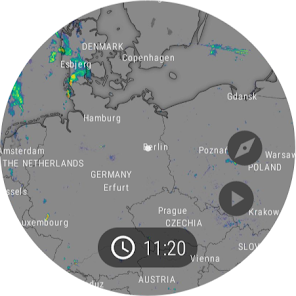
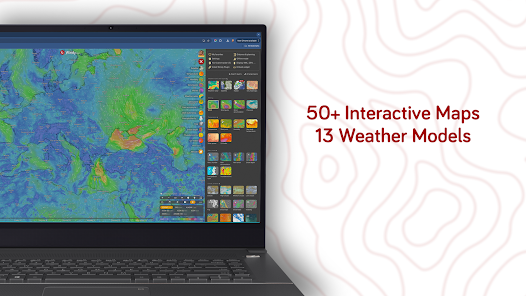
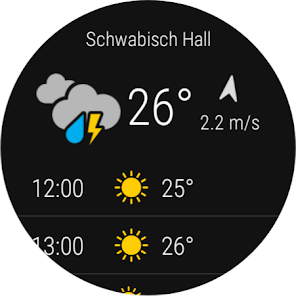
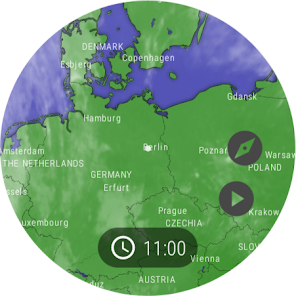
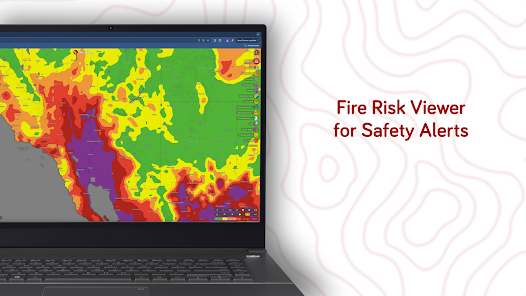
If you're looking for a weather forecasting app that stands out from the crowd, Windy.com - Weather Forecast is a top contender. Packed with interactive features and stunning visuals, this app has quickly become my go-to for checking the weather. Here are some of its core highlights:
As someone who spends a lot of time outdoors, Windy.com has become an essential tool in my daily life. Whether I'm hiking, sailing, or just planning a picnic with friends, I find myself opening the app multiple times a day. For instance, just last weekend, I planned a day trip to the beach. Before heading out, I checked the app to review the hourly temperature and wind conditions. The real-time updates helped me decide the best time to leave to avoid the afternoon heat.
Another instance was when I was organizing a family camping trip. I used the app to assess the weather conditions for the entire week leading up to our departure. The interactive maps allowed me to visualize when the rain would hit and how strong the winds would be, ensuring we were prepared for any surprises.
The user interface of Windy.com is sleek and intuitive, making it easy to navigate through the various features. Upon opening the app, I am greeted with a dynamic map that showcases current weather conditions in my area. Switching between different weather layers is seamless; I can zoom in on my local area or pan out to see weather patterns across the globe with just a swipe of my finger.
The overall performance of the app is impressive. It loads quickly, and the visuals are stunning, with high-resolution graphics that make understanding weather data enjoyable. I appreciate how the app combines functionality with aesthetics, presenting data in a way that's both informative and engaging. The notifications for severe weather are timely and relevant, allowing me to stay informed without feeling overwhelmed by unnecessary alerts.
Windy.com - Weather Forecast is completely free to use, which is a major plus considering the wealth of information and features it offers. There is an optional premium subscription that provides additional features such as ad-free browsing and enhanced data layers. However, the free version is robust enough for most users, making it an excellent choice for anyone looking for a reliable weather app without the financial commitment.
Windy.com is regularly updated, with improvements and new features being rolled out frequently. The developers are responsive to user feedback, which is evident in the enhancements I’ve observed since I started using the app. If you encounter any issues, their customer support is helpful and available, offering assistance through various channels including email and social media, making it easy to get the help you need.
When it comes to security and privacy, Windy.com takes significant measures to protect its users. The app is available on both the App Store and Google Play, ensuring a level of credibility and safety for download. Upon registration, the app does not require excessive personal information, which is a relief for users concerned about privacy. I appreciate that I can use most features without having to provide my email or phone number.
As for ads and tracking behavior, Windy.com is relatively unobtrusive. The free version does have some ads, but they aren't overwhelming or disruptive to the user experience. Furthermore, the app's privacy policy is transparent, detailing how user data is handled and reassuring users that privacy is a priority. Overall, I feel secure using Windy.com and trust that my data is safeguarded.

 Accurate forecasts for various weather conditions Interactive maps for easy navigation and understanding Real-time updates to track changing weather patterns User-friendly interface for seamless experience Global coverage for comprehensive weather insights
 Limited local data for remote areas Complex interface may confuse users High data usage on mobile devices Occasional inaccuracies in long-term forecasts
 Windy.com may collect certain data to enhance user experience and provide personalized content, but it prioritizes user privacy and complies with relevant data protection regulations.
Windy.com offers a free version with essential features, while premium features are available through subscription plans without a free trial.
Yes, Windy.com requires an internet connection to access real-time weather data and updates. Offline functionality is limited.
Users can contact support or provide feedback through the app's help section or via the official Windy.com website, where additional contact information is available.
You can manage or cancel your subscription through the account settings within the app or platform where you made the purchase, following the provided instructions.
Yes, you can access basic features without an account, but some features require logging in.
You can reach Windy.com customer service through their support page or by emailing support
Use the "Forgot password?" link on the login page to receive a reset link via email.
Log in, go to your profile, and select the settings option to make changes.
Windy.com does not use customer numbers; you can log in using your email address.












 Google Play
  App Store














