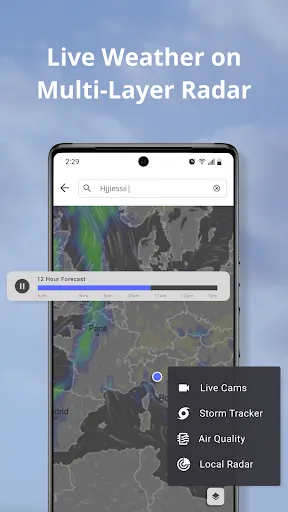
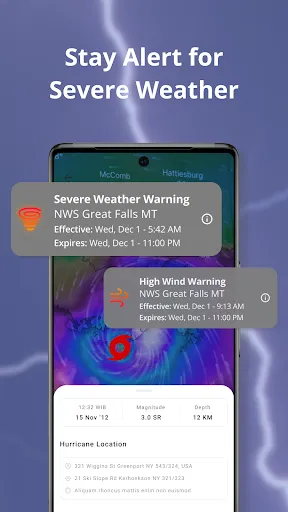
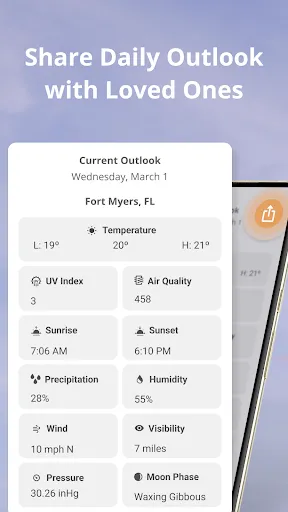
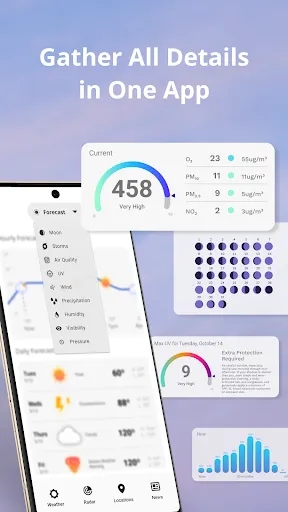
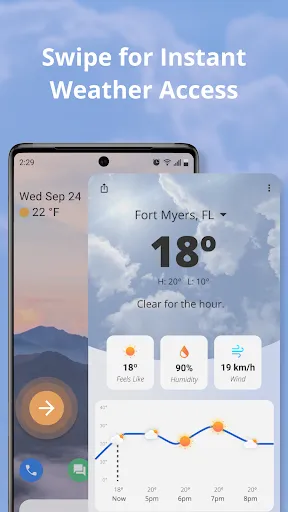
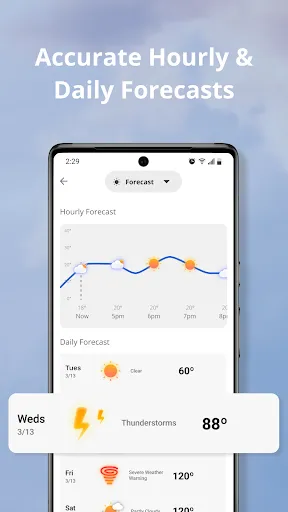
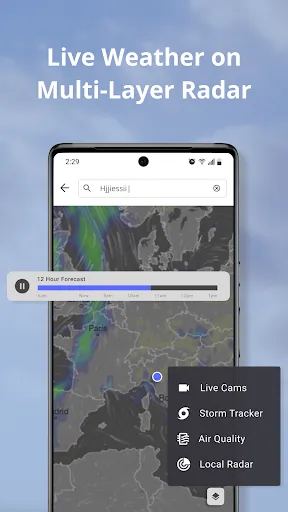
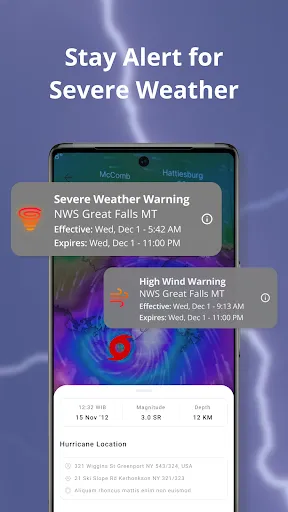
"Weather Now Launcher - Radar" is a versatile application that combines a weather forecasting tool with a customizable launcher interface. One of its standout features is the real-time weather radar, which provides users with up-to-date information on weather conditions in their area. This includes detailed forecasts, temperature readings, humidity levels, and wind speeds, all presented in an easy-to-read format. The app also offers severe weather alerts, ensuring that users are informed of any potential hazards in their vicinity.
Another notable feature is the ability to personalize the launcher interface. Users can choose from various themes and widgets, allowing them to create a home screen that reflects their style while keeping essential weather information at their fingertips. Additionally, the app supports multiple locations, making it convenient for users who travel frequently or want to keep track of weather conditions in different areas. The integration of a calendar and to-do list further enhances its functionality, making it a comprehensive tool for daily planning.
Using "Weather Now Launcher - Radar" is straightforward and user-friendly. After downloading and installing the app, users are prompted to set it as their default launcher. This allows the app to take over the home screen, providing immediate access to weather information. Upon opening the app, users can input their location to receive localized weather updates. The main interface displays current weather conditions, forecasts, and radar imagery, all of which can be easily navigated.
To customize the launcher, users can access the settings menu, where they can select different themes, adjust widget sizes, and choose which weather data to display. Adding multiple locations is also simple; users can tap on the location settings to include cities or regions of interest. For those who want to stay informed about severe weather, enabling notifications in the settings will ensure timely alerts. Overall, the app is designed to be intuitive, making it accessible for users of all tech-savviness levels.
"Weather Now Launcher - Radar" comes with several advantages that make it appealing to users. One of the primary benefits is its dual functionality as both a weather app and a launcher, which streamlines the user experience. The real-time radar and detailed forecasts are highly accurate, providing users with reliable information. Additionally, the customization options allow for a personalized interface, catering to individual preferences. The app's ability to support multiple locations is also a significant plus for frequent travelers.
However, there are some drawbacks to consider. Some users may find the app's interface slightly cluttered, especially if they prefer a minimalist design. Additionally, while the app is generally reliable, occasional bugs or glitches can occur, which may affect performance. The app may also consume more battery life than standard launchers due to its continuous weather updates and notifications. Overall, while "Weather Now Launcher - Radar" offers a unique combination of features, potential users should weigh these pros and cons based on their specific needs.

 Real-time weather updates keep you informed about changing conditions. User-friendly interface makes navigation quick and easy for everyone. High-definition radar visuals enhance understanding of weather patterns. Customizable alerts ensure you receive notifications that matter most to you. Seamless integration with other apps provides a comprehensive weather experience.
 Limited customization options may not meet all user preferences Frequent ads can disrupt user experience Requires constant internet connection for accurate updates
  Google Play
  App Store
 Yes, users can submit suggestions or feedback through the app's support section or via the official website to help improve future updates.
The app may collect some user data for functionality and improvement purposes, but it respects user privacy and complies with data protection regulations.
Yes, Weather Now Launcher - Radar allows users to access certain features offline, but real-time weather updates require an internet connection.
To cancel your subscription, go to your device's settings, navigate to the subscriptions section, and follow the prompts to manage or cancel your subscription.
The subscription for premium features typically costs a small monthly fee, but pricing may vary based on promotions or updates.
Customer numbers are generally fixed for your account. For specific inquiries, please contact customer service for guidance.
Yes, customer service is available to assist you with any issues related to the radar feature. Just reach out via the app.
You can reach customer service through the app's support section or by emailing support
After signing up, check your email for an activation link. If you haven't received it, please contact customer service for help.
Open the app and enter your registered email and password, then press log in. If you need help, reach out to customer service.