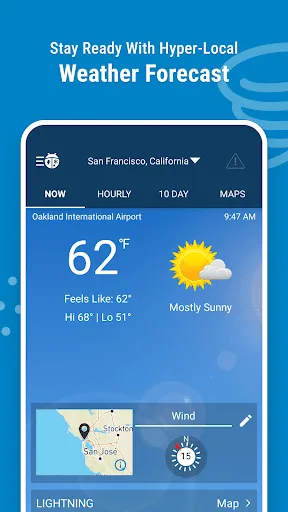
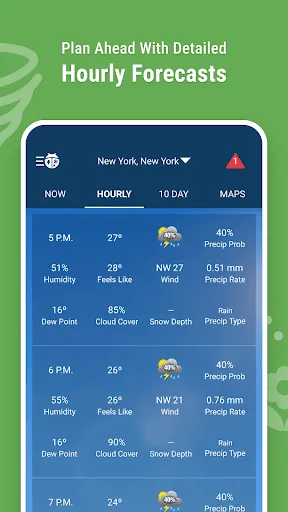
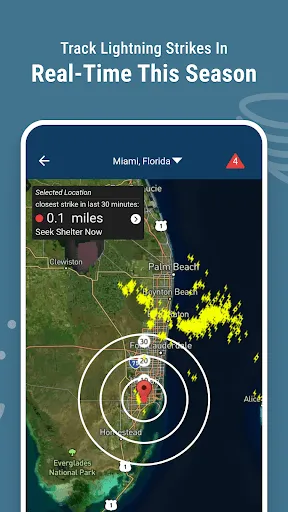
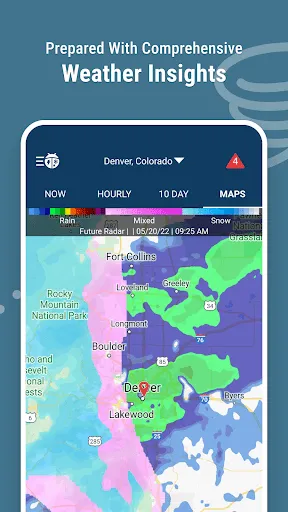
"Weather Radar by WeatherBug" offers a comprehensive suite of features designed to provide users with accurate and timely weather information. One of its standout features is the real-time radar, which allows users to visualize precipitation, storm systems, and other weather phenomena in their area. The app also includes detailed forecasts, including hourly and daily predictions, which help users plan their activities accordingly.
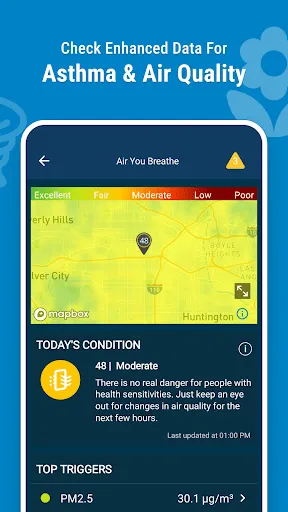
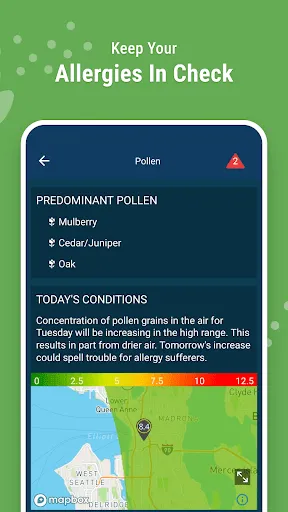
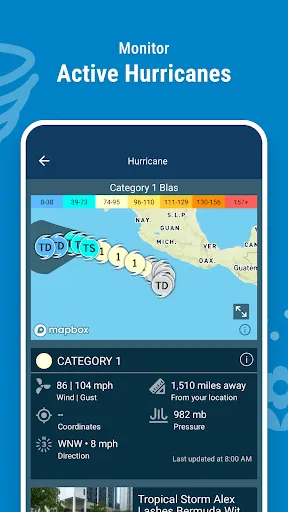
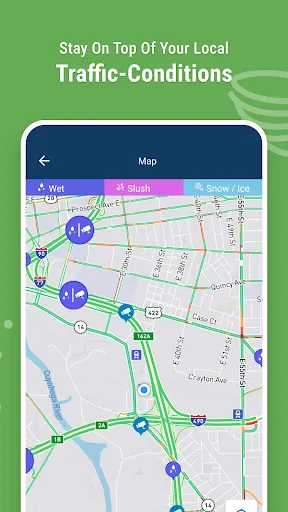
Additionally, the app provides severe weather alerts, ensuring that users are promptly informed about any hazardous conditions such as thunderstorms, tornadoes, or floods. The interactive map feature enhances user experience by allowing zooming and panning to view weather conditions in different locations. Furthermore, users can access air quality data, pollen counts, and UV index information, making it a well-rounded tool for those concerned about health and safety in varying weather conditions.
Another notable feature is the ability to customize notifications based on user preferences, ensuring that they receive updates relevant to their specific location and interests. Overall, "Weather Radar by WeatherBug" combines functionality with user-friendly design, making it a popular choice for weather enthusiasts and casual users alike.
Using "Weather Radar by WeatherBug" is straightforward and user-friendly, making it accessible for individuals of all ages. Upon downloading the app, users are prompted to allow location access, which enables the app to provide localized weather information. Once the app is open, the home screen displays the current weather conditions, including temperature, humidity, and wind speed.
To access the radar feature, users can simply tap on the radar icon, which will bring up a detailed map showing precipitation and storm activity in real-time. Users can zoom in and out to view different areas and track weather patterns as they develop. For forecasts, users can swipe through hourly and daily predictions, which provide insights into upcoming weather trends.
Additionally, users can customize their settings to receive alerts for severe weather conditions, ensuring they stay informed about any potential hazards. The app also allows users to save multiple locations, making it easy to check the weather in different areas. Overall, navigating "Weather Radar by WeatherBug" is intuitive, allowing users to quickly access the information they need.
"Weather Radar by WeatherBug" comes with several advantages that make it a popular choice among users. One of the primary pros is its accuracy and reliability in providing real-time weather updates and forecasts. The app's interactive radar feature is particularly useful for tracking storms and precipitation, allowing users to visualize weather patterns effectively. Additionally, the app's user-friendly interface makes it easy for anyone to navigate and access the information they need.
However, there are some cons to consider. Some users have reported that the app can occasionally be slow to load, especially during peak usage times when many people are checking the weather. Additionally, while the app is free, it does contain advertisements, which can be distracting for some users. Furthermore, certain advanced features may require a subscription, limiting access for those who prefer a completely free experience.
In summary, while "Weather Radar by WeatherBug" offers a robust set of features and reliable information, potential users should weigh the pros and cons to determine if it meets their specific needs and preferences.

 Accurate real-time weather data ensures timely decision-making for outdoor activities. High-definition radar imagery provides detailed insights into storm patterns and movements. Customizable alerts keep you informed of severe weather changes in your area. User-friendly interface makes navigating weather information quick and easy. Historical weather data helps plan future events and activities effectively.
 Limited coverage in remote areas may lead to incomplete data. High costs can restrict access for some users. User interface may be complex for those unfamiliar with radar technology.
  Google Play
  App Store
 Yes, Weather Radar by WeatherBug may collect personal data to enhance user experience, including location data and usage statistics, as outlined in their privacy policy.
Yes, Weather Radar by WeatherBug offers a free version with limited features, while premium features may require a subscription.
Yes, Weather Radar by WeatherBug requires an internet connection to access live data, updates, and radar imagery.
You can contact support or send feedback through the app's help section, or by visiting the WeatherBug website for additional support options.
You can manage or cancel your subscription through the app's settings or your app store account settings, depending on how you subscribed.
Unfortunately, customer numbers are unique and cannot be changed. Please contact customer service for further assistance.
Log in to your account and go to your profile settings to update your email address.
You can reach our customer service team via the support section in the app or by visiting our website for contact options.
To activate your account, follow the link in the confirmation email sent during registration. If you didn't receive it, check your spam folder.
Enter your username and password, then follow the on-screen instructions to complete the two-factor authentication process.