



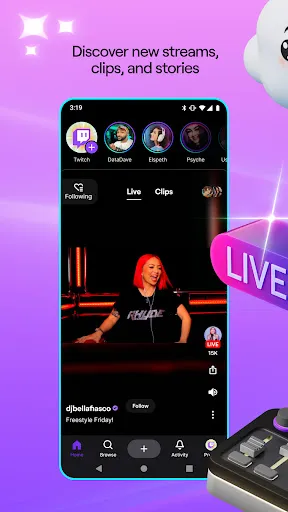
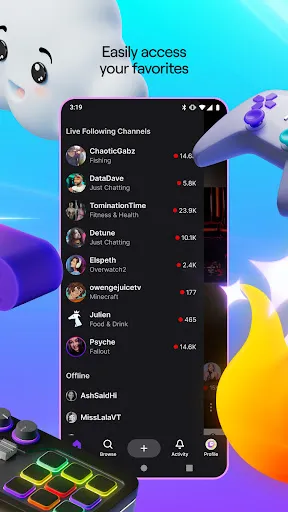
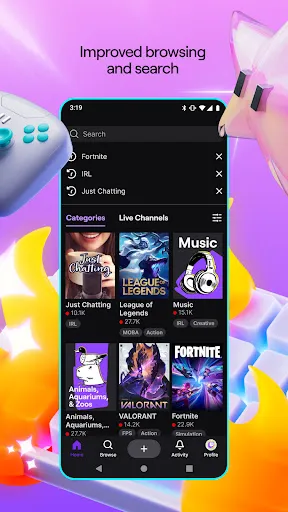
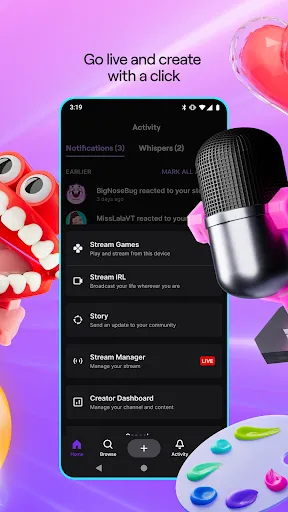
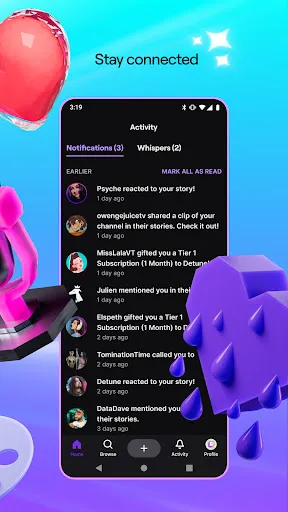
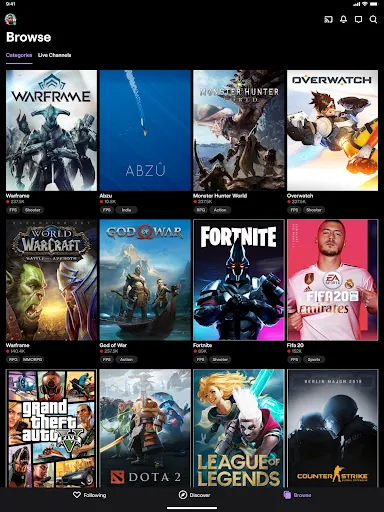
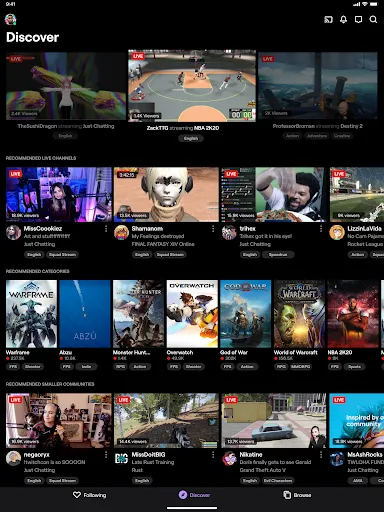
Twitch: Live Streaming offers a variety of features that enhance the user experience for both streamers and viewers. One of the primary features is the ability to broadcast live video content, allowing users to share their gaming sessions, creative endeavors, or just casual chats in real-time. The platform supports high-definition streaming, ensuring that viewers enjoy a clear and engaging experience.
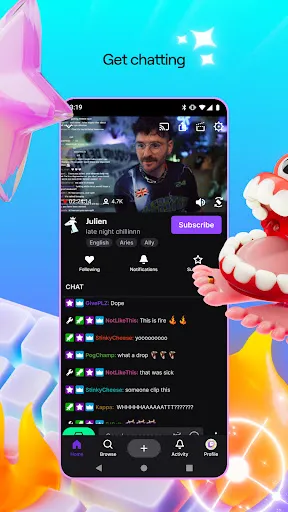
Another notable feature is the interactive chat function, which enables viewers to communicate with streamers and each other during live broadcasts. This fosters a sense of community and engagement, making the viewing experience more immersive. Additionally, Twitch provides various tools for streamers, such as customizable overlays, alerts for new followers or donations, and integration with third-party applications to enhance their streams.
Twitch also offers a subscription model, allowing viewers to support their favorite streamers financially. Subscribers often receive exclusive perks, such as custom emotes and ad-free viewing. Furthermore, the platform hosts various events, tournaments, and collaborations, providing users with a diverse range of content to enjoy. Overall, Twitch combines entertainment, community, and interactivity, making it a leading platform for live streaming.
Using Twitch: Live Streaming is a straightforward process that allows users to dive into the world of live broadcasting. To get started, users need to create a Twitch account, which can be done through the website or mobile app. Once registered, users can customize their profiles, including adding a profile picture and bio to attract viewers.
To begin streaming, users must download broadcasting software, such as OBS Studio or Streamlabs OBS, which allows them to capture their screen and webcam. After setting up the software, users can link it to their Twitch account by entering their stream key, which can be found in the account settings. Once everything is configured, users can start their live stream by clicking the "Go Live" button in the broadcasting software.
During the stream, users can interact with their audience through the chat feature, responding to comments and questions in real-time. Streamers can also utilize various tools and overlays to enhance their broadcasts. After streaming, users can review their performance through analytics provided by Twitch, helping them improve future streams. Overall, Twitch makes it easy for anyone to share their passions and connect with a global audience.
Twitch: Live Streaming comes with several advantages that make it a popular choice among content creators and viewers alike. One of the main pros is its vast community, which allows users to connect with like-minded individuals and build a following. The platform's interactive features, such as live chat and subscriber benefits, enhance viewer engagement and create a sense of belonging. Additionally, Twitch offers monetization options for streamers, enabling them to earn income through subscriptions, donations, and sponsorships.
However, there are also some drawbacks to consider. One significant con is the competitive nature of the platform, making it challenging for new streamers to gain visibility among established creators. Additionally, Twitch's content moderation policies can sometimes be strict, leading to potential bans or suspensions for users who violate community guidelines. Furthermore, the platform's focus on gaming may limit the audience for non-gaming content, which can be a disadvantage for creators in other niches.
In summary, while Twitch: Live Streaming offers a robust platform for engaging with audiences and monetizing content, it also presents challenges that users must navigate to succeed. Balancing the pros and cons is essential for anyone looking to make the most of their streaming experience.

 Engage with your audience in real-time through interactive chat. Reach a global community of diverse viewers and creators. Monetize your passion through subscriptions and donations. Showcase your gaming skills and creativity to gain recognition. Access tools and resources to enhance your streaming experience.
 High competition makes it difficult for new streamers to gain visibility Monetization can be challenging, requiring substantial viewer engagement Content moderation issues can lead to toxic environments for users
  Google Play
  App Store
 Yes, users can submit suggestions or feedback to Twitch through their help center or community forums to help improve the platform.
Yes, Twitch: Live Streaming collects personal data such as user account information, viewing habits, and interaction data to enhance user experience and for advertising purposes.
No, Twitch: Live Streaming does not support offline use as it requires an internet connection to access live streams and video content.
To cancel your Twitch subscription, you can go to your account settings, navigate to the subscriptions section, and follow the prompts to cancel.
Subscriptions on Twitch can vary, but they typically start at $4.99 per month for the basic tier, with additional tiers offering more features at higher prices.
Yes, you can change your login information in the account settings under "Security and Privacy."
To activate your account, check your email for the activation link sent by Twitch and follow the instructions provided.
You can check your account activation status by attempting to log in or by contacting customer service for help.
You can reach Twitch customer service through the support page on their website or via the help section in your account settings.
To reactivate your Twitch account, log in and follow the prompts, or contact customer service if you're having trouble.



























