



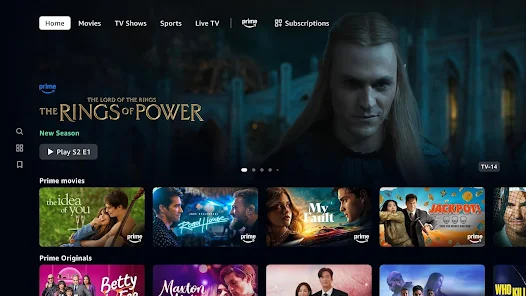
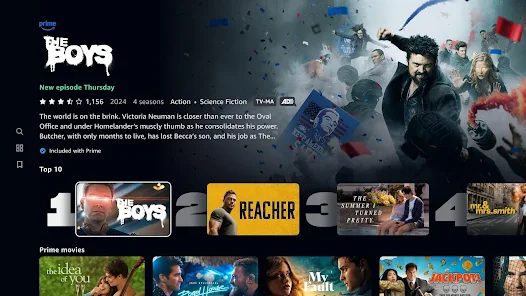
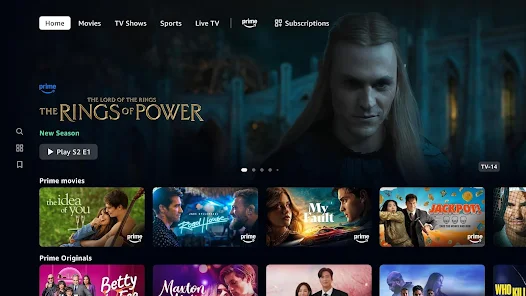
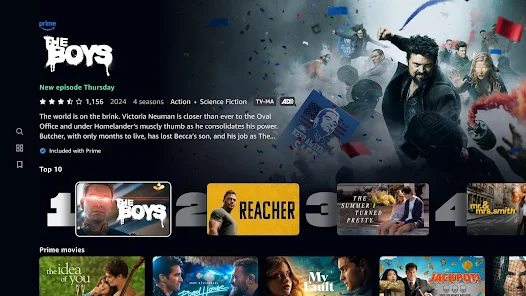
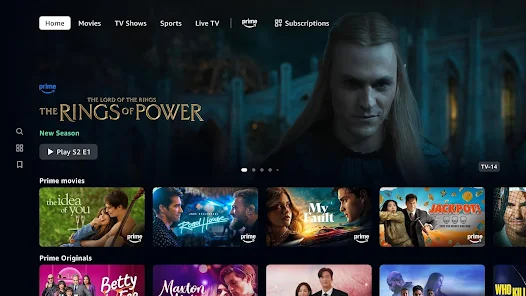
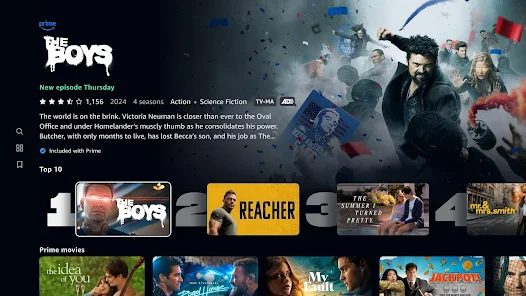
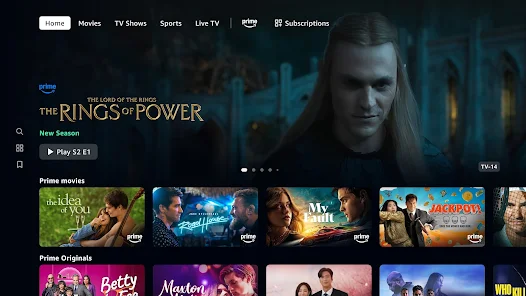
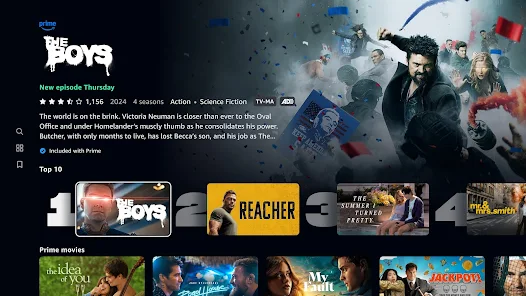
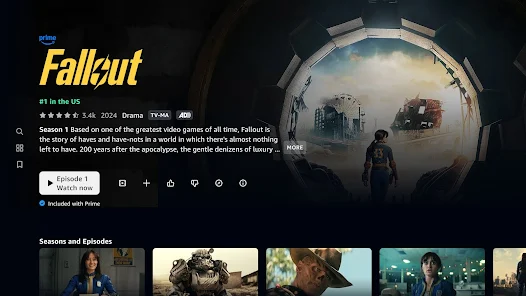
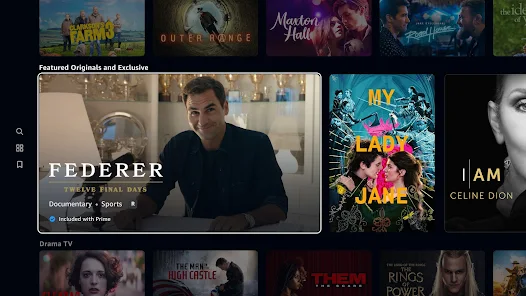
Prime Video offers a diverse range of features that enhance the viewing experience for its users. One of the standout features is its extensive library of movies and TV shows, including original content produced by Amazon Studios. Subscribers can enjoy exclusive series like "The Marvelous Mrs. Maisel" and "The Boys," which are not available on other platforms. Additionally, Prime Video supports 4K Ultra HD streaming, allowing viewers to enjoy high-quality visuals on compatible devices.
Another notable feature is the ability to download content for offline viewing, which is particularly useful for users who want to watch their favorite shows while traveling or in areas with limited internet access. Prime Video also offers personalized recommendations based on viewing history, making it easier for users to discover new content that aligns with their interests. Furthermore, the platform includes features like X-Ray, which provides information about the cast and crew during playback, enhancing the overall viewing experience.
Lastly, Prime Video allows users to rent or purchase movies and shows that are not included in the subscription, providing even more options for entertainment. With its user-friendly interface and compatibility with various devices, Prime Video remains a popular choice for streaming enthusiasts.
Using Prime Video is a straightforward process that begins with signing up for an Amazon Prime membership, which grants access to the streaming service. Once subscribed, users can access Prime Video through the website or by downloading the app on their preferred devices, including smartphones, tablets, smart TVs, and gaming consoles. After logging in with their Amazon account, users can browse the extensive library of content available for streaming.
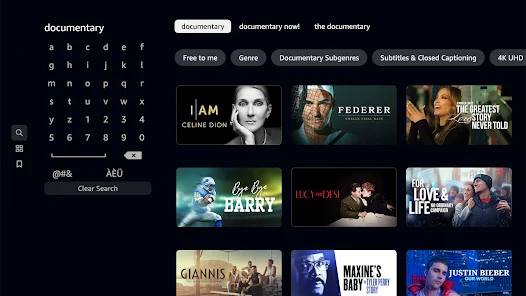
To find specific titles, users can utilize the search function or explore curated categories such as "Trending," "New Releases," or "Genres." Once a desired movie or show is selected, users can click on it to view additional details, including a synopsis, cast information, and user ratings. To start watching, simply click the "Play" button. For those who wish to download content for offline viewing, the app provides an option to download selected titles directly to the device.
Additionally, users can create watchlists to save titles for later viewing, making it easier to keep track of shows and movies of interest. Prime Video also allows for parental controls, enabling users to restrict content based on ratings. Overall, the platform is designed to be user-friendly, ensuring that subscribers can easily navigate and enjoy their favorite content.
Prime Video comes with several advantages that make it a compelling choice for streaming enthusiasts. One of the primary pros is the vast library of content, which includes a mix of popular movies, TV shows, and exclusive Amazon Originals. This variety ensures that there is something for everyone, catering to diverse tastes and preferences. Additionally, the ability to download content for offline viewing is a significant benefit for users who travel frequently or have limited internet access.
Another advantage is the integration with Amazon Prime, which offers additional perks such as free shipping on eligible items and access to Amazon Music. The platform's user interface is also intuitive, making it easy to navigate and discover new content. However, there are some drawbacks to consider. One notable con is that not all titles available for rent or purchase are included in the subscription, which may lead to additional costs for users looking to access specific content.
Moreover, the app's performance can vary depending on the device and internet connection, with some users reporting buffering issues. Lastly, while Prime Video offers a wide range of content, it may not have the same level of exclusivity or popularity as other streaming services like Netflix or Disney+. Overall, while Prime Video has its pros and cons, it remains a strong contender in the streaming market.
```
 Vast library of movies and TV shows for endless entertainment. Exclusive Amazon Originals offer unique content you can't find elsewhere. User-friendly interface makes browsing and searching a breeze. Flexible streaming options allow downloads for offline viewing. Affordable subscription with additional perks for Amazon Prime members.
 Limited selection of popular titles compared to competitors User interface can be confusing and cluttered Frequent ads interrupt streaming for non-Prime members
  Google Play
  App Store
 Yes, users can submit suggestions or feedback through the app or website, typically found in the help or support section.
Yes, Prime Video collects personal data such as viewing history, preferences, and payment information to enhance user experience and provide personalized recommendations.
Yes, Prime Video allows users to download select titles for offline viewing on supported devices.
You can cancel your Prime Video subscription by going to your Amazon account settings, navigating to "Your Memberships & Subscriptions," and selecting the option to cancel.
A subscription to Prime Video typically costs $8.99 per month, but it may vary based on region and promotional offers.
Yes, you can access customer service directly through the app by navigating to the 'Help' section.
You can reach customer service through the Prime Video app or website by selecting 'Help' and choosing 'Contact Us.'
Your customer number can usually be found in your account settings or in confirmation emails from Amazon.
You can update your customer number by contacting customer service through the Prime Video help section.
To log in, visit the Prime Video website or app, enter your Amazon account credentials, and click 'Sign In.'



























