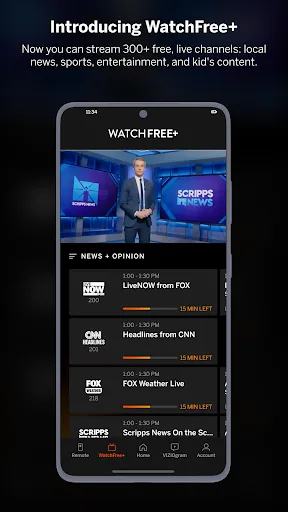
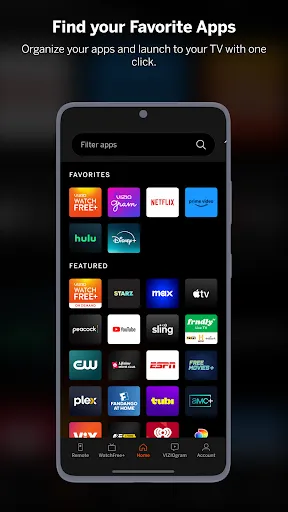
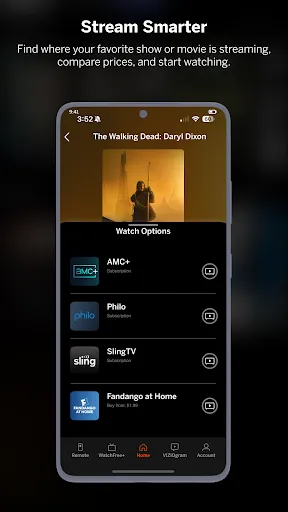
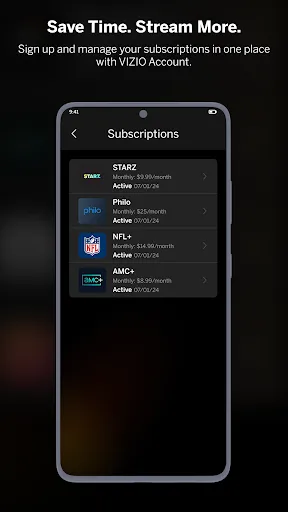
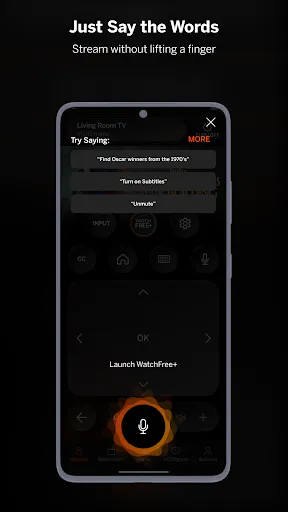
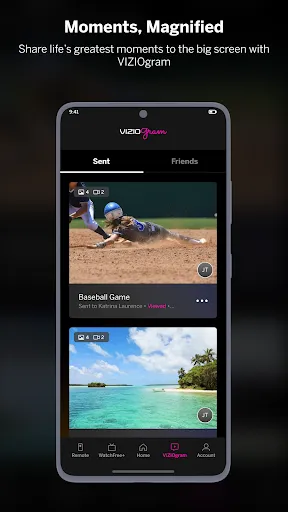
"VIZIO | WatchFree+" is a free streaming service that offers a wide array of content without the need for a subscription. One of its standout features is the extensive library of live TV channels, which includes news, sports, entertainment, and lifestyle programming. Users can enjoy over 150 channels, making it a versatile option for various viewing preferences. Additionally, the platform provides access to thousands of on-demand movies and shows, catering to different tastes and interests.
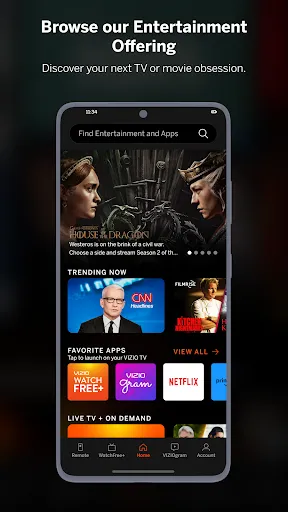
Another notable feature is the user-friendly interface, which allows for easy navigation and content discovery. The service is integrated directly into VIZIO Smart TVs, eliminating the need for additional devices or subscriptions. Furthermore, "WatchFree+" offers personalized recommendations based on viewing habits, enhancing the user experience. The platform also supports various genres, ensuring that there is something for everyone, from family-friendly content to thrilling dramas. Overall, "VIZIO | WatchFree+" combines convenience and variety, making it an appealing choice for cord-cutters and casual viewers alike.
Using "VIZIO | WatchFree+" is a straightforward process, especially for VIZIO Smart TV owners. To get started, simply turn on your VIZIO TV and navigate to the "WatchFree+" app, which is typically pre-installed on newer models. If you don’t see it, you can find it in the app store on your TV. Once you open the app, you’ll be greeted with a selection of live channels and on-demand content.
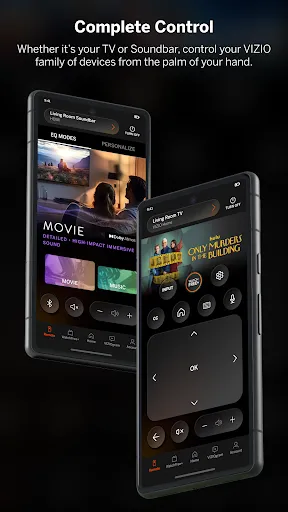
To browse through the available channels, use the remote to scroll through the options. You can select a channel to start watching immediately. For on-demand content, navigate to the dedicated section where you can explore various genres and titles. The platform also allows you to create a personalized watchlist, making it easier to keep track of your favorite shows and movies. Overall, the intuitive design of "WatchFree+" ensures that users can easily find and enjoy their desired content without any hassle.
Like any streaming service, "VIZIO | WatchFree+" comes with its own set of advantages and disadvantages. One of the primary pros is that it is completely free, allowing users to access a wide range of content without any subscription fees. The extensive library of live channels and on-demand options is another significant benefit, catering to diverse viewing preferences. Additionally, the seamless integration with VIZIO Smart TVs enhances user convenience, making it easy to access content without additional devices.
However, there are some cons to consider. The selection of channels may not be as comprehensive as paid services, and users might encounter ads during programming, which can disrupt the viewing experience. Furthermore, the availability of certain content may vary by region, limiting access for some users. Lastly, while the app is user-friendly, those unfamiliar with smart TV interfaces may require some time to adjust. Overall, "VIZIO | WatchFree+" offers a solid free streaming option, but potential users should weigh these pros and cons before diving in.

 Enjoy access to hundreds of live TV channels at no cost. Discover a vast library of movies and shows without subscription fees. Stream content effortlessly with user-friendly navigation and interface. Stay updated with local news and sports from popular channels. Experience no hidden fees or contracts, making it hassle-free.
 Limited channel selection may not satisfy all viewers' preferences. Frequent ads can disrupt the viewing experience significantly. Access may be restricted based on geographic location, limiting usability.
  Google Play
  App Store
 Yes, users can submit feedback or suggestions through the app's support section or the official VIZIO website to help improve the service.
Yes, VIZIO | WatchFree+ may collect certain personal data to enhance user experience and provide personalized content, but users can review privacy policies for specific practices.
VIZIO | WatchFree+ does not currently support offline viewing, as it requires a constant internet connection to stream content.
Since VIZIO | WatchFree+ does not require a subscription, there is no cancellation process needed; users can simply stop using the app whenever they choose.
There is no subscription cost for VIZIO | WatchFree+, as it is a free streaming service supported by ads.
Yes, you can activate your VIZIO WatchFree+ account on multiple devices using the same login credentials.
Yes, you can log in using your social media accounts if you linked them during account creation.
You can reach VIZIO customer service by calling their support number or visiting their website for live chat assistance.
You can update your customer information by logging into your account and navigating to the settings or profile section.
To log in, open the WatchFree+ app, enter your email and password, then click 'Log In' to access your account.