

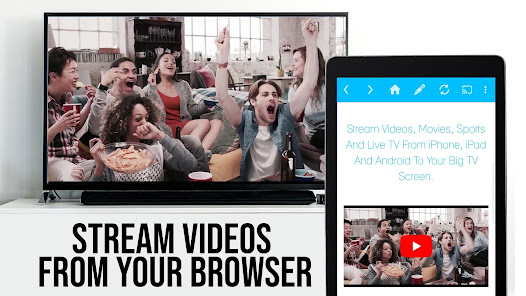
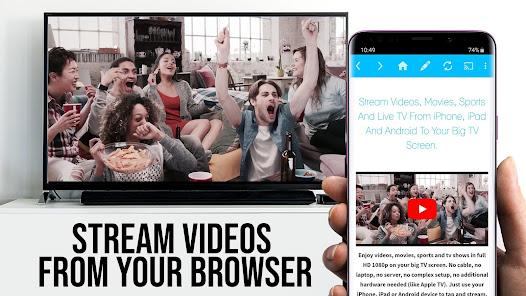
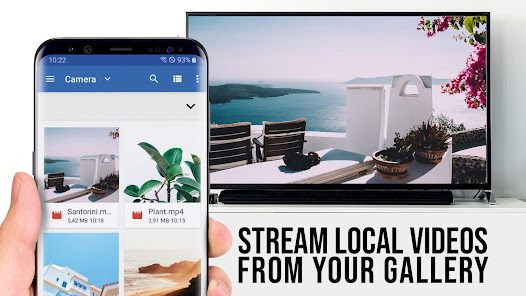
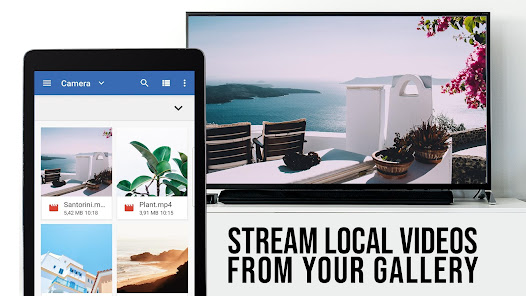
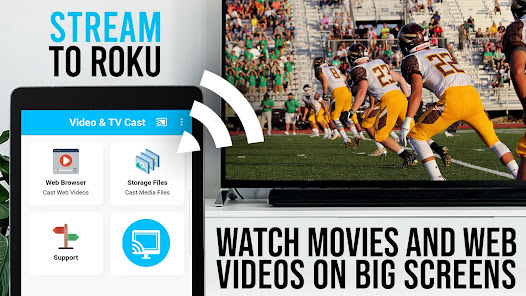
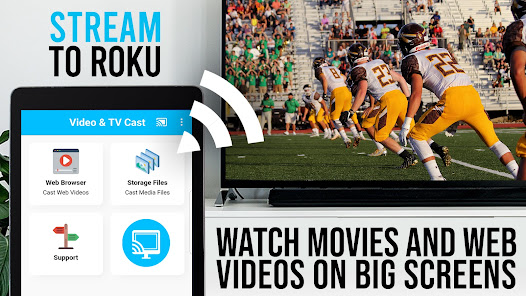
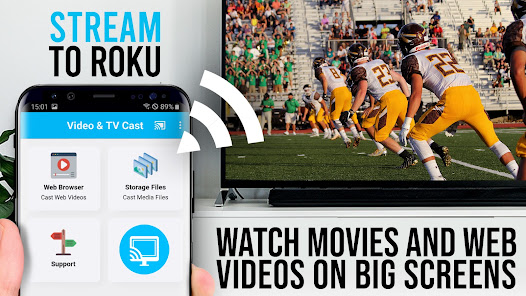
"TV Cast Pro for Roku" is a versatile application designed to enhance your streaming experience. One of its standout features is the ability to cast videos, photos, and music directly from your mobile device to your Roku TV. This seamless integration allows users to enjoy their favorite content on a larger screen without the hassle of cables. The app supports various file formats, ensuring compatibility with a wide range of media types.
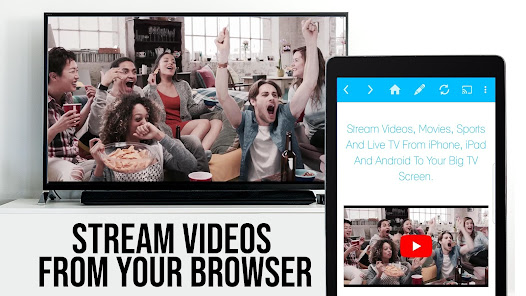
Another notable feature is the built-in web browser, which enables users to search for online content and cast it directly to their Roku device. This functionality makes it easy to access streaming services and websites that may not have dedicated Roku apps. Additionally, the app offers a user-friendly interface, making navigation simple for users of all ages. The ability to create playlists and manage media files adds to the overall convenience, allowing for a personalized viewing experience.
Furthermore, "TV Cast Pro for Roku" supports screen mirroring, enabling users to display their mobile device's screen on the TV. This feature is particularly useful for presentations or sharing photos with friends and family. Overall, the app combines functionality and ease of use, making it a valuable tool for Roku users looking to enhance their streaming capabilities.
Using "TV Cast Pro for Roku" is a straightforward process that allows users to enjoy their media on a larger screen. First, ensure that your Roku device and mobile device are connected to the same Wi-Fi network. Once connected, download and install the "TV Cast Pro for Roku" app from your device's app store. After installation, open the app, and it will automatically detect your Roku device.
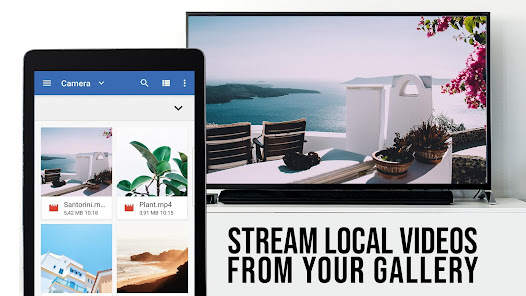
To start casting, select the type of media you wish to share, whether it be videos, photos, or music. Navigate through your device's library and choose the content you want to cast. Tap the cast icon, and the app will prompt you to select your Roku device. Once selected, your media will begin streaming on your TV. For web content, use the built-in browser to find the desired video or site, and simply cast it to your Roku.
Additionally, you can utilize the screen mirroring feature by enabling it in your device's settings. This allows you to display your entire screen on the TV, making it perfect for sharing presentations or browsing the internet. With these simple steps, "TV Cast Pro for Roku" transforms your streaming experience, making it more enjoyable and accessible.
"TV Cast Pro for Roku" comes with several advantages that enhance its appeal to users. One of the primary pros is its user-friendly interface, which makes it easy for anyone to navigate and use the app effectively. The ability to cast various media types, including videos, photos, and music, adds versatility, allowing users to enjoy a wide range of content on their Roku devices. Additionally, the built-in web browser is a significant advantage, as it enables users to access online content that may not be available through dedicated apps.
However, the app is not without its drawbacks. Some users have reported occasional connectivity issues, which can disrupt the streaming experience. Additionally, while the app supports many file formats, there may be limitations with certain types of media, which could frustrate users looking to cast specific content. Furthermore, the app may require a stable and fast internet connection for optimal performance, which could be a limitation for users with slower connections.
In summary, "TV Cast Pro for Roku" offers a range of features that enhance the streaming experience, but potential users should be aware of its limitations. Weighing the pros and cons can help users determine if this app meets their streaming needs effectively.

 Effortlessly stream videos from your device to Roku in seconds. Supports a wide range of file formats for versatile playback. User-friendly interface makes navigation simple and intuitive. Enjoy high-quality streaming with minimal buffering or lag. Easily share photos and music with friends and family on the big screen.
 Limited compatibility with some video formats can hinder playback options. The app may experience lag, affecting streaming quality and user experience. User interface can be confusing, making navigation less intuitive for newcomers.
 Yes, users can submit suggestions or feedback through the app's support section or via the official website to help improve the application.
TV Cast Pro for Roku may collect certain user data for functionality and improvement purposes, but it adheres to privacy policies to protect user information.
TV Cast Pro for Roku primarily requires an internet connection to stream content, but users can cast downloaded videos from their device's storage if the file formats are supported.
Users can cancel their subscription by going to the app settings or the app store settings where they originally subscribed and following the cancellation process.
The subscription cost for TV Cast Pro for Roku varies, typically offering monthly and annual plans, with pricing details available within the app.
Customer numbers are unique and cannot be changed. If you have concerns, please contact customer service for further assistance.
Yes, you can log in to your TV Cast Pro account from multiple devices, but ensure you only stream on one device at a time.
You can reach customer service by visiting our website and using the contact form or calling the support number listed there.
To log in, open the app, enter your email and password, then click 'Log In' to access your account.
After logging in, check your account settings to ensure all information is correct and verify your email if prompted.










 Google Play
  App Store