

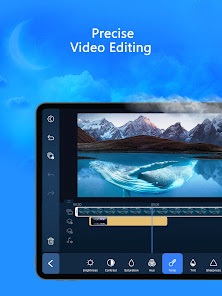


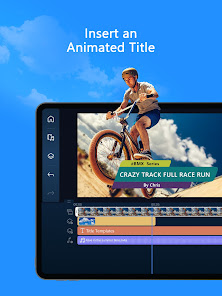

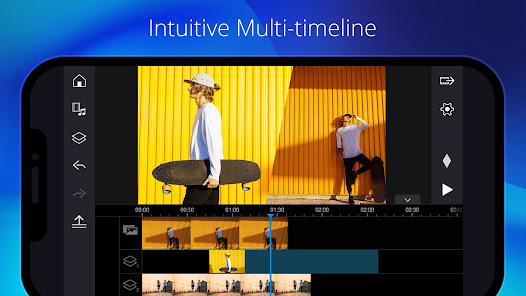

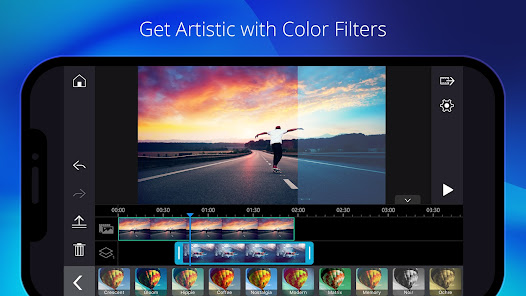


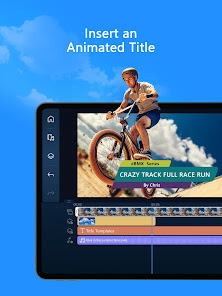
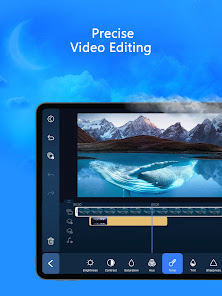
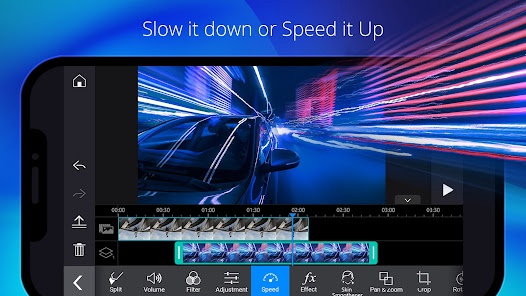
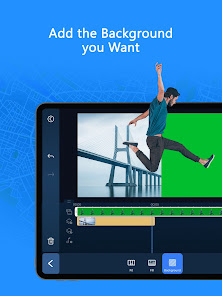
PowerDirector - Video Editor is a comprehensive video editing application that offers a wide array of features designed for both beginners and experienced users. One of its standout features is the intuitive user interface, which allows for easy navigation and quick access to editing tools. Users can enjoy a multi-track timeline that supports video, audio, and image layers, enabling complex edits with ease.
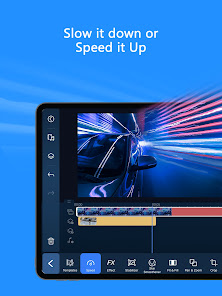
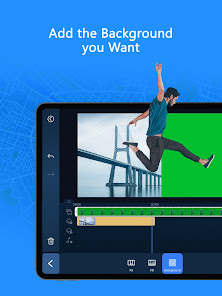
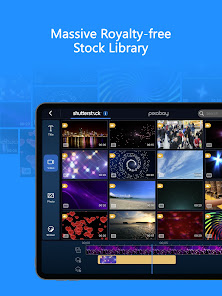
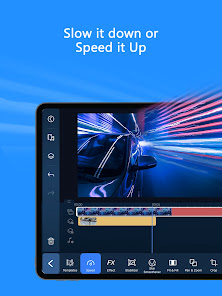
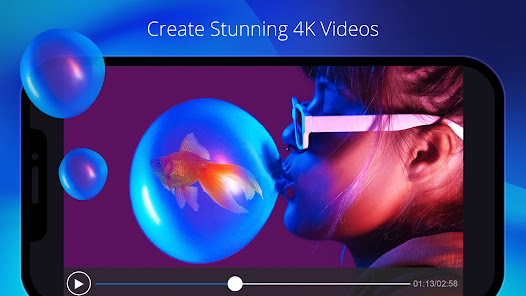
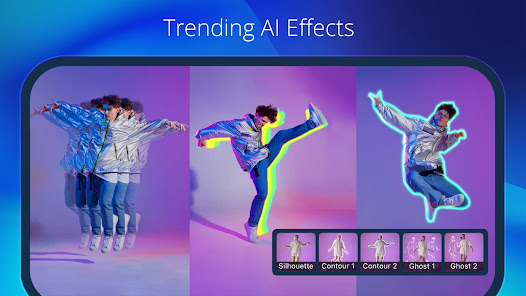
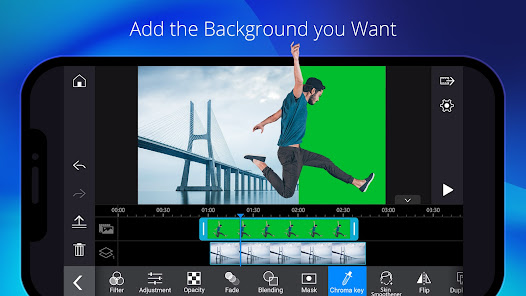
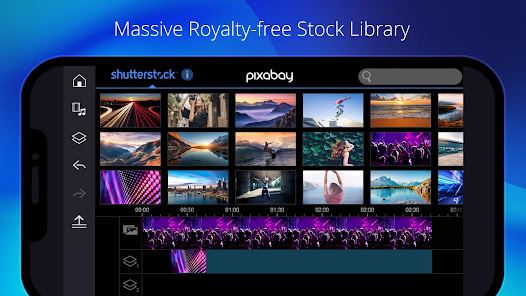
Additionally, PowerDirector provides a rich library of effects, transitions, and templates that can enhance any video project. The app supports 4K video editing, ensuring high-quality output for professional-looking results. Users can also take advantage of advanced features such as slow motion, reverse video, and chroma key for green screen effects. Furthermore, the app includes tools for audio editing, allowing users to adjust sound levels and add voiceovers seamlessly.
Another notable feature is the ability to share videos directly to social media platforms, making it convenient for users to showcase their work. With regular updates, PowerDirector continues to evolve, adding new features and improving existing ones, ensuring that users have access to the latest editing technology.
Using PowerDirector - Video Editor is straightforward, making it accessible for users of all skill levels. To get started, download and install the app from your device's app store. Once installed, open the app and create a new project by selecting the 'New Project' option. You can then import media files from your device, including videos, images, and audio tracks.
After importing your media, you can drag and drop files onto the timeline. This allows you to arrange clips in the desired order. To edit a clip, simply tap on it to access various editing options, such as trimming, splitting, or applying effects. You can also add transitions between clips for a smoother flow. For audio, you can adjust levels, add background music, or record voiceovers directly within the app.
Once you are satisfied with your edits, preview your video to ensure everything looks perfect. Finally, export your project by selecting the 'Produce' option, where you can choose the desired resolution and format. After exporting, you can easily share your video on social media or save it to your device.
PowerDirector - Video Editor comes with several advantages that make it a popular choice among video editing enthusiasts. One of the main pros is its user-friendly interface, which simplifies the editing process for beginners. The app also offers a wide range of features, including advanced editing tools, effects, and templates, allowing users to create professional-quality videos. Additionally, the support for 4K video editing is a significant plus for those looking to produce high-resolution content.
However, there are some drawbacks to consider. One of the cons is that while the app is free to download, many advanced features and effects require a subscription or in-app purchases, which may not be ideal for all users. Additionally, some users have reported occasional performance issues, particularly when working with larger files or complex projects. Lastly, the learning curve for some advanced features may be steep for complete beginners, requiring time and practice to master.
Overall, PowerDirector - Video Editor is a powerful tool with a mix of pros and cons, making it suitable for a wide range of users, from casual editors to more serious content creators.

 User-friendly interface simplifies video editing for all skill levels. Extensive library of effects and templates enhances creativity. Fast rendering speeds save time on video production. Multi-track editing allows for advanced project customization. Supports 4K resolution for high-quality video output.
 Limited advanced features compared to competitors may hinder professional editing needs. Export options may be restricted, affecting video quality and formats available. The learning curve can be steep for beginners, complicating initial use.
 Yes, PowerDirector - Video Editor may collect personal data as outlined in its privacy policy, which typically includes information for account creation, customer support, and usage analytics.
PowerDirector - Video Editor offers a free version with limited features, as well as a free trial for its premium features, allowing users to explore the app before committing to a subscription.
While some features of PowerDirector - Video Editor may require an internet connection for downloading additional content or updates, the core editing functionalities can be used offline.
You can contact support or send feedback for PowerDirector - Video Editor through the official website, support forum, or within the app itself, where you can find options for help and customer service.
You can manage or cancel your PowerDirector - Video Editor subscription through the app settings or the platform's subscription management section, depending on where you purchased the subscription.
Unfortunately, you cannot change your Customer Number once your account is activated. If you have concerns, please contact Customer Service for help.
Yes, you can log in from multiple devices, but ensure you comply with the licensing agreement.
You can reach Customer Service through the official website's support section, where you can find chat, email, and phone options.
You cannot update your Customer Number. You may want to consolidate accounts by contacting Customer Service for guidance.
To activate your account, enter your activation code on the registration page after downloading the software. Follow the prompts to complete the process.












 Google Play
  App Store