

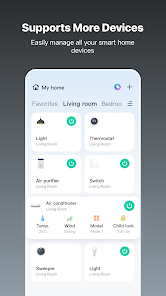
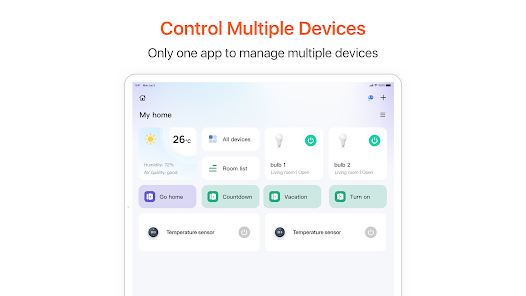
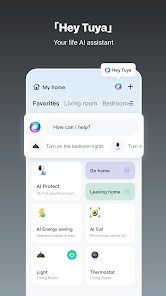
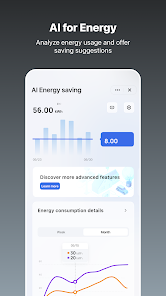
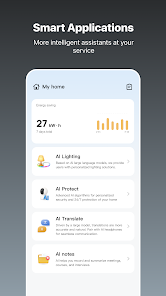
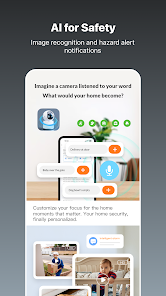
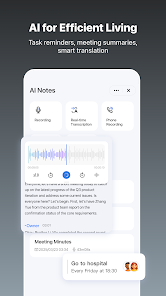
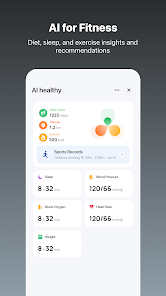
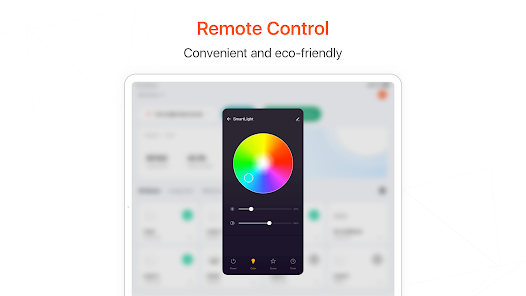
"Tuya - Smart Life, Smart Living" is a versatile application designed to enhance the management of smart home devices. One of its standout features is the ability to control a wide range of devices, including lights, cameras, thermostats, and more, all from a single interface. The app supports various protocols, ensuring compatibility with numerous smart devices from different manufacturers.
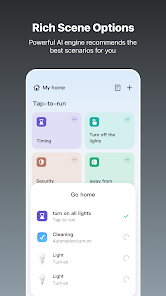
Another key feature is the automation capabilities, allowing users to create customized schedules and routines. This means you can set your lights to turn on at sunset or have your thermostat adjust automatically based on your daily habits. Additionally, the app offers remote access, enabling users to monitor and control their devices from anywhere, providing peace of mind when away from home.
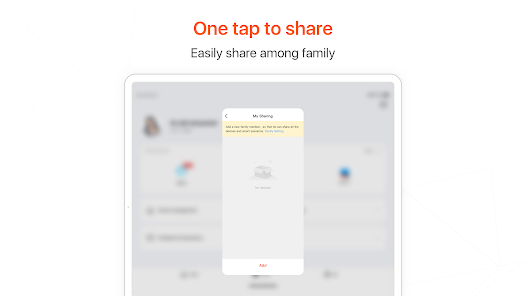
Furthermore, the app supports voice control through popular virtual assistants like Amazon Alexa and Google Assistant, making it even more user-friendly. The user interface is intuitive, allowing for easy navigation and setup. Lastly, the app includes a sharing feature, enabling multiple users to access and control devices, which is perfect for families or shared living situations.
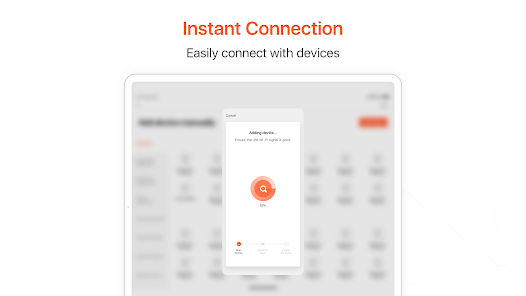
Using "Tuya - Smart Life, Smart Living" is straightforward and user-friendly. First, download the app from your device's app store and create an account. Once registered, you can start adding your smart devices. To do this, ensure your device is powered on and in pairing mode, then tap the "+" icon in the app to select the type of device you want to add.
Follow the on-screen instructions to connect the device to your Wi-Fi network. After successful pairing, you can customize settings, create automation routines, and set schedules for your devices. The app allows you to group devices for easier management, so you can control multiple lights or appliances simultaneously.
For voice control, link the app to your preferred virtual assistant by following the integration steps provided in the app. This will enable you to control your devices using simple voice commands. Regularly check for app updates to access new features and improvements, ensuring your smart home experience remains seamless and efficient.
The "Tuya - Smart Life, Smart Living" app comes with several advantages. One of the primary benefits is its extensive compatibility with a wide range of smart devices, making it a versatile choice for users with various products. The automation features are robust, allowing for personalized routines that enhance convenience and energy efficiency. Additionally, the app's user-friendly interface makes it accessible for users of all tech levels.
However, there are some drawbacks to consider. Some users have reported occasional connectivity issues, particularly with certain devices, which can be frustrating. Additionally, while the app supports many devices, not all brands are compatible, which may limit options for some users. Privacy concerns have also been raised regarding data security, as the app requires access to personal information for full functionality. Overall, while the app offers a comprehensive smart home solution, potential users should weigh these pros and cons before fully committing.

 Tuya Smart App enables seamless control of multiple smart devices. User-friendly interface simplifies device management for everyone. Customizable automation enhances convenience and energy efficiency. Real-time notifications keep you informed about device status. Supports a wide range of compatible devices for versatile smart home setups.
 Limited functionality with some third-party devices may frustrate users. User interface can feel cluttered and overwhelming for beginners. Privacy concerns arise from data collection and sharing practices.
  Google Play
  App Store
 Yes, users can submit suggestions or feedback through the app or the official Tuya website, helping to improve the service and user experience.
Yes, Tuya Smart App may collect personal data to enhance user experience and provide services, but users can review the privacy policy for detailed information on data handling.
Tuya Smart App primarily requires an internet connection to control devices; however, some features may be available offline depending on the specific device capabilities.
To cancel a subscription, users can go to the app's settings or the relevant app store and follow the instructions for managing subscriptions.
Tuya Smart App offers a free version, but premium features may require a subscription; pricing details can vary based on specific features and promotions.
Yes, you can recover a deactivated account by contacting customer service for support and following their instructions.
You can reach customer service through the app, by selecting 'Help' in the settings menu, or visiting our website for assistance.
You can get help with your subscription by contacting customer service through the app or the website for detailed support.
To update your customer number, please contact customer service directly for assistance in updating your account details.
To log in, open the app, enter your registered email or phone number, and input your password. Tap 'Log In' to access your account.