

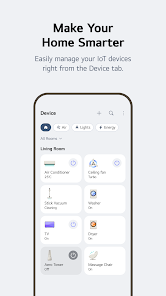
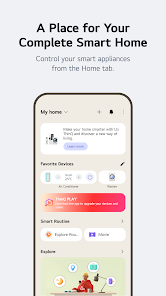
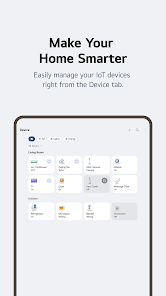
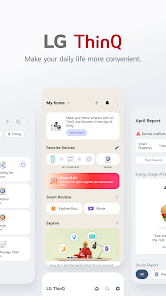
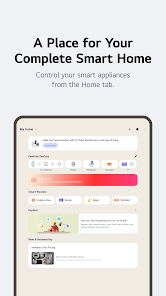
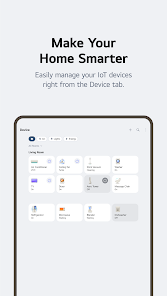
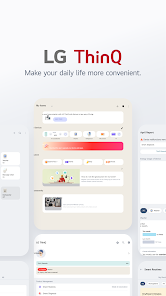
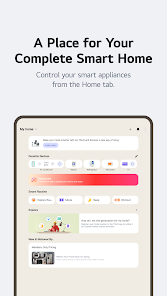
LG ThinQ is an innovative smart home platform designed to enhance the user experience by connecting various LG appliances and devices. One of its standout features is the ability to control and monitor appliances remotely through a user-friendly mobile app. This means users can start their washing machine, adjust their refrigerator settings, or even preheat their oven from anywhere, providing unparalleled convenience.
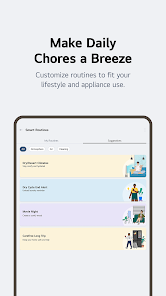
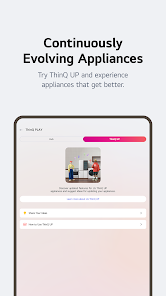
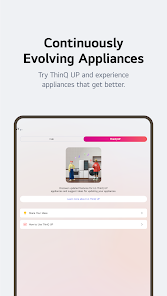
Another notable feature is the integration of artificial intelligence, which allows LG ThinQ to learn user preferences over time. This AI-driven capability enables the system to suggest optimal settings for appliances based on past usage patterns, making everyday tasks more efficient. Additionally, LG ThinQ supports voice commands through popular virtual assistants like Google Assistant and Amazon Alexa, allowing for hands-free operation.
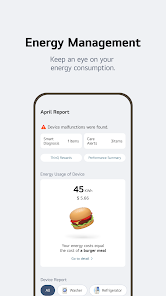
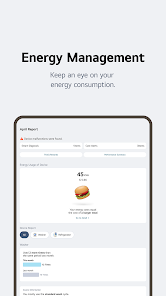
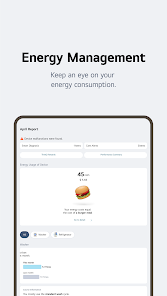
Furthermore, the platform offers real-time notifications and alerts, keeping users informed about their appliance status, maintenance needs, and energy consumption. The compatibility with a wide range of LG products, from refrigerators to air conditioners, ensures that users can create a cohesive smart home ecosystem tailored to their needs.
Using LG ThinQ is a straightforward process that begins with downloading the LG ThinQ app, available on both iOS and Android platforms. After installation, users need to create an account or log in if they already have one. Once logged in, the app will guide users through the process of connecting their LG appliances. This typically involves selecting the appliance type and following on-screen instructions to establish a Wi-Fi connection.
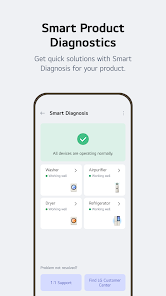
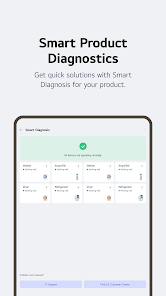
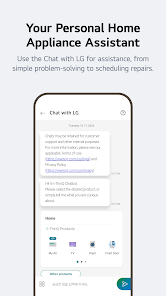
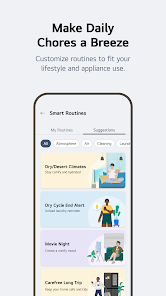
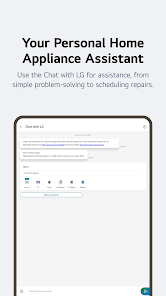
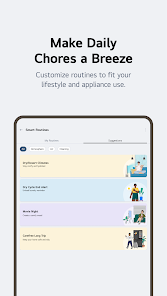
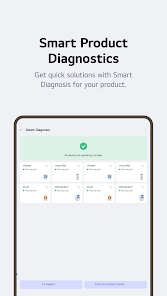
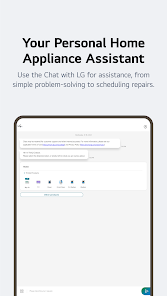
After successfully connecting the appliances, users can access a range of features directly from the app. This includes monitoring appliance status, scheduling operations, and adjusting settings remotely. For instance, users can set their washing machine to start at a specific time or receive alerts when a cycle is complete. Additionally, the app provides troubleshooting assistance and maintenance reminders, ensuring that appliances operate efficiently.
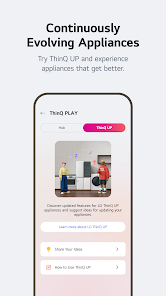
To maximize the benefits of LG ThinQ, users should explore the AI features that learn their habits and preferences. Regularly checking the app for updates and new features can also enhance the overall experience, making it easier to manage household tasks and improve energy efficiency.
The LG ThinQ app offers several advantages that make it a valuable tool for smart home management. One of the primary benefits is its user-friendly interface, which simplifies the process of controlling multiple appliances from a single platform. The app's ability to provide real-time notifications and alerts helps users stay informed about their appliances' status, enhancing convenience and efficiency. Additionally, the integration of AI allows for personalized suggestions, optimizing appliance performance based on user habits.
However, there are some drawbacks to consider. One common issue is connectivity problems, which can hinder the app's functionality and lead to frustration. Users may experience difficulties in connecting their appliances or maintaining a stable connection, especially in larger homes. Furthermore, while the app supports a wide range of LG products, compatibility with non-LG devices is limited, which may restrict users looking to create a more comprehensive smart home ecosystem.
Another potential downside is the reliance on Wi-Fi, as a weak or unstable internet connection can disrupt the app's performance. Lastly, some users may find the app's features overwhelming, particularly if they are not tech-savvy. Overall, while LG ThinQ offers significant benefits, potential users should weigh these pros and cons to determine if it aligns with their smart home needs.

 LG ThinQ offers seamless smart home integration for effortless control. Users can monitor appliances remotely for convenience. AI-driven insights enhance energy efficiency and save on bills. Voice command compatibility simplifies operation and enhances accessibility. Regular updates ensure continuous improvement and new features.
 Limited compatibility with non-LG smart devices reduces versatility. User interface can be confusing for new users. Occasional connectivity issues disrupt seamless automation experiences. Customer support may not always provide timely assistance.
 Yes, users can submit suggestions or feedback through the app or by contacting LG customer support directly.
Yes, LG ThinQ may collect personal data to enhance user experience, but it is governed by LG's privacy policy, which outlines how data is handled and protected.
While some features require an internet connection, certain functionalities may be accessible offline, depending on the specific appliance and its settings.
If you have subscribed to any premium services, you can cancel your subscription through the app settings or your app store account settings, depending on how you subscribed.
LG ThinQ does not typically require a subscription fee; however, specific premium features or services may incur charges.
Unfortunately, customer numbers cannot be changed. For issues with your customer number, please contact customer service for assistance.
Yes, you can log in to LG ThinQ from multiple devices using the same account credentials. Just ensure you have a stable internet connection.
You can check the activation status by logging in to your account or by contacting LG ThinQ customer service for verification.
You can reach LG ThinQ customer service via the support section on the LG website or by calling the customer service number provided there.
To activate your LG ThinQ account, follow the link in the activation email sent to you upon registration. If you didn't receive it, check your spam folder.










 Google Play
  App Store