

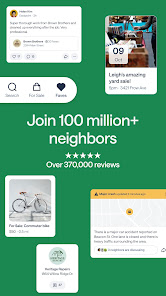
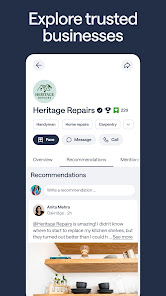
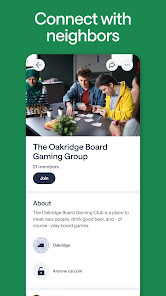
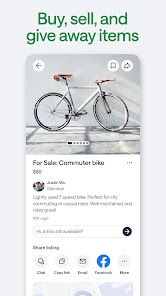
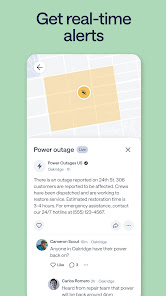
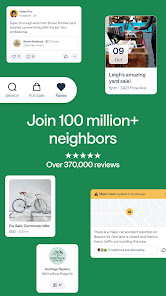
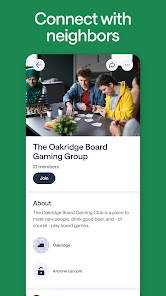
Nextdoor: Neighborhood network is more than just a social app; it’s a genuine platform designed to foster local connections and community engagement. Here are some of its standout features:
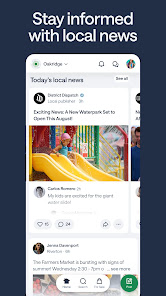
Using Nextdoor has become a regular part of my daily routine. For instance, each morning, I check the app while sipping my coffee to catch up on local happenings. Just last week, I saw a post about a neighborhood clean-up event scheduled for the weekend. I decided to join and ended up meeting several friendly faces from my community. Additionally, when searching for a last-minute babysitter for an impromptu date night, I quickly turned to Nextdoor and posted my request. Within minutes, I received recommendations and even a direct message from a neighbor who offered to help. These real-life scenarios demonstrate the app's practicality and its ability to connect me to my community in meaningful ways.
The user interface of Nextdoor is intuitive and user-friendly. Navigating through the app feels seamless, with a well-organized layout that highlights posts, events, and marketplace items. I particularly appreciate the easy-to-use search function that lets me filter content by topics that interest me. The performance has been consistently smooth, with quick loading times and minimal bugs. It’s refreshing to be part of a platform that focuses on fostering genuine connections rather than just mindless scrolling. Overall, my feelings after using the app are overwhelmingly positive, as it strengthens my ties to the neighborhood and keeps me informed about local happenings.
Nextdoor is free to use, which is one of its appealing features. While some functionalities, such as promoted posts or advertisements, may come with costs, the core experience of connecting with neighbors, sharing information, and accessing community resources remains entirely free. This accessibility allows everyone in the neighborhood to participate, regardless of their budget.
The Nextdoor app is frequently updated, which shows the developers' commitment to enhancing user experience and addressing any issues. I’ve noticed improvements in features, as well as added functionalities that keep the platform fresh and engaging. Customer support is also commendable; whenever I’ve had questions or faced minor issues, I found the help center to be resourceful, and responses to my inquiries were prompt and informative.
In today’s digital age, security and privacy are paramount, especially for American users engaging in community-focused platforms like Nextdoor. The app is available on both the App Store and Google Play, providing easy access for users. Upon registration, users are required to provide personal information, including name, address, and email, which is essential for creating a localized community. While this may raise concerns for some, it’s crucial for ensuring that users connect with neighbors in their vicinity.
Nextdoor takes user privacy seriously. They implement several measures to safeguard personal data and limit exposure. However, users should be aware that the app does display ads and may track behavior to enhance the overall experience. It's advisable to review privacy settings within the app to manage how your information is shared. Overall, while there are inherent risks in any social platform, Nextdoor's focus on neighborhood connectivity and community safety tends to outweigh the potential drawbacks of sharing personal information.

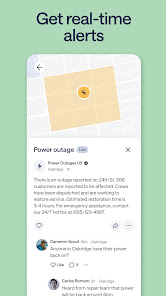
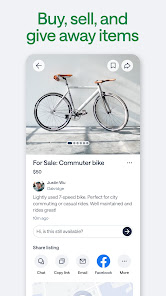
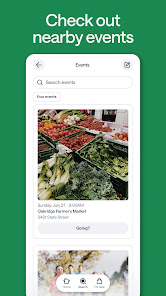
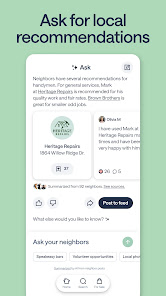
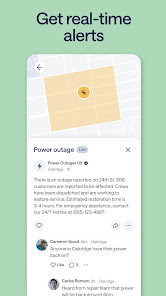
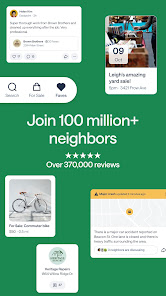
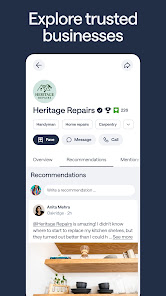
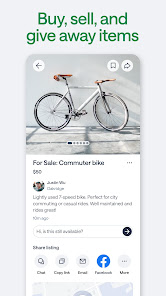
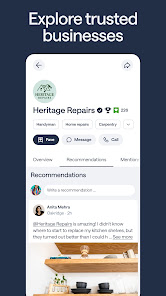
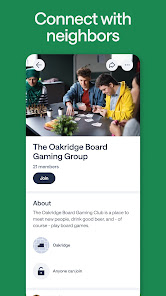
 Nextdoor fosters a strong sense of community among neighbors. It offers a platform for local recommendations and services. Users can easily share safety alerts and updates. The app promotes local events and activities for engagement. It provides a space for buying, selling, and giving away items nearby.
 Nextdoor can foster divisive neighborhood tensions among residents. Privacy concerns arise from sharing personal information. Limited engagement often leads to stagnant community discussions.
 Yes, users can submit suggestions or feedback to Nextdoor through the app or website, usually found in the help or support sections.
Yes, Nextdoor collects personal data to create user profiles and facilitate community interactions, but it emphasizes privacy and security in its data handling practices.
Nextdoor does not typically support offline use, as it requires an internet connection to access its features and connect with neighbors.
To cancel your Nextdoor subscription, you can go to your account settings in the app or website, find the subscription management section, and follow the prompts to cancel.
Nextdoor offers optional premium features through a subscription called Nextdoor Premium, which typically costs around $10 per month or $100 per year, depending on the plan.
After signing up, check your email for a verification link. Click the link to activate your account. If you didn’t receive it, check your spam folder.
You can contact Nextdoor customer service through their Help Center on the app or website. Alternatively, you can reach them via email at support
To log in, open the app or website, enter your email and password, then click "Log In." If you forgot your password, click on "Forgot password?" to reset it.
Nextdoor does not provide a direct customer service number; support is primarily handled through their online Help Center.






 Google Play
  App Store