

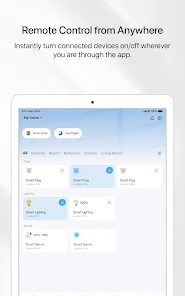
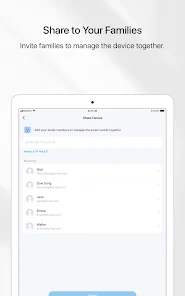
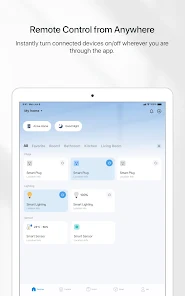
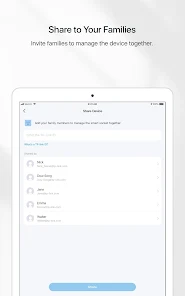
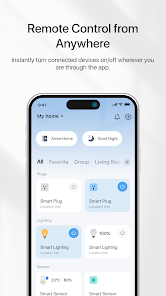
TP-Link Tapo is a versatile smart home ecosystem designed to enhance convenience and security in your living space. One of its standout features is the ability to control devices remotely through the Tapo app, available for both iOS and Android. This allows users to manage their smart devices from anywhere, ensuring peace of mind when away from home.
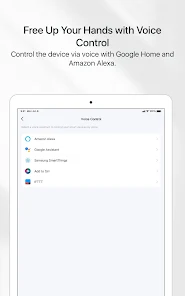
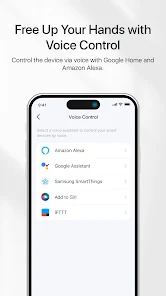
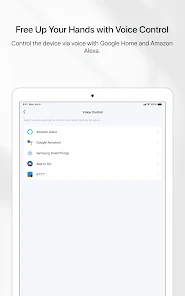
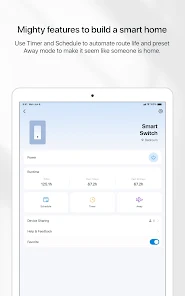
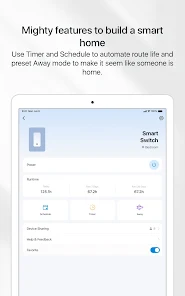
Another notable feature is the integration of voice control through popular platforms like Amazon Alexa and Google Assistant. This functionality enables users to operate their devices hands-free, making it easier to manage daily tasks. Additionally, Tapo devices often come equipped with scheduling options, allowing users to set timers for lights, cameras, and plugs, which can help save energy and enhance security.
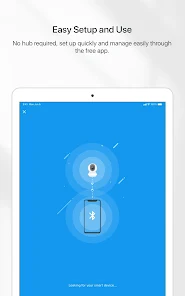
Moreover, Tapo offers a range of products, including smart plugs, cameras, and bulbs, all designed to work seamlessly together. The user-friendly interface of the Tapo app simplifies the setup process, making it accessible even for those new to smart home technology. Overall, TP-Link Tapo provides a comprehensive solution for anyone looking to upgrade their home with smart technology.
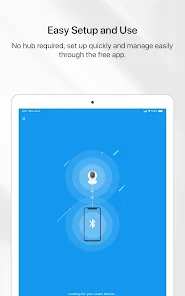
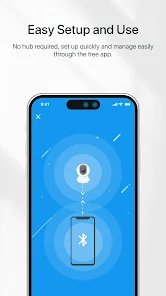
Using TP-Link Tapo is a straightforward process that begins with downloading the Tapo app from the App Store or Google Play. Once installed, create an account or log in if you already have one. The app will guide you through the setup process, which typically involves connecting your smart device to your home Wi-Fi network.
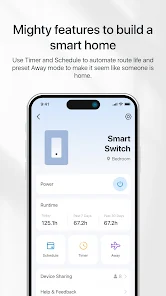
After connecting, you can customize settings for each device, such as naming them and setting up schedules or automation routines. For instance, if you have a Tapo smart bulb, you can adjust brightness levels, change colors, and set timers for when the light should turn on or off. The app also allows you to create scenes that can control multiple devices simultaneously, enhancing your smart home experience.
Additionally, you can enable notifications for certain events, such as motion detection from Tapo cameras, ensuring you stay informed about your home’s security. Regularly updating the app will ensure you have access to the latest features and improvements. Overall, the Tapo app provides a user-friendly interface for managing your smart home devices efficiently.
The TP-Link Tapo app comes with several advantages that enhance the user experience. One of the primary benefits is its intuitive interface, which makes it easy for users of all tech levels to navigate and control their smart devices. The app supports a wide range of Tapo products, allowing for seamless integration and management of multiple devices from a single platform.
Another significant advantage is the robust scheduling and automation features, which enable users to set routines that can save energy and improve home security. The app also supports voice control through popular assistants, adding an extra layer of convenience. Furthermore, regular updates from TP-Link ensure that the app remains functional and introduces new features over time.

 User-friendly app for easy device management Affordable smart home solutions for everyone High compatibility with various smart home devices Energy monitoring helps reduce power consumption Reliable security features protect your home network
 Limited integration with third-party smart home systems Mobile app can be unintuitive at times Dependence on Wi-Fi can affect functionality Customer support may be slow to respond
 TP-Link Tapo may collect certain personal data to enhance user experience and functionality, but it adheres to privacy policies regarding data protection.
TP-Link Tapo is available for free and does not require a subscription to access basic features, although premium features may be available through optional subscriptions.
Yes, TP-Link Tapo requires an internet connection for remote access and control of your devices through the app.
You can contact TP-Link Tapo support through the app, their official website, or by emailing their customer service for any inquiries or feedback.
You can manage or cancel your TP-Link Tapo subscription through the app's settings or by contacting customer support for assistance.
Unfortunately, customer numbers cannot be changed through account settings; please contact customer service for assistance.
You can reach customer service by calling the number listed on the Tapo website or through the app's support section.
You can contact customer service through the support section of the Tapo app or via the website for immediate assistance.
After logging in, follow the on-screen prompts to connect your device to the app and complete the activation process.
Open the Tapo app, tap 'Log in', enter your email and password, then press 'Sign in'.








 Google Play
  App Store