

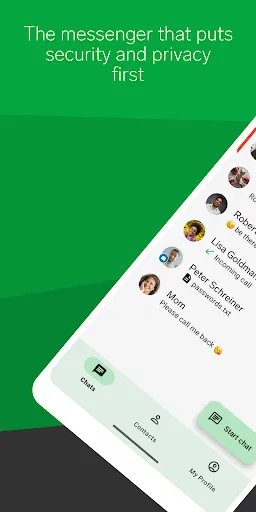
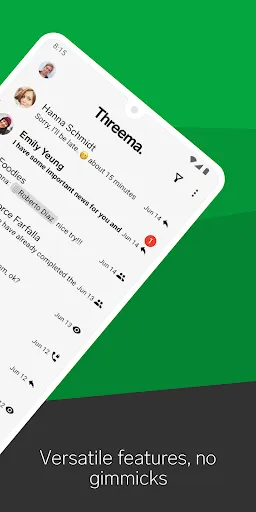
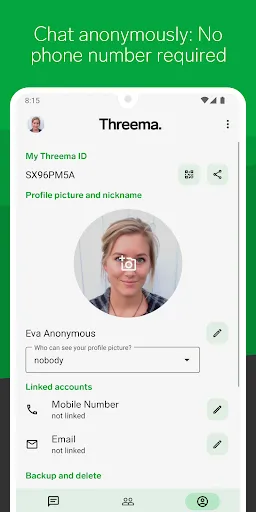
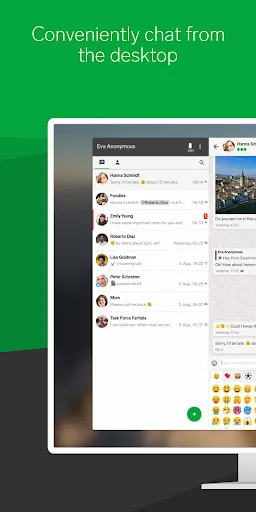
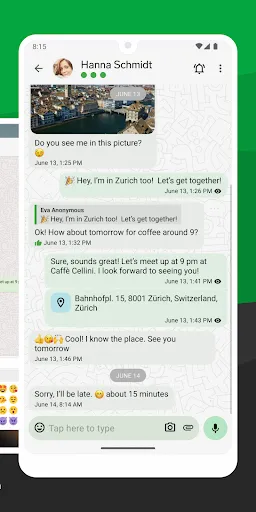
Threema is a privacy-focused messaging application that prioritizes user security and data protection. One of its standout features is end-to-end encryption, ensuring that only the sender and recipient can read the messages. This encryption extends to all forms of communication within the app, including text messages, voice calls, and file sharing. Additionally, Threema does not require a phone number or email address for registration, allowing users to maintain anonymity while using the service.
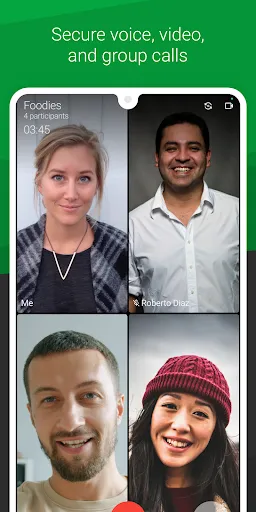
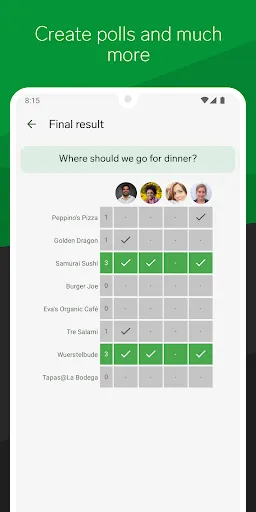
Another notable feature is the ability to create polls and surveys, making it a useful tool for group communication. Threema also supports voice and video calls, providing a comprehensive communication platform. Users can send multimedia files, including images and videos, with the assurance that their data remains secure. The app includes a built-in chat backup feature, allowing users to save their conversations securely. Furthermore, Threema is designed to be user-friendly, with an intuitive interface that makes navigation simple for all users.
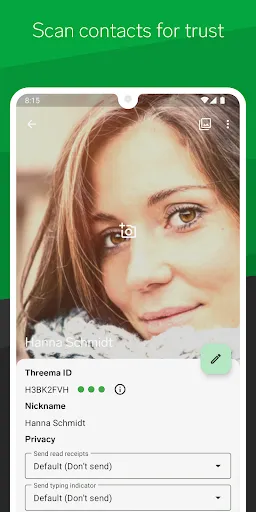
Using Threema is straightforward and user-friendly. To get started, download the app from your device's app store and install it. Upon opening the app, you will be prompted to create a Threema ID, which is a unique identifier that allows you to communicate without sharing personal information like your phone number. Once your ID is set up, you can begin adding contacts by sharing your Threema ID or scanning their QR codes.
After adding contacts, you can start sending messages, making voice or video calls, and sharing files securely. The app's interface allows you to easily navigate between chats and access various features, such as creating polls or sending multimedia messages. To ensure your conversations remain private, regularly check the app's security settings and enable features like chat backups. Threema also provides a help section within the app for any questions or troubleshooting you may encounter while using the service.
Threema offers several advantages that make it a compelling choice for users seeking a secure messaging platform. One of its primary benefits is the strong emphasis on privacy, with end-to-end encryption and the option to remain anonymous. The app is also user-friendly, making it accessible for individuals of all tech-savviness levels. Additionally, Threema's features, such as polls and multimedia sharing, enhance its functionality beyond simple messaging.
However, there are some drawbacks to consider. Threema is a paid app, which may deter some users who prefer free alternatives. While it offers robust security features, the lack of a large user base compared to other messaging apps can limit your ability to connect with friends and family. Furthermore, some users may find the absence of certain social features, like status updates or stories, to be a downside. Overall, while Threema excels in privacy and security, potential users should weigh these pros and cons before making a decision.

 Threema offers end-to-end encryption for maximum privacy protection. It requires no phone number, ensuring anonymous communication. Group chats are secure, keeping discussions private and confidential. User-friendly interface makes messaging easy and intuitive. Regular updates ensure robust security features and improvements.
 Threema lacks a free version, limiting access for some users. The app has a smaller user base, reducing potential connections. Limited integration with other apps may hinder user experience.
  Google Play
  App Store
 Yes, users can submit suggestions or feedback directly through the app or via Threema's official website.
Threema does not collect personal data; it is designed to protect user privacy and does not require any personal information for account creation.
Yes, Threema allows users to compose messages offline, which are sent automatically when a network connection is reestablished.
If a subscription is applicable, you can cancel it through the app store where you purchased it or within your account settings, depending on the platform.
The cost of Threema typically ranges around a small one-time fee, with no subscription model required for basic use.
Unfortunately, customer numbers cannot be changed. If you have issues, please contact customer service for further guidance.
You can reach our customer service via the support section in the app or our website for assistance with login issues.
Use the "Forgot Password" option on the login page to reset your password. If you need help, contact customer service.
To activate your account, follow the instructions in the activation email you received after registration. If you need help, contact customer service.
If you've lost your customer number, please reach out to customer service, and they can help you recover it after verifying your identity.