

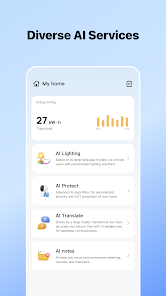
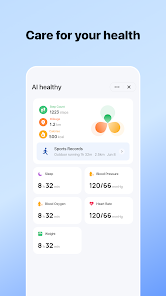
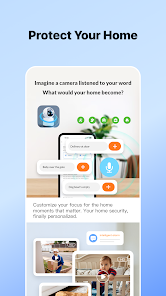
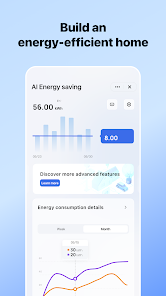
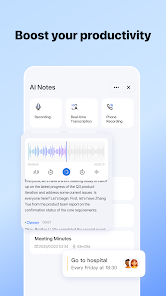
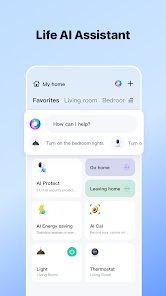
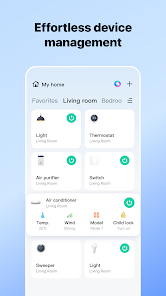
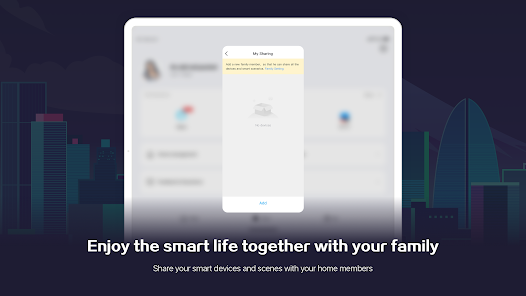
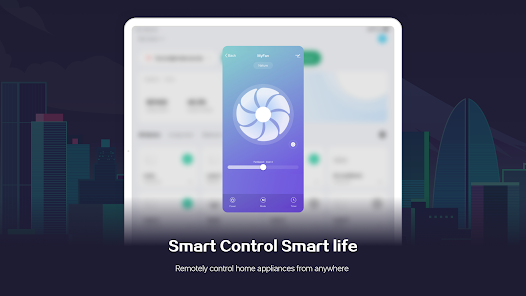
"SmartLife - Smart Living" is a comprehensive application designed to enhance the management of smart home devices. One of its standout features is the ability to control a wide range of devices, including lights, cameras, thermostats, and appliances, all from a single interface. Users can easily set schedules and timers for their devices, allowing for automated control that fits their lifestyle. The app also supports voice commands through integration with popular virtual assistants like Amazon Alexa and Google Assistant, making it convenient to operate devices hands-free.
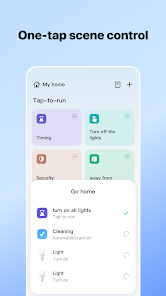
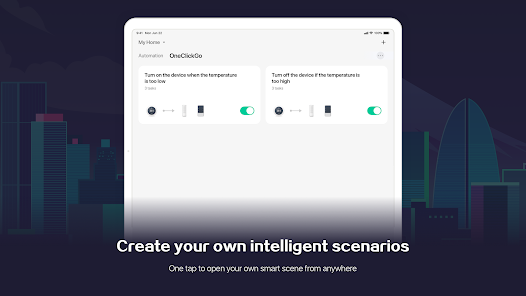
Another notable feature is the scene creation capability, which allows users to group multiple devices and control them simultaneously with a single command. For instance, a "Good Night" scene could turn off all lights and lock doors with one tap. Additionally, the app provides real-time monitoring and notifications, ensuring users are always informed about their home’s status. The user-friendly interface and compatibility with a wide range of smart devices make "SmartLife - Smart Living" an essential tool for anyone looking to streamline their smart home experience.
Using "SmartLife - Smart Living" is straightforward and user-friendly. First, download the app from your device's app store and create an account. Once registered, you can begin adding your smart devices by selecting the appropriate category and following the on-screen instructions to connect them to your Wi-Fi network. The app supports a variety of devices, so ensure that your devices are compatible before proceeding.
After adding devices, you can customize their settings according to your preferences. The app allows you to create schedules, set timers, and even establish scenes for different scenarios. For example, you can set your lights to turn on at sunset or create a "Movie Night" scene that dims the lights and turns on your entertainment system. Additionally, you can monitor your devices in real-time and receive notifications for any unusual activity. With its intuitive design, "SmartLife - Smart Living" makes managing your smart home both efficient and enjoyable.
"SmartLife - Smart Living" offers several advantages that make it a popular choice among smart home enthusiasts. One of the primary benefits is its extensive compatibility with a wide range of devices from various manufacturers, allowing users to centralize control in one app. The user-friendly interface simplifies navigation, making it accessible for users of all tech levels. Additionally, the app's automation features, such as scheduling and scene creation, enhance convenience and energy efficiency.
However, there are some drawbacks to consider. Some users have reported occasional connectivity issues, which can disrupt the seamless operation of devices. Additionally, while the app is free, certain advanced features may require in-app purchases or subscriptions. Privacy concerns are also a consideration, as with any smart home technology, since the app collects data to improve user experience. Overall, while "SmartLife - Smart Living" has its limitations, its benefits often outweigh the drawbacks for many users looking to optimize their smart home experience.

 Enhances convenience with automated home controls for daily tasks. Improves energy efficiency, reducing utility bills and environmental impact. Offers seamless integration with various smart devices for a cohesive experience. Increases security with real-time monitoring and alerts for peace of mind. Provides personalized settings to suit individual lifestyles and preferences.
 Limited compatibility with some smart devices may hinder integration efforts. High reliance on internet connectivity can disrupt functionality during outages. Privacy concerns arise from data collection and potential security vulnerabilities.
  Google Play
  App Store
 Yes, users can submit suggestions or feedback through the app's support section, which helps improve future updates and features.
Yes, SmartLife - Smart Living may collect personal data to enhance user experience, but it has privacy measures in place to protect your information.
SmartLife - Smart Living primarily requires an internet connection to function, but some features may be accessible offline depending on the specific device settings.
You can cancel your subscription through the app's settings or your app store account settings, depending on how you initially subscribed.
Subscription costs for SmartLife - Smart Living vary based on features and duration, so it's best to check the app for the most current pricing information.
Unfortunately, customer numbers cannot be changed. Please contact customer service for further assistance.
Yes, you can log in using your social media accounts if you linked them during the registration process.
To activate your account, click the activation link sent to your email after registration.
Check your spam folder for the activation email. If it's not there, request a new activation email through the app or website.
You can reach our customer service team by calling the number listed on our website or using the chat feature in the app.