



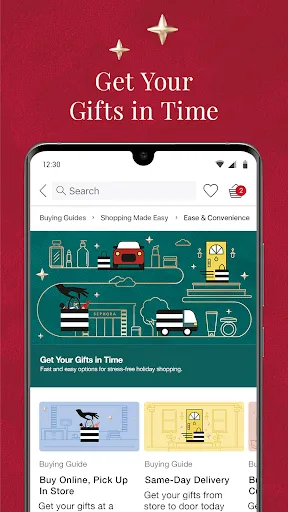
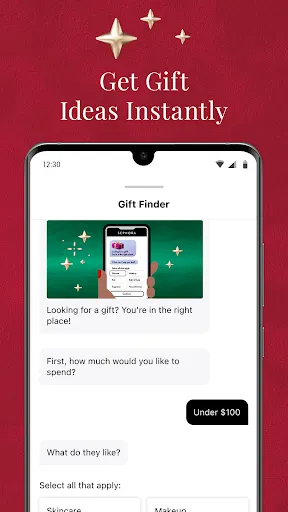
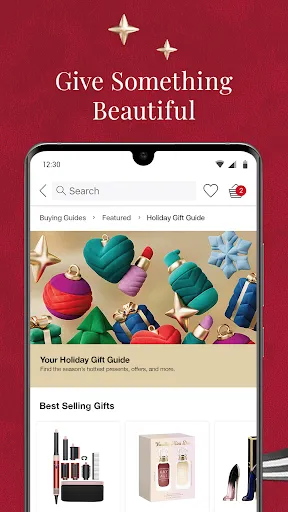
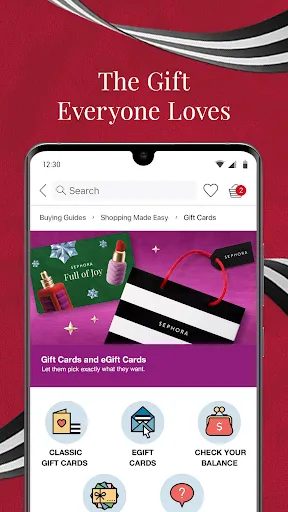
The "Sephora: Buy Makeup & Skincare" app offers a comprehensive shopping experience for beauty enthusiasts. One of its standout features is the extensive product catalog, which includes a wide range of makeup, skincare, haircare, and fragrance items from both well-known and emerging brands. Users can easily browse through categories, filter products by brand, price, or ratings, and read detailed descriptions and reviews to make informed purchasing decisions.
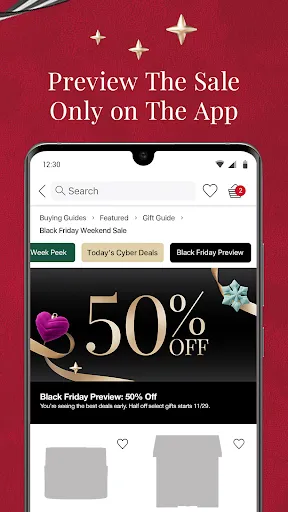
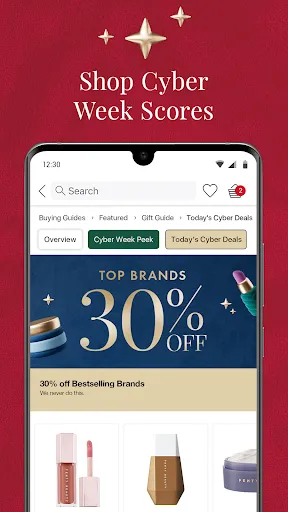
Another notable feature is the virtual try-on tool, which allows users to see how different makeup products will look on their skin tone using augmented reality. This feature enhances the shopping experience by helping customers visualize products before making a purchase. Additionally, the app provides personalized recommendations based on user preferences and past purchases, ensuring a tailored shopping experience. Users can also access exclusive promotions, loyalty rewards, and beauty tips, making it a one-stop shop for all beauty needs.
Furthermore, the app includes a community section where users can share their beauty looks, tips, and product reviews, fostering a sense of community among beauty lovers. Overall, the "Sephora: Buy Makeup & Skincare" app combines convenience, personalization, and community engagement, making it an essential tool for anyone passionate about beauty.
Using the "Sephora: Buy Makeup & Skincare" app is straightforward and user-friendly. First, download the app from the App Store or Google Play Store and create an account to access personalized features. Once logged in, you can explore the vast array of products available. The home screen showcases featured items, bestsellers, and new arrivals, making it easy to discover trending products.
To find specific items, utilize the search bar or browse through categories such as makeup, skincare, and haircare. You can filter results based on various criteria, including price, brand, and customer ratings. When you find a product you like, tap on it to view detailed information, including ingredients, application tips, and customer reviews. If you’re unsure about a product, take advantage of the virtual try-on feature to see how it looks on your skin.
Once you’ve made your selections, add items to your cart and proceed to checkout. The app offers multiple payment options for convenience. Additionally, you can track your orders and manage your account settings directly within the app. By utilizing the app’s features, you can enhance your shopping experience and stay updated on the latest beauty trends and promotions.
The "Sephora: Buy Makeup & Skincare" app comes with several advantages that enhance the shopping experience for users. One of the primary pros is the extensive product selection, which includes a diverse range of brands and products catering to various beauty needs. The app's user-friendly interface makes navigation easy, allowing users to quickly find what they are looking for. Additionally, the virtual try-on feature is a significant advantage, as it helps customers visualize how products will look on their skin before making a purchase.
Another benefit is the personalized recommendations based on user preferences, which can lead to discovering new products that align with individual beauty goals. The app also offers exclusive deals and loyalty rewards, providing added value for frequent shoppers. However, there are some cons to consider. Some users may experience occasional technical glitches or slow loading times, which can be frustrating. Additionally, while the app provides a wealth of information, the sheer volume of products can be overwhelming for new users.
Lastly, while the virtual try-on feature is innovative, it may not always accurately represent how a product will look in real life due to lighting and skin tone variations. Overall, the app is a powerful tool for beauty enthusiasts, but users should be aware of its limitations while enjoying its many benefits.

 Extensive selection of top beauty brands available in one place. Expert advice from knowledgeable staff enhances your shopping experience. Frequent promotions and discounts make luxury products more accessible. Exclusive products and limited editions keep your collection unique. User-friendly online shopping with detailed product reviews and ratings.
 Limited product availability in some regions may hinder access to desired items. High prices on certain brands can be a barrier for budget-conscious shoppers. Store crowds can make shopping uncomfortable and overwhelming for many customers.
  Google Play
  App Store
 Yes, the app provides an option for users to submit feedback and suggestions, helping the developers improve the app experience.
Yes, the app collects personal data to enhance user experience, provide personalized recommendations, and facilitate transactions, but it follows privacy regulations to protect user information.
While the app primarily requires an internet connection for most functionalities, certain features like previously downloaded content may be accessible offline.
Users can cancel their subscription directly through the app settings or by contacting customer support for assistance with the cancellation process.
The app does not require a subscription fee for its basic features, but some specific services or exclusive benefits may be available through a paid subscription.
Unfortunately, customer numbers cannot be changed. If you have issues, please contact customer service for support.
Yes, you can log in using your social media accounts if you've linked them during registration.
You can reach customer service through the contact section on our website or by calling the customer service number provided in your account.
You can contact customer service via phone or email, both listed on our website, for any order-related issues.
Click on the "Log In" button at the top right corner of our website and enter your email and password.