


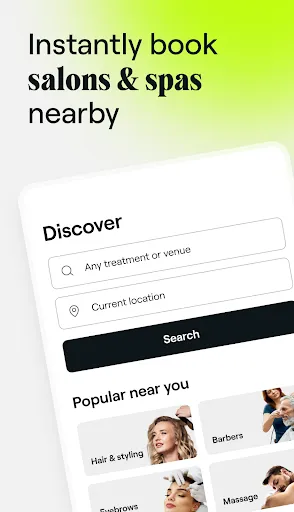
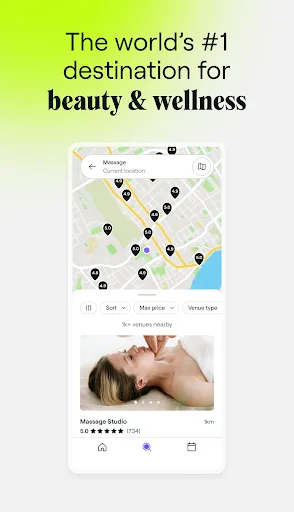
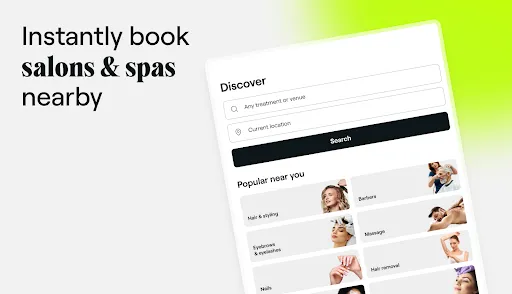
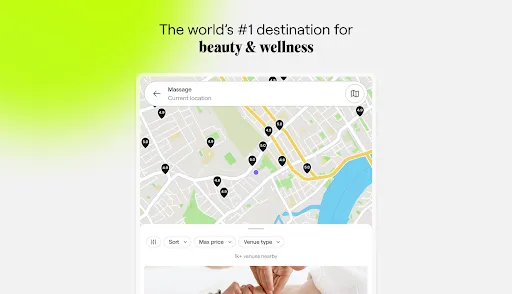
"Fresha for Customers" offers a variety of features designed to enhance the user experience when booking beauty and wellness services. One of the standout features is the ability to easily search for local salons and service providers based on specific criteria such as location, service type, and availability. This makes it convenient for users to find exactly what they need without extensive searching.
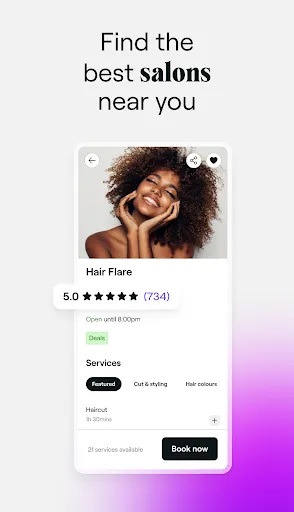
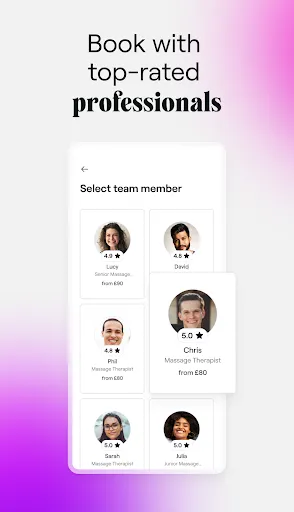
Another key feature is the user-friendly booking system, which allows customers to schedule appointments directly through the app. Users can view real-time availability, select their preferred time slots, and receive instant confirmations. Additionally, the app provides detailed profiles for each service provider, including reviews, ratings, and photos, helping customers make informed decisions.
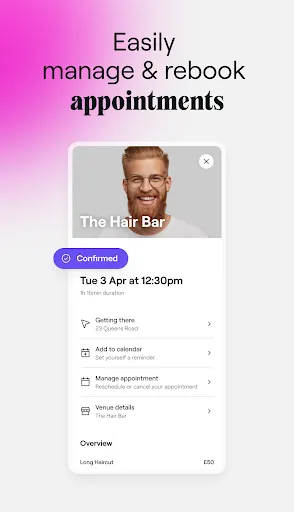
Fresha also includes a secure payment system, enabling users to pay for services directly through the app, which streamlines the checkout process. Furthermore, customers can manage their appointments, receive reminders, and even rebook previous services with just a few taps. Overall, "Fresha for Customers" combines convenience, efficiency, and a wealth of information to enhance the booking experience.
Using "Fresha for Customers" is a straightforward process that begins with downloading the app from your device's app store. Once installed, users can create an account by providing basic information such as their name, email address, and phone number. After setting up the account, customers can start exploring the various services available in their area.
To find a service provider, users can utilize the search function, filtering results based on location, service type, and availability. Once a suitable provider is found, customers can view their profile, which includes details about services offered, pricing, and customer reviews. After selecting a service, users can choose a date and time that works for them and proceed to book the appointment.
Payment can be made securely through the app, and users will receive a confirmation of their booking. Additionally, customers can manage their appointments, receive reminders, and even cancel or reschedule if necessary. Overall, the app is designed to make the process of finding and booking beauty and wellness services as seamless as possible.
Like any application, "Fresha for Customers" has its advantages and disadvantages. One of the primary pros is the convenience it offers. Users can easily find and book appointments with local service providers, saving time and effort. The app's user-friendly interface makes navigation simple, and the ability to read reviews helps customers make informed choices.
Another significant advantage is the secure payment system, which allows for hassle-free transactions. Additionally, the app provides reminders for upcoming appointments, reducing the chances of missed bookings. However, there are some cons to consider. For instance, the availability of service providers may vary by location, which could limit options for some users.
Moreover, while the app is generally reliable, occasional technical glitches may occur, leading to frustration. Some users may also find that not all service providers are listed on the platform, which could restrict their choices. Overall, while "Fresha for Customers" offers a range of benefits, potential users should weigh these pros and cons based on their individual needs and circumstances.

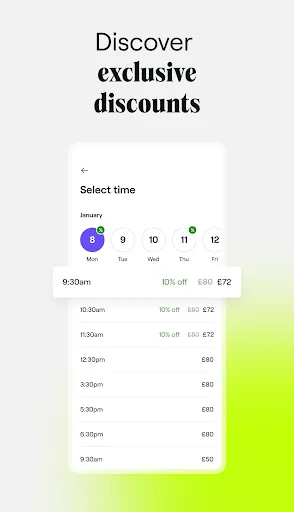
 Fresha offers seamless online booking for appointments at your convenience. Enjoy exclusive deals and discounts from partnered businesses. Easily manage your appointments and receive timely reminders. Access a wide range of services from top-rated professionals. Benefit from user-friendly reviews to help make informed choices.
 Limited customer support options can lead to frustrating experiences. Scheduling conflicts may arise with service providers using the platform. The interface can be overwhelming for new users unfamiliar with digital booking.
  Google Play
  App Store
 Yes, users can submit suggestions or feedback through the app or the Fresha website, where they can find contact information for customer support.
Yes, Fresha for customers collects personal data to facilitate bookings and enhance user experience, but it adheres to privacy regulations to protect your information.
Fresha for customers primarily requires an internet connection to function effectively, but some features may be accessible offline, such as viewing previously booked appointments.
Since Fresha for customers is free and does not have a subscription model for users, there is no subscription to cancel. You can simply stop using the app if you choose.
Fresha for customers does not charge customers a subscription fee; it is free to use for booking appointments.
Yes, you can update your email address in the account settings once you log in to your Fresha account.
You can reach our customer service team through the help section on our website or by emailing support
To activate your account, check your email for an activation link and click on it to confirm your registration.
For booking issues, please contact customer service through the support page on our website for prompt assistance.
You can find your customer number in the confirmation emails from Fresha or by logging into your account.