


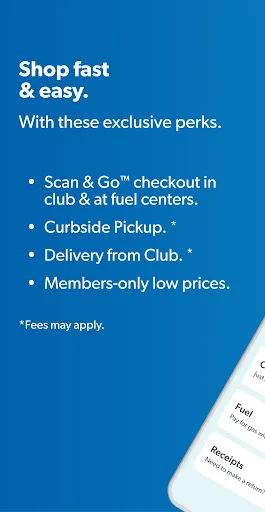
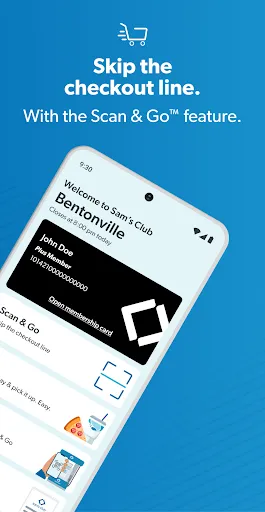
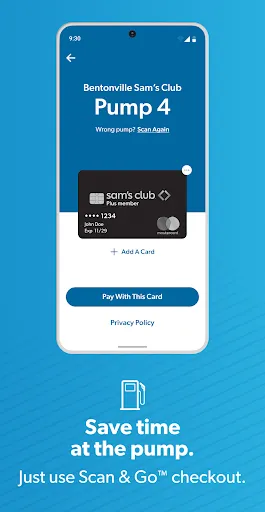
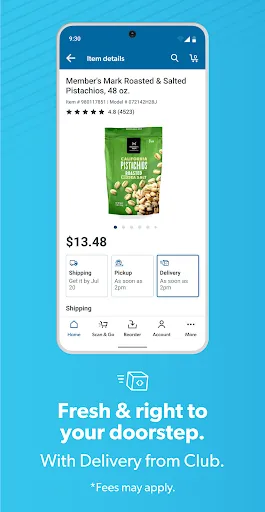
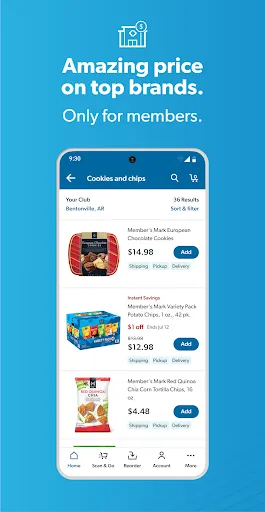
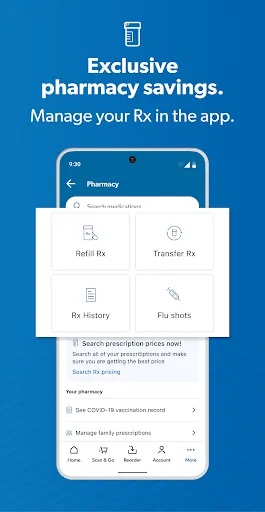
The "Sam’s Club: Shopping Made Easy" app offers a variety of features designed to enhance the shopping experience for its users. One of the primary features is the ability to browse and purchase a wide range of products directly from the app. Users can access exclusive member-only deals and discounts, making it easier to save money on everyday essentials. The app also includes a barcode scanner, allowing shoppers to quickly check prices and product details while in-store.
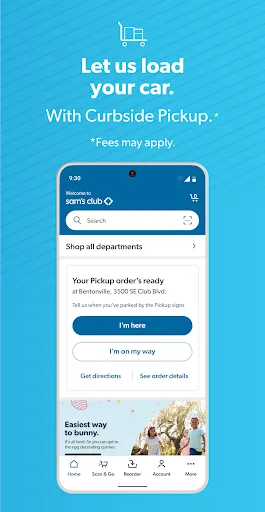
Another notable feature is the personalized shopping experience. The app provides tailored recommendations based on previous purchases and preferences, helping users discover new products that align with their needs. Additionally, the app supports a seamless checkout process, enabling users to pay directly through their mobile devices. For those who prefer to shop in-store, the app offers a "Club Pickup" option, allowing members to order online and pick up their items at their local Sam’s Club. Overall, the app is designed to streamline the shopping process, making it more convenient and efficient for members.
Using the "Sam’s Club: Shopping Made Easy" app is straightforward and user-friendly. First, download the app from the App Store or Google Play and create an account or log in with your existing Sam’s Club membership credentials. Once logged in, you can explore the app’s various features, including browsing categories, searching for specific items, and viewing current promotions.
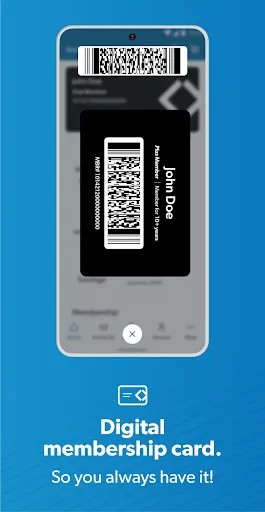
To make a purchase, simply add items to your cart and proceed to checkout. The app allows you to choose between home delivery or Club Pickup, depending on your preference. If you opt for Club Pickup, you can select a convenient time to collect your order at your local Sam’s Club. Additionally, the app provides access to your membership card, making it easy to scan at checkout. For a more personalized experience, take advantage of the app’s recommendations and save your favorite items for future reference. Overall, the app is designed to make shopping at Sam’s Club more efficient and enjoyable.
The "Sam’s Club: Shopping Made Easy" app comes with several advantages that enhance the shopping experience. One of the main pros is the convenience it offers, allowing users to shop from anywhere at any time. The app’s user-friendly interface makes it easy to navigate through various categories and find products quickly. Additionally, the exclusive deals and discounts available through the app can lead to significant savings for members. The barcode scanner feature is also a valuable tool for comparing prices and checking product details while shopping in-store.
However, there are some cons to consider. Some users have reported occasional technical glitches, such as slow loading times or crashes, which can be frustrating. Additionally, while the app provides a wide selection of products, not all items available in-store may be listed online, potentially leading to disappointment. Lastly, the app is primarily designed for Sam’s Club members, meaning non-members may not fully benefit from its features. Overall, while the app has its drawbacks, its advantages often outweigh them, making it a useful tool for Sam’s Club shoppers.

 Low prices on bulk items help you save money. Wide selection of products for every need. Convenient shopping experience with easy online ordering. Membership perks include exclusive discounts and offers. Friendly staff ready to assist with your shopping.
 Limited store locations reduce accessibility for many shoppers. Membership fees can deter occasional buyers. Bulk purchasing may lead to waste for smaller households.
  Google Play
  App Store
 Yes, users can submit suggestions or feedback through the app’s feedback feature or by contacting customer support directly, helping to improve the app experience.
Yes, the app may collect personal data as part of its functionality, including information for account creation and order processing, in accordance with its privacy policy.
Yes, the app allows some features to be used offline, such as viewing previously accessed items and deals, but an internet connection is required for most functionalities like placing orders.
To cancel your subscription, you can do so through the app settings or by contacting Sam’s Club customer service for assistance.
The app itself is free, but a Sam’s Club membership, which is necessary to utilize the shopping features, typically costs around $45 annually for a basic membership.
Yes, you can log in to your account on the Sam’s Club app using your email and password just like on the website.
No, you cannot update your Customer Number online. Please contact Customer Service for assistance with any changes.
You can reach Customer Service by calling the number on the back of your membership card or visiting the customer service desk in-store.
After joining online, check your email for an activation link and follow the instructions to complete your account activation.
Visit the Sam’s Club website, click on the "Log In" button, enter your email and password, then click "Submit."