

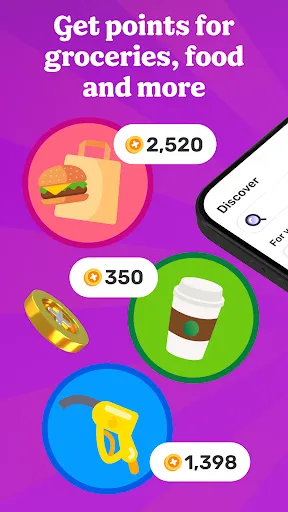
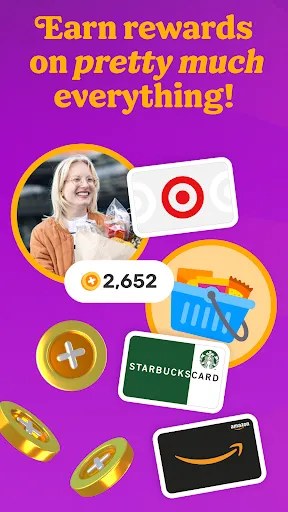
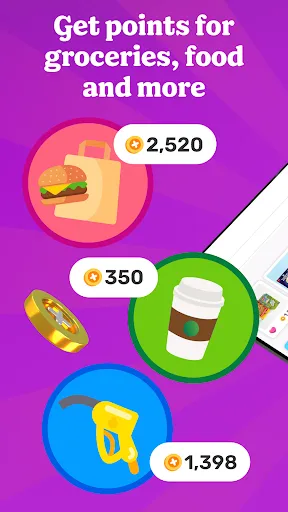
In my busy life, I often find myself running errands, whether it's grocery shopping, filling up my car with gas, or grabbing a quick bite to eat. The Fetch app has become an integral part of these daily routines. After each shopping trip, I make it a point to scan my receipts immediately. It's not just about earning points; it's about transforming mundane tasks into rewarding experiences. Recently, I visited a local grocery store and picked up some snacks for a movie night. After checking out, I whipped out the Fetch app and scanned my receipt right there in the parking lot. It felt satisfying to see my points increase instantly.
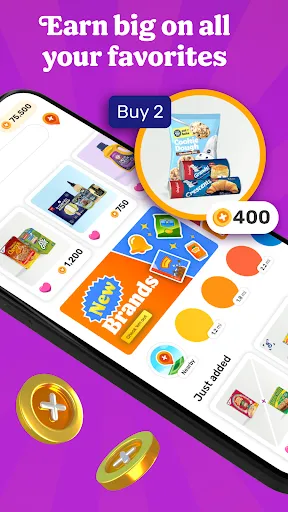
The user interface of Fetch is not only visually appealing but also straightforward and intuitive. Upon opening the app, I am greeted with clear options that guide me seamlessly through the receipt scanning process. The workflow is smooth; I can easily navigate to see my points, redeem rewards, or invite friends without any confusion. Performance-wise, the app is quick and responsive. I never experienced lag or crashes, which is a huge plus in my book. Overall, using Fetch is a delightful experience. Each time I scan a receipt, I feel a little thrill, knowing I’m one step closer to my next reward.
The best part about Fetch: America’s Rewards App is that it is completely free to use. There are no hidden fees or subscription costs, which makes it accessible for everyone. While you can earn points without spending a dime, the app does offer various promotional partnerships that may encourage additional purchases, but that’s entirely optional.
Fetch regularly updates its app to ensure a smooth user experience and to introduce new features. The support team is responsive, and I appreciated their quick replies when I had questions about redeeming my points. Additionally, the app provides a comprehensive FAQ section that addresses common concerns, making it easy for users to find answers without needing to reach out directly.
As an American user, I prioritize security and privacy when using any app, including Fetch. The app is available on both the App Store and Google Play, ensuring it meets standard security protocols. Upon registering, I provided basic personal information, such as my name and email address, which is standard for most rewards apps. Fetch is transparent about its data collection practices and assures users that their data is secure and not sold to third parties.
In terms of ads or tracking behavior, while Fetch may utilize some advertising to promote offers, I didn’t notice invasive tracking or excessive ads interrupting my experience. The app focuses on enhancing the user experience rather than bombarding me with irrelevant advertisements.
Overall, Fetch: America’s Rewards App has proven to be a fantastic tool for turning everyday purchases into points that lead to rewards. With its easy-to-use interface, excellent support, and commitment to user security, I wholeheartedly recommend it to anyone looking to earn rewards effortlessly!

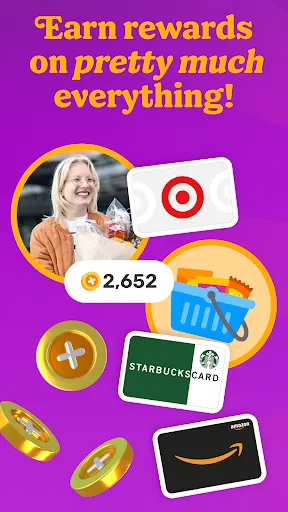
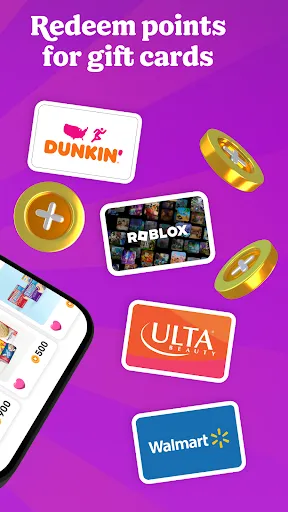
 Earn points on everyday purchases easily Redeem rewards for popular gift cards Enjoy exclusive offers tailored to your interests Track spending and savings in one app Join a community of savvy shoppers
 Limited reward options for certain purchases Privacy concerns over data collection Points expiration can diminish value Difficulties in app navigation for some users
  Google Play
  App Store
 Fetch: America’s Rewards App may collect personal data such as your email address and shopping preferences to enhance your experience and provide targeted offers, but it is committed to protecting your privacy and data security.
Fetch: America’s Rewards App is free to download and use, allowing users to earn rewards without any upfront costs or trial periods.
Yes, Fetch: America’s Rewards App requires an internet connection to function properly, as it needs to connect to its servers to process receipts and update your points balance.
You can contact Fetch: America’s Rewards App support or send feedback through the app itself, usually found in the settings or help section, or by visiting their official website for additional contact options.
Since Fetch: America’s Rewards App does not have a subscription model, there is no need to manage or cancel a subscription. Users can simply stop using the app if they choose.
Yes, you need to verify your email or phone number after signing up to activate your Fetch account.
You can reach Fetch customer service through the app's support section or email them at support
Open the app, tap on "Log In," enter your email or phone number, and your password, then press "Log In."
Fetch does not provide a direct customer support number; please use the in-app support or email for assistance.