


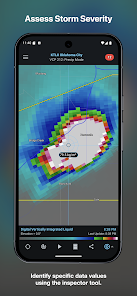
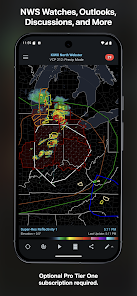
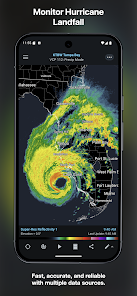
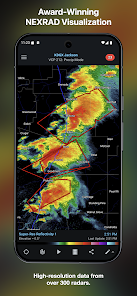
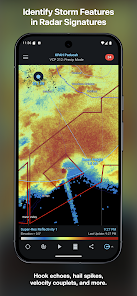
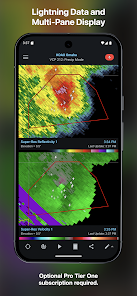
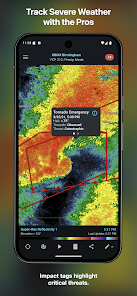
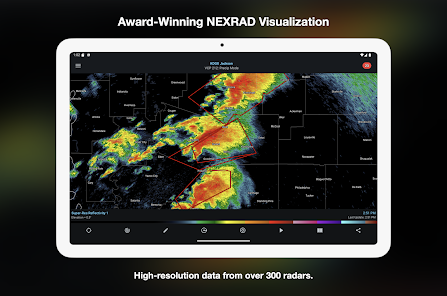
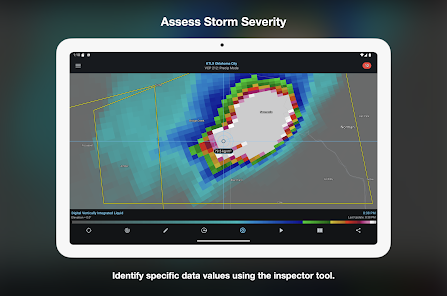
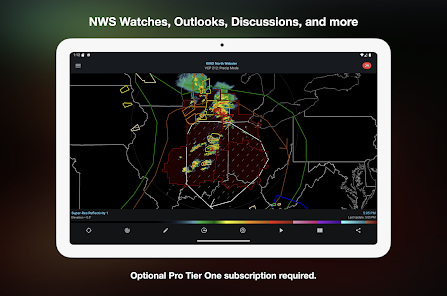
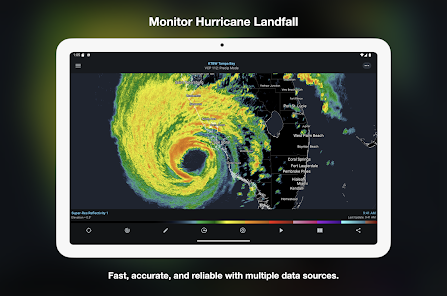
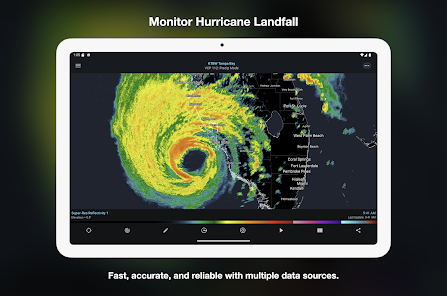
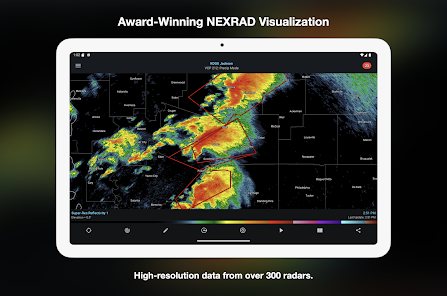
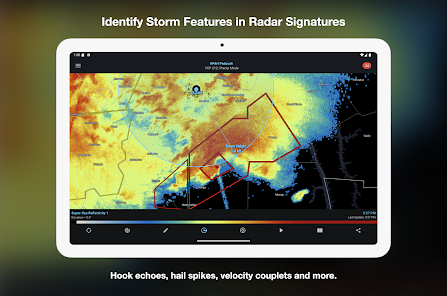
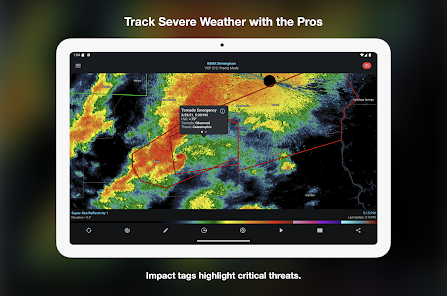
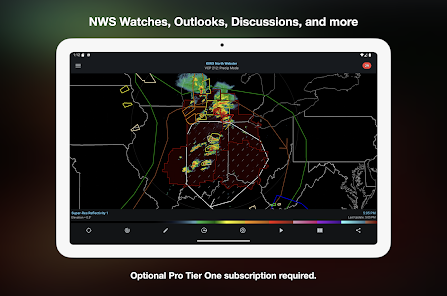
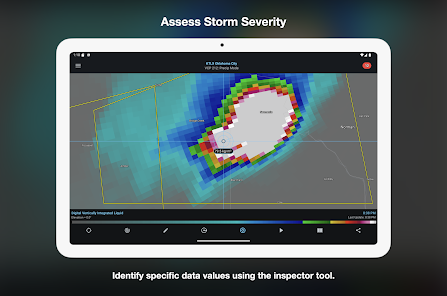
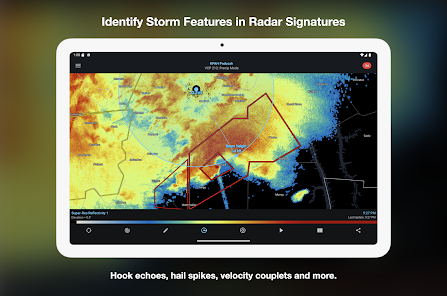
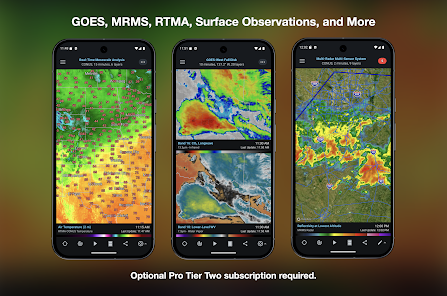
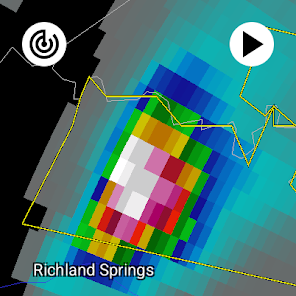
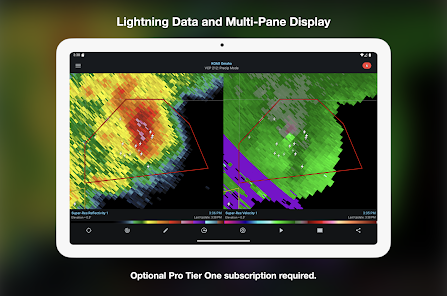
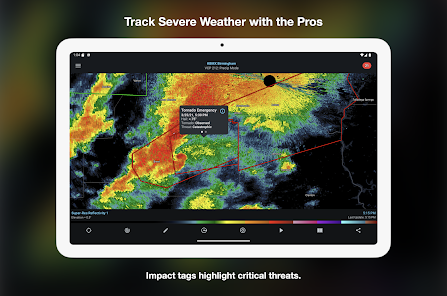
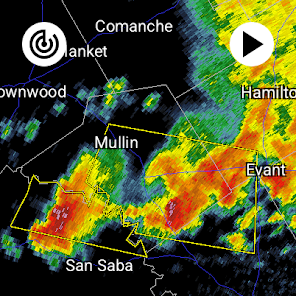
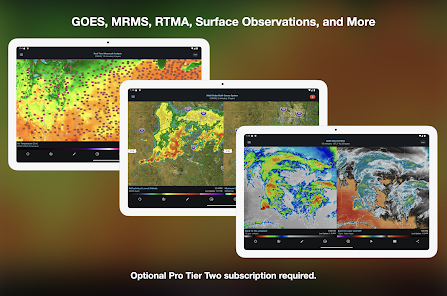
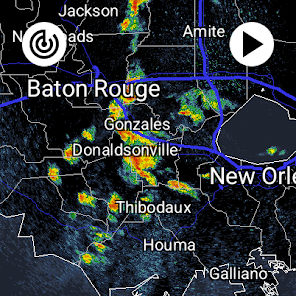
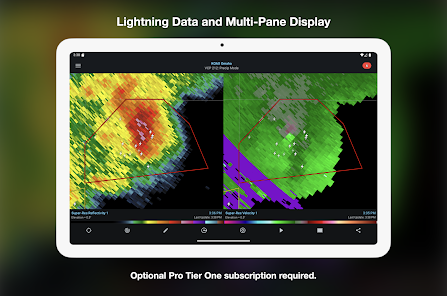
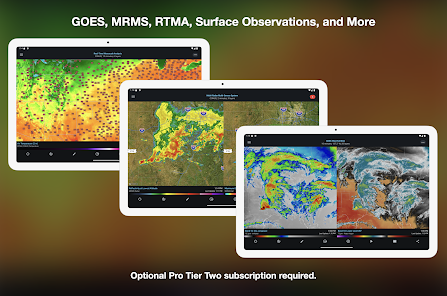
RadarScope is a powerful weather radar application designed for meteorologists, storm chasers, and weather enthusiasts. One of its standout features is the ability to access high-resolution radar data from multiple sources, including NEXRAD, TDWR, and more. This allows users to view real-time precipitation, storm tracks, and severe weather alerts. The app also offers a variety of radar products, such as reflectivity, velocity, and dual-polarization data, which provide detailed insights into storm structure and intensity.
Another notable feature is the interactive map interface, which allows users to zoom in and out, pan across different regions, and customize their view. Users can also overlay various data layers, including satellite imagery and lightning strikes, to enhance their understanding of weather patterns. Additionally, RadarScope supports push notifications for severe weather alerts, ensuring that users stay informed about imminent threats. The app is available on both iOS and Android platforms, making it accessible to a wide audience.
Using RadarScope is straightforward, even for those new to weather radar applications. After downloading and installing the app, users can create an account or log in to access premium features. Upon opening the app, the main screen displays a map with radar data overlaid. Users can pinch to zoom in or out and drag the map to explore different areas. Tapping on the radar image reveals detailed information about precipitation intensity and storm movement.
To customize the radar view, users can access the settings menu, where they can select different radar products and data layers. For those interested in severe weather, enabling push notifications is recommended, as it provides timely alerts for tornadoes, severe thunderstorms, and flash floods. Users can also save favorite locations for quick access to specific areas. Overall, RadarScope is user-friendly, making it easy to navigate and utilize its extensive features effectively.
RadarScope offers several advantages that make it a popular choice among weather enthusiasts. One of its primary benefits is the access to high-resolution radar data, which is crucial for accurate storm tracking and analysis. The app's user-friendly interface allows for easy navigation, and the ability to customize views enhances the user experience. Additionally, the real-time alerts for severe weather events keep users informed and prepared for potential threats.
However, there are some drawbacks to consider. RadarScope is a paid app, which may deter some users who are looking for free alternatives. While the app provides extensive data, it may be overwhelming for casual users who do not require in-depth radar analysis. Furthermore, the app's reliance on data connectivity means that users in remote areas with poor signal may experience limitations. Overall, while RadarScope is a powerful tool for serious weather watchers, it may not be suitable for everyone.

 RadarScope offers real-time radar data for precise weather tracking. The app features advanced storm analysis tools for enhanced decision-making. Users can customize alerts for severe weather notifications tailored to their needs. It provides high-resolution imagery for accurate visualization of storm systems. RadarScope supports multiple radar sources for comprehensive coverage and analysis.
 Limited integration with other weather services and tools makes data sharing difficult. High subscription costs may deter casual users from accessing its full features. The steep learning curve can overwhelm new users unfamiliar with radar data.
 RadarScope may collect certain data for functionality and improvement purposes, but it prioritizes user privacy and does not sell personal data to third parties.
RadarScope does not offer a free version, but it may provide limited-time trials or promotional access to features through its subscription plans.
Yes, RadarScope requires an internet connection to download radar data and updates, though some features may still be accessible offline depending on the specific settings and data previously downloaded.
You can contact RadarScope support or send feedback through the app's help section, or by visiting their official website where they provide additional contact options and resources.
You can manage or cancel your RadarScope subscription through the app store where you purchased it (iOS App Store or Google Play Store) or through your account settings within the app.
Yes, you can change your login email by accessing your account settings after logging in. If you need further assistance, contact customer service.
To activate your account, click the activation link sent to your email after registration. If you didn't receive it, check your spam folder or contact customer service.
You can log in by entering your email and password on the RadarScope login page. If you forget your password, use the "Forgot Password" link to reset it.
You can reach customer service through the help section in the app or our website. Provide your details, and we’ll help resolve your activation issues.
If you need to update your customer number, please contact customer service directly. They can assist you with any changes needed.












 Google Play
  App Store














