


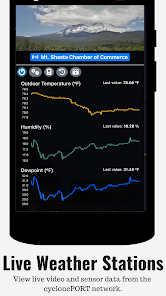
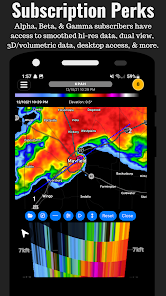
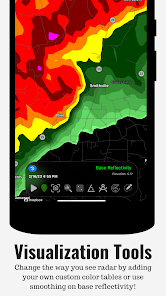
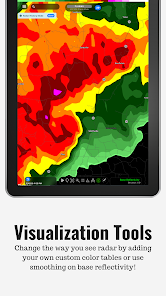
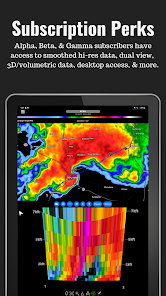
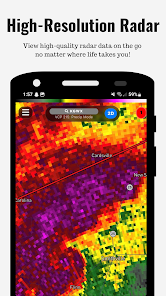
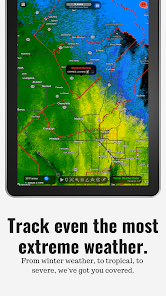
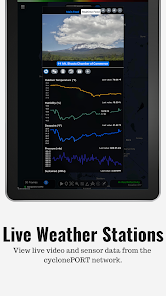
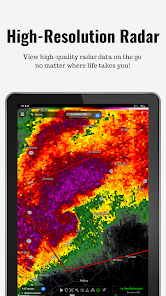
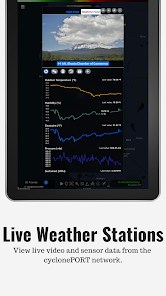
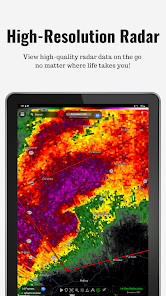
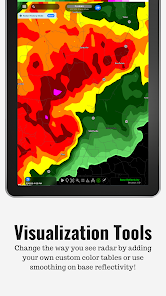
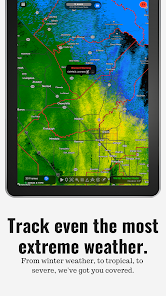
RadarOmega is a powerful weather radar application designed for both professional meteorologists and weather enthusiasts. One of its standout features is the high-resolution radar imagery, which provides users with real-time data on precipitation, storm systems, and severe weather alerts. The app integrates multiple radar sources, allowing users to view a comprehensive picture of weather conditions across various regions.
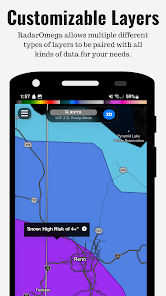
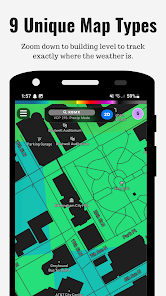
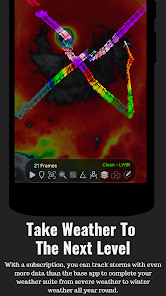
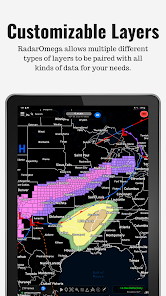
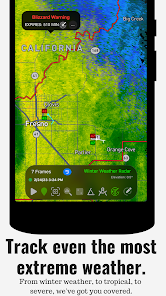
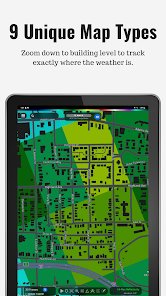
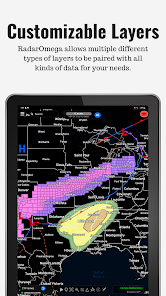
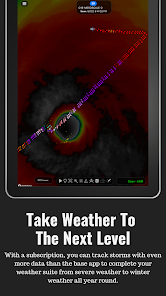
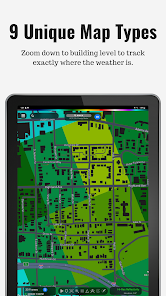
Another notable feature is the interactive map interface, which enables users to zoom in and out, pan across different areas, and customize their view based on specific weather parameters. RadarOmega also includes advanced tools such as storm tracking, lightning detection, and the ability to overlay various weather layers, including satellite imagery and temperature maps. Additionally, users can set up personalized alerts for severe weather events, ensuring they stay informed about changing conditions in their area.
Furthermore, RadarOmega supports community sharing, allowing users to report weather conditions and share their observations with others. This feature fosters a collaborative environment for weather enthusiasts and professionals alike, enhancing the overall user experience.
Using RadarOmega is straightforward, making it accessible for users of all experience levels. After downloading the app from the appropriate app store, users can create an account or log in as a guest. Upon opening the app, users are greeted with a user-friendly interface that displays the current radar imagery for their location. To navigate the map, simply swipe to pan and pinch to zoom in or out, allowing for detailed examination of specific areas.
To customize the radar view, users can access the settings menu, where they can select different radar sources and overlay various weather layers, such as storm tracks, lightning strikes, and temperature readings. Users can also set up personalized alerts by navigating to the alerts section and specifying the types of weather notifications they wish to receive. This feature ensures that users are promptly informed about severe weather events in their vicinity.
For those interested in community engagement, RadarOmega offers a reporting feature that allows users to share their weather observations. By tapping on the report button, users can submit real-time updates, contributing to a collective understanding of local weather conditions.
RadarOmega comes with several advantages that make it a popular choice among weather enthusiasts. One of the primary pros is its high-resolution radar imagery, which provides detailed and accurate weather data. The app's user-friendly interface allows for easy navigation, making it accessible for both novice and experienced users. Additionally, the ability to customize alerts and view multiple radar sources enhances the overall user experience, ensuring that users receive timely information about severe weather events.
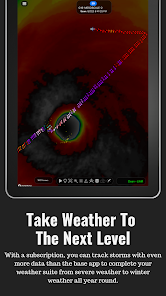
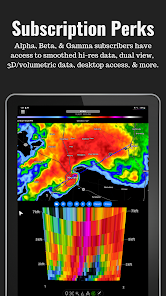
However, there are some drawbacks to consider. One potential con is that the app may require a subscription for access to certain advanced features, which could deter some users. Additionally, while the app is designed for a wide audience, the abundance of features may overwhelm those who prefer a more straightforward weather application. Lastly, users in remote areas may experience limited radar coverage, which could affect the app's effectiveness in providing accurate weather data.
In summary, RadarOmega offers a robust set of features that cater to a diverse range of users, but potential costs and complexity may be factors to consider when deciding if it is the right weather app for you.

 Real-time weather updates ensure you're always informed of changing conditions. Interactive radar maps allow for easy tracking of severe weather events. Customizable alerts keep you notified of specific weather events that matter to you. User-friendly interface makes navigation simple for all experience levels. Comprehensive data sources enhance accuracy and reliability of forecasts.
 Limited features compared to more comprehensive weather applications High data usage may affect mobile plans Learning curve can be steep for new users
 RadarOmega may collect some personal data for functionality and service improvement, but it adheres to privacy policies to protect user information.
RadarOmega does not offer a free version, but it may provide a trial period for new users to explore its features before committing to a subscription.
Yes, RadarOmega requires an internet connection to access real-time radar data and updates.
You can contact RadarOmega support or send feedback through the app’s support section, which includes options for email or in-app messaging.
You can manage or cancel your RadarOmega subscription directly through the app’s settings or your app store account settings, depending on your device.
Unfortunately, customer numbers are assigned and cannot be changed. If you have concerns, please reach out to customer service for more information.
You can reach our customer service team via the support section on our website or by emailing support
After signing up, check your email for an activation link. Click on it to complete your account activation.
Simply go to the RadarOmega website or app and enter your login details. Your account is accessible from any device.
Please check your account confirmation email or contact customer service for assistance in retrieving your customer number.












 Google Play
  App Store














