

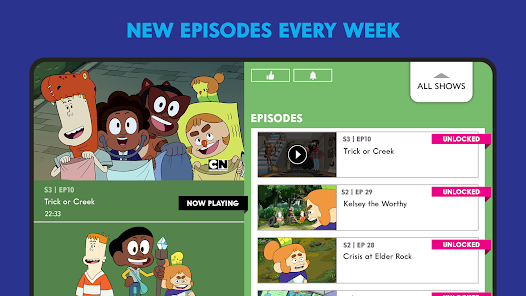
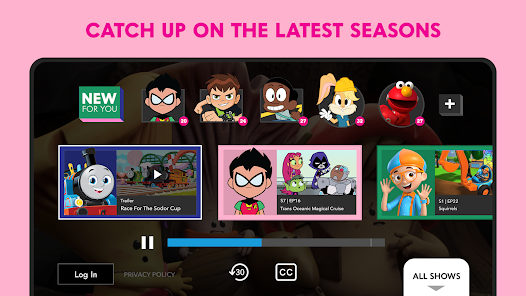
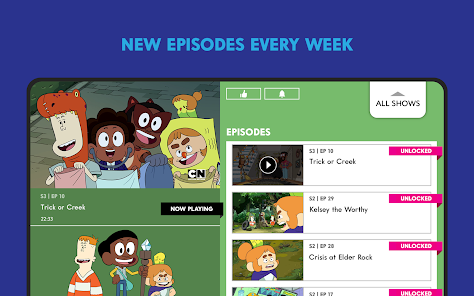
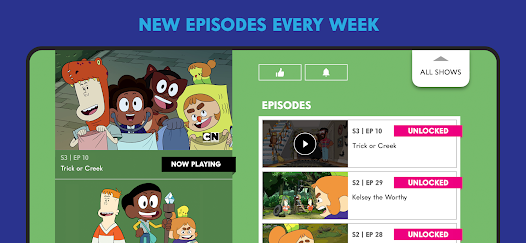
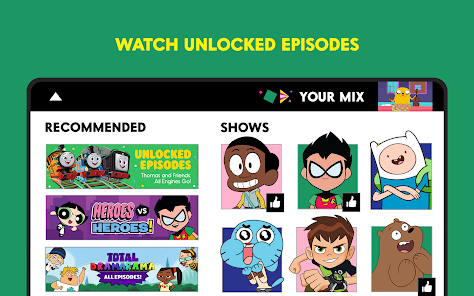
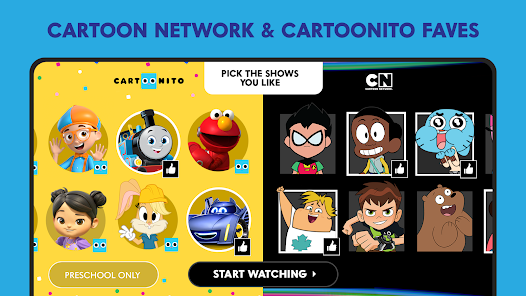
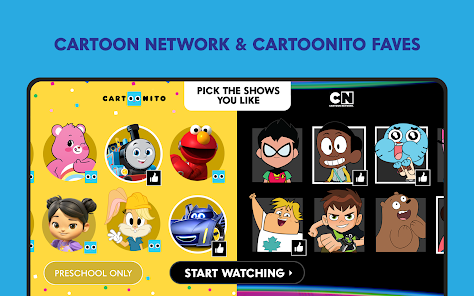
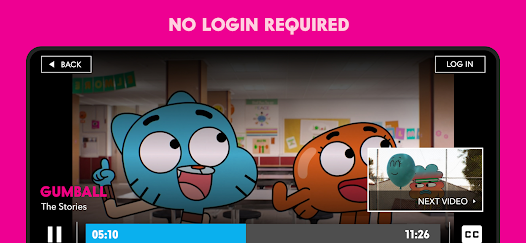
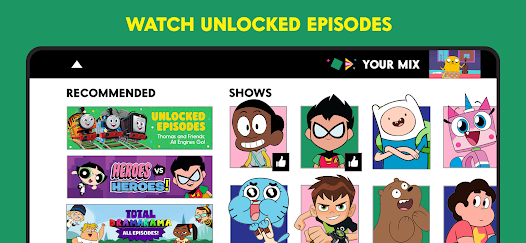
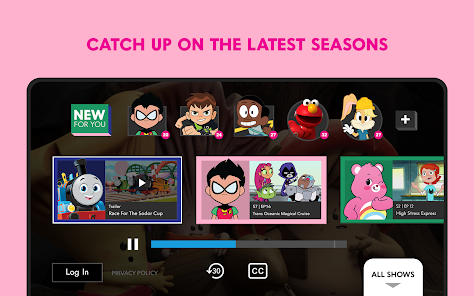
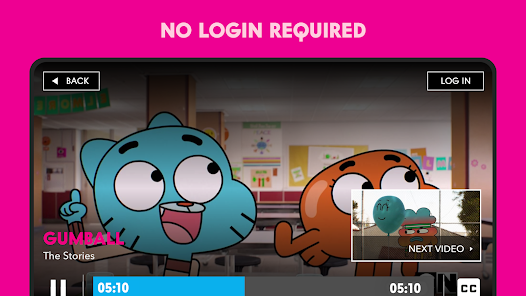
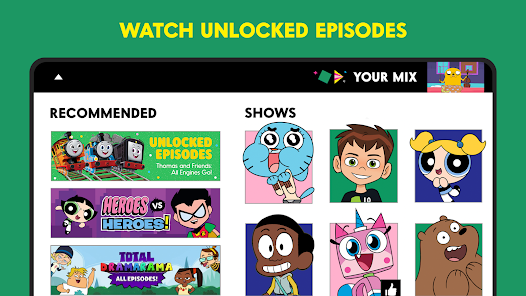
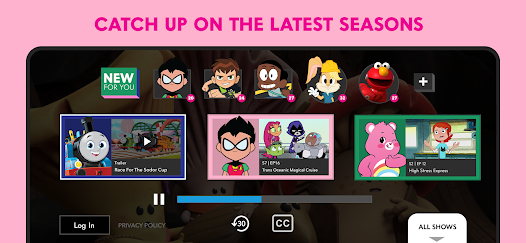
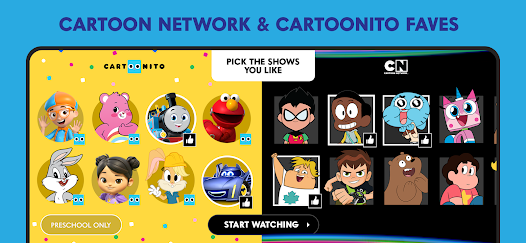
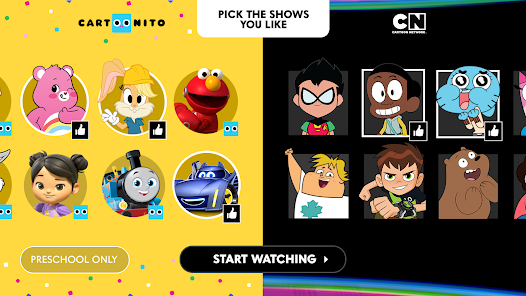
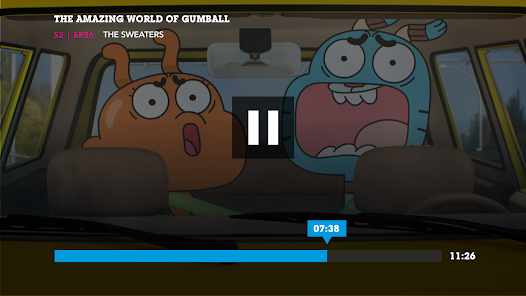
The Cartoon Network App offers a variety of engaging features designed to enhance the viewing experience for fans of the network's animated shows. One of the standout features is the extensive library of episodes from popular series such as "Adventure Time," "Teen Titans Go!," and "The Amazing World of Gumball." Users can stream full episodes and clips, making it easy to catch up on their favorite shows anytime, anywhere.
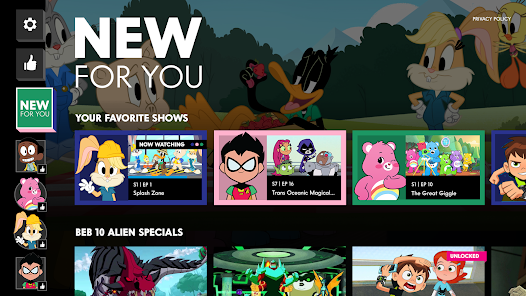
Another notable feature is the interactive games section, where users can play games based on their favorite characters and shows. This adds an element of fun and engagement beyond just watching episodes. The app also includes a personalized watchlist, allowing users to save their favorite shows for quick access. Additionally, the app provides notifications for new episodes and special events, ensuring that fans never miss out on the latest content. Overall, the Cartoon Network App combines entertainment and interactivity, making it a must-have for fans of animated series.
Using the Cartoon Network App is straightforward and user-friendly. First, download the app from the App Store or Google Play Store, depending on your device. Once installed, open the app and create an account or log in if you already have one. This will allow you to access personalized features and save your preferences.
After logging in, you can browse through the extensive library of shows and episodes. The app's interface is designed for easy navigation, with categories for different shows and genres. To watch an episode, simply select it, and it will begin streaming. You can also explore the games section to find interactive content related to your favorite shows. Don’t forget to customize your watchlist to keep track of episodes you want to see later. Overall, the Cartoon Network App is designed to provide a seamless and enjoyable experience for users of all ages.
The Cartoon Network App comes with several advantages that make it appealing to users. One of the primary pros is the vast selection of content available, including full episodes and exclusive clips from popular shows. This extensive library ensures that fans have plenty of material to enjoy. Additionally, the interactive games feature adds a fun element, allowing users to engage with their favorite characters in a different way. The app's user-friendly interface and personalized watchlist also enhance the overall experience, making it easy to find and enjoy content.
However, there are some drawbacks to consider. One notable con is that certain episodes may require a cable subscription for access, limiting availability for some users. Additionally, the app may experience occasional bugs or glitches, which can disrupt the viewing experience. Some users have also reported that the ad frequency can be excessive, detracting from the enjoyment of watching shows. Overall, while the Cartoon Network App offers a wealth of content and features, potential users should weigh these pros and cons before diving in.

 Stream a vast library of your favorite animated shows anytime. Enjoy exclusive content and original series not found elsewhere. Access episodes and clips for free with minimal ads. Create personalized watchlists for easy access to favorites. Stay updated with notifications about new episodes and events.
 Limited content availability compared to the full TV channel experience Frequent ads can disrupt viewing enjoyment Some features may require a subscription for full access
  Google Play
  App Store
 Yes, users can submit suggestions or feedback through the app's customer support section or via the official Cartoon Network website.
Yes, the Cartoon Network App collects personal data to enhance user experience, but it adheres to privacy regulations and provides options for users to manage their data.
Yes, the Cartoon Network App allows users to download select episodes for offline viewing.
To cancel a subscription, users can follow the instructions provided in the app settings or contact their cable provider for assistance.
While the app itself is free, accessing certain premium content may require a subscription through a participating cable provider, and costs can vary.
Customer numbers are generally fixed. Please contact customer service for any specific requests regarding changes.
Yes, you can log in using your Facebook or Google account if you’ve linked them during registration.
You can reach customer service through the app's help section or visit the Cartoon Network website for support options.
To activate your account, download the app, select the activation option, and follow the prompts to enter your details.
To log in, open the app, select the login option, and enter your registered email and password.