


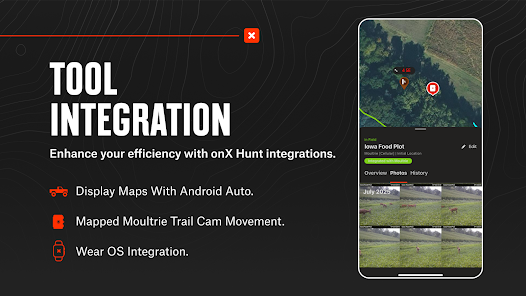
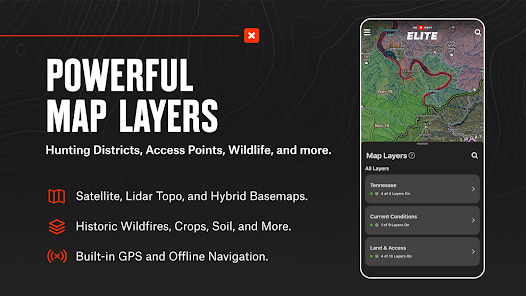
"onX Hunt: Offline Hunting Maps" is a comprehensive tool designed for outdoor enthusiasts, particularly hunters. One of its standout features is the ability to access detailed topographic maps, which provide essential information about terrain elevation and land contours. This feature is crucial for planning hunting trips and understanding the landscape.
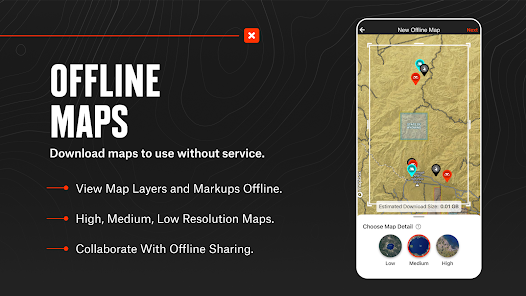
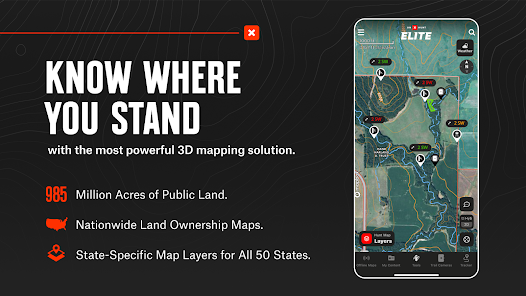
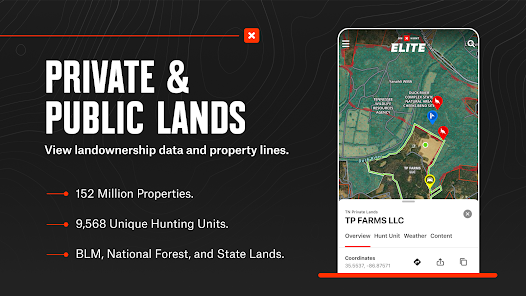
Another significant aspect is the offline map capability, allowing users to download maps for use in remote areas without cell service. This ensures that hunters can navigate effectively, even in the most secluded locations. The app also includes property boundary information, which helps users identify public and private land, reducing the risk of trespassing.
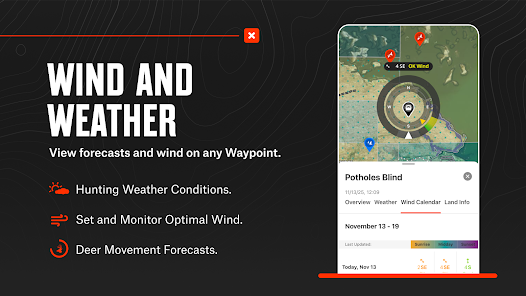
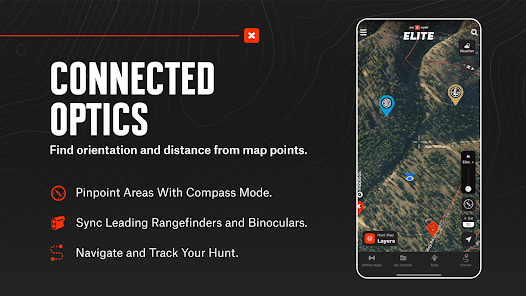
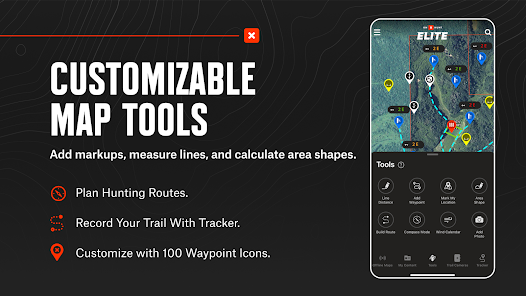
Additionally, "onX Hunt" offers real-time tracking and waypoint marking, enabling users to record their locations and important spots, such as game trails or water sources. The app also provides weather updates and hunting regulations, ensuring that users are well-informed before heading out. Overall, these features make "onX Hunt" an invaluable resource for anyone serious about hunting.
Using "onX Hunt: Offline Hunting Maps" is straightforward and user-friendly. First, download the app from your device's app store and create an account. Once logged in, you can explore various maps and features available within the app. To prepare for your hunting trip, search for your desired area using the map interface.
After locating your hunting grounds, you can download the specific map sections for offline use. This is particularly useful in areas with limited or no cell service. To download, simply select the area and choose the download option. Once downloaded, you can access these maps anytime, even without an internet connection.
Marking waypoints is another essential function. You can drop pins on the map to indicate important locations, such as your campsite or game sightings. Additionally, utilize the tracking feature to monitor your movements in real-time. By familiarizing yourself with these functionalities, you can maximize the app's potential and enhance your hunting experience.
"onX Hunt: Offline Hunting Maps" comes with several advantages that make it a popular choice among hunters. One of the primary benefits is its extensive map coverage, which includes detailed topographic and satellite imagery. This allows users to gain a comprehensive understanding of the terrain. The offline functionality is another significant pro, enabling hunters to access maps without relying on cellular service, which is crucial in remote areas.
However, the app is not without its drawbacks. One notable con is the subscription cost, which may be a barrier for some users. While the app offers a wealth of features, the price can be a consideration for those on a budget. Additionally, some users have reported occasional glitches or slow loading times, which can be frustrating during critical moments in the field.
In summary, while "onX Hunt" provides valuable tools and resources for hunters, potential users should weigh the pros and cons, particularly regarding cost and performance, to determine if it meets their specific needs.

 Access detailed hunting maps without cellular service Locate property boundaries and land ownership easily Track routes and waypoints to enhance navigation Utilize weather forecasts to plan your trips effectively Share locations and insights with fellow hunters seamlessly
 Limited functionality without a cellular signal can hinder navigation. Battery drain from constant GPS use can be problematic. Subscription costs may not justify the features for occasional users.
  Google Play
  App Store
 Yes, users are encouraged to submit suggestions or feedback directly through the app or via the onX Hunt website to help improve the app and its features.
onX Hunt may collect certain personal data for account creation and usage analytics; however, they prioritize user privacy and provide options for managing data sharing.
Yes, onX Hunt allows users to download maps for offline use, enabling hunters to navigate areas without cellular service during their trips.
Users can cancel their subscription through their account settings in the app or by managing their subscription through the app store they used for purchase.
Subscription prices may vary depending on the plan chosen, but they typically offer options for monthly or yearly subscriptions, with discounts often available for longer commitments.
Yes, you can update your customer information in the account settings after logging into your onX Hunt account.
To activate your account, follow the link in your confirmation email after signing up or contact customer service if you need assistance.
You can reach customer service by emailing support
You can still contact customer service via email, and they’ll assist you regardless of your location.
You can retrieve your customer number by checking your account settings or by contacting customer service for help.