

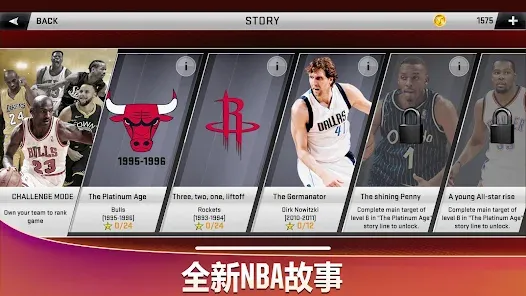
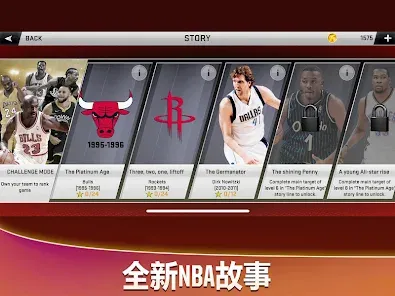
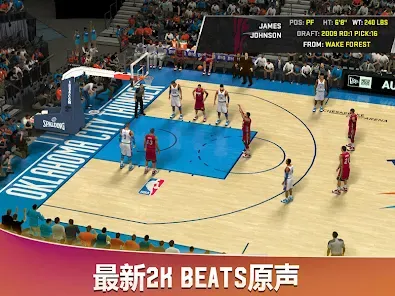
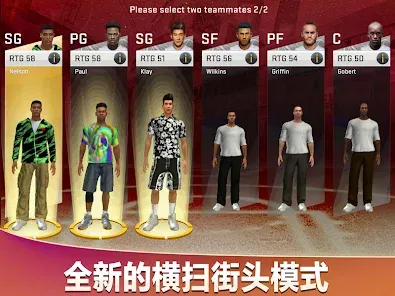
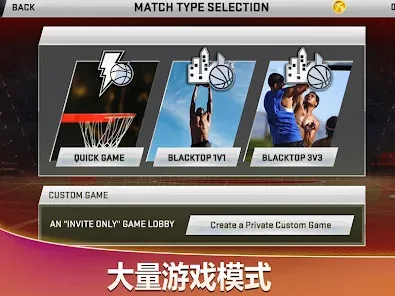
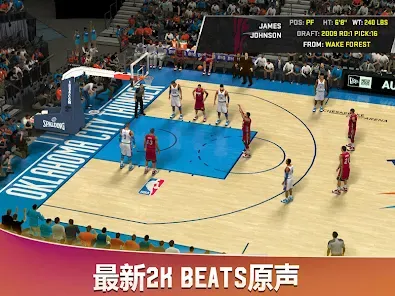
"NBA 2K20" offers a plethora of features that enhance the gaming experience for basketball enthusiasts. One of the standout elements is the MyCareer mode, where players can create their own basketball player and guide them through their journey in the NBA. This mode includes a storyline that immerses players in the life of an aspiring athlete, complete with challenges and opportunities for growth.
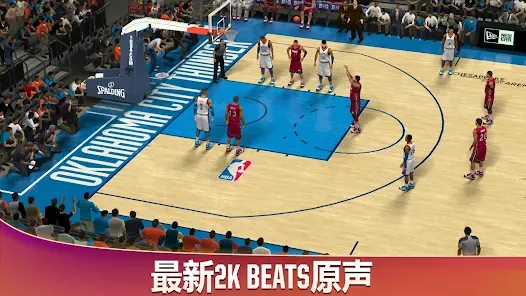
Another significant feature is the MyTeam mode, which allows players to build their own dream team by collecting player cards. This mode includes various challenges and tournaments, providing a competitive edge and encouraging strategic gameplay. Additionally, the game boasts improved graphics and animations, making the on-court action more realistic than ever.
Furthermore, "NBA 2K20" introduces the WNBA, allowing players to engage with female athletes and experience the league's unique gameplay. The game also features an extensive soundtrack and various customization options, enabling players to personalize their gaming experience. Overall, "NBA 2K20" combines engaging gameplay with rich features that cater to both casual and hardcore basketball fans.
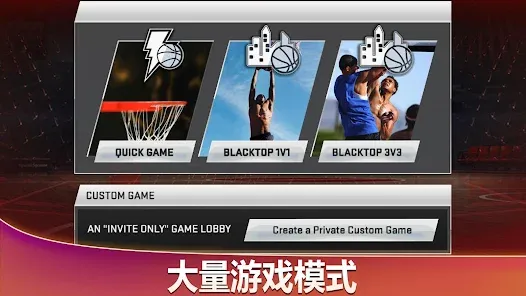
To get started with "NBA 2K20," players first need to install the game on their preferred gaming platform, whether it be PlayStation, Xbox, or PC. Once installed, players can navigate through the main menu, where they will find various game modes such as MyCareer, MyTeam, and Play Now. Each mode offers a different experience, so players should choose based on their interests.
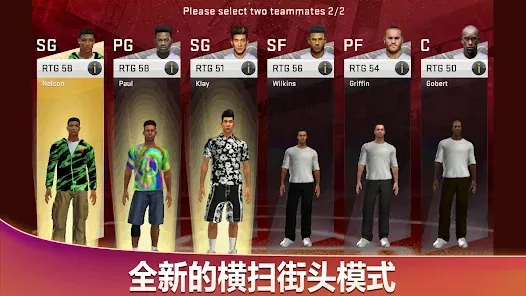
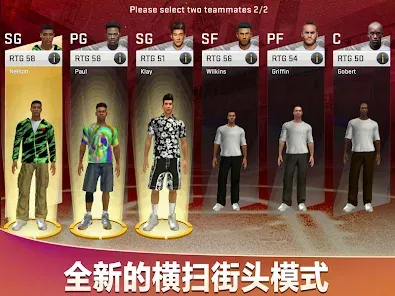
In MyCareer, players can create their custom player by selecting attributes, appearance, and position. After creating a player, they can embark on their journey through the NBA, participating in games, training, and making decisions that affect their career trajectory. In MyTeam, players can build their ultimate team by collecting player cards and competing in various challenges.
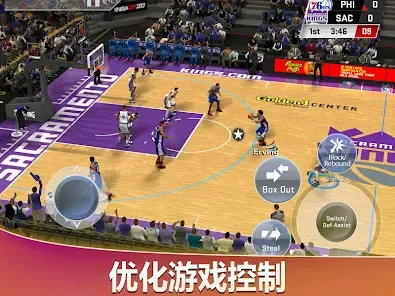
For those looking to play with friends, the online multiplayer options allow for competitive matches and cooperative gameplay. Players can also customize their settings and controls to enhance their experience. Overall, "NBA 2K20" is user-friendly, making it accessible for both newcomers and seasoned players alike.
"NBA 2K20" comes with its share of advantages and disadvantages that players should consider. On the positive side, the game features stunning graphics and realistic animations that bring the basketball experience to life. The inclusion of the WNBA is a significant step forward, allowing for a more inclusive representation of the sport. Additionally, the MyCareer and MyTeam modes provide extensive gameplay options, keeping players engaged for hours.
However, there are some drawbacks to the game. One common criticism is the presence of microtransactions, which can create an uneven playing field, especially in MyTeam mode. Some players feel that the game encourages spending real money to gain an advantage, which can be frustrating. Furthermore, while the gameplay is generally smooth, some users have reported bugs and glitches that can detract from the overall experience.
In summary, "NBA 2K20" offers a rich and immersive basketball experience with its impressive features and modes. However, potential players should weigh the pros and cons, particularly regarding microtransactions and technical issues, before diving into the game.

 Immersive graphics enhance the realism of gameplay and player movements. Expanded MyCareer mode offers a deep, engaging narrative experience. Robust online multiplayer features foster competitive play with friends. Customizable player builds allow for unique game strategies and styles. Extensive roster updates keep teams current and reflective of real-life rosters.
 Frequent microtransactions can disrupt gameplay enjoyment and progression. Online connectivity issues lead to frustrating multiplayer experiences. MyCareer mode is criticized for its repetitive storyline and tasks.
  Google Play
  App Store
 Yes, players can submit suggestions or feedback through the official NBA 2K community forums or social media channels directed at the developers.
Yes, NBA 2K20 may collect personal data in accordance with its privacy policy, which includes information about your gameplay and account.
Yes, NBA 2K20 can be played offline, but some features, such as online multiplayer and certain game modes, require an internet connection.
Since NBA 2K20 does not operate on a subscription basis, there is no cancellation process needed; players simply purchase the game outright.
NBA 2K20 does not offer a subscription model; it is available for a one-time purchase. Pricing may vary based on the platform and any ongoing sales or promotions.
Unfortunately, Customer Numbers are permanent once assigned. For any concerns, please contact Customer Service for further guidance.
Yes, you can log in to your NBA 2K20 account on multiple devices, but make sure to log out from one before logging into another. For issues, contact Customer Service.
To activate your NBA 2K20 account, follow the activation link sent to your email after purchase. If you encounter issues, reach out to Customer Service for assistance.
You can reach Customer Service through the official NBA 2K support website or the in-game help menu for assistance.
You can update your contact information by logging into your account settings or by contacting Customer Service for help with your details.