


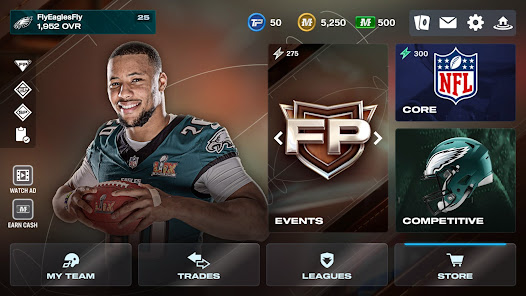
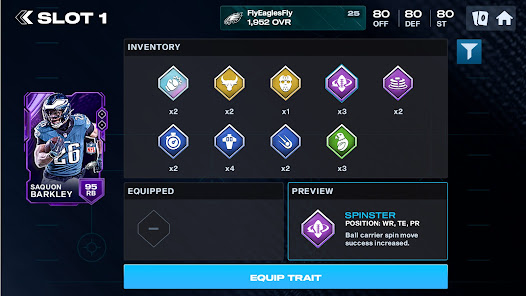
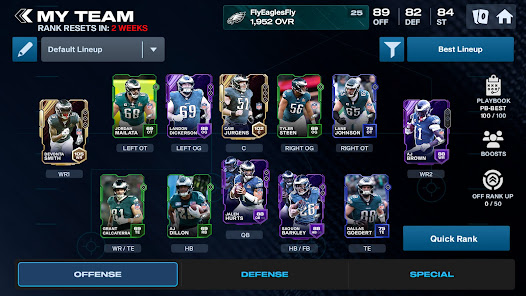
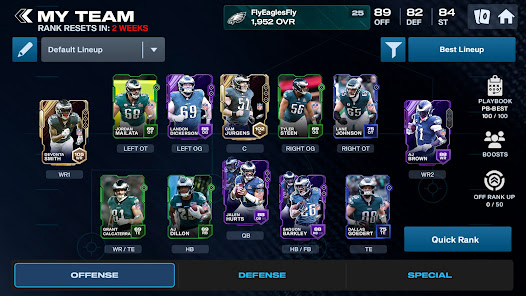
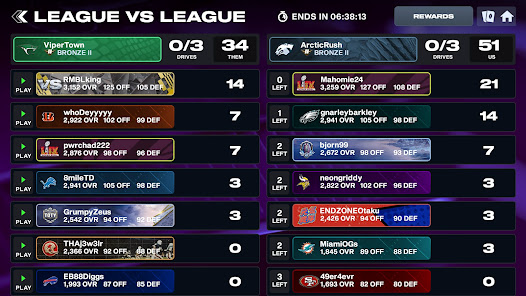
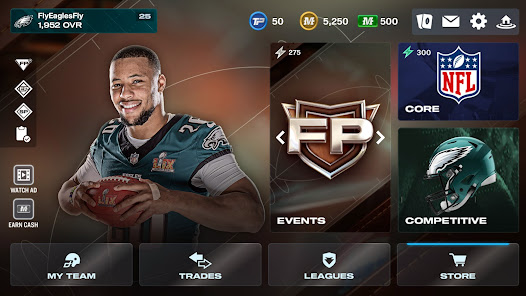
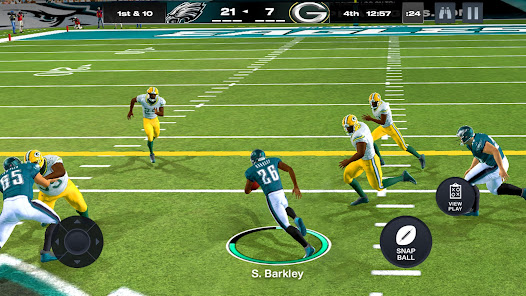
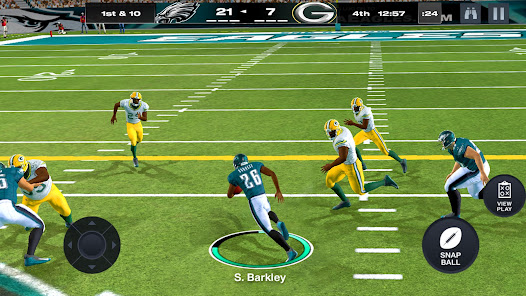
"Madden NFL 26 Mobile Football" offers a rich array of features that enhance the gaming experience for football enthusiasts. One of the standout features is the ability to build and manage your own team. Players can collect player cards, upgrade their roster, and strategize to create a competitive lineup. The game also includes a variety of modes, such as Season Mode, where you can guide your team through a full NFL season, and Live Events, which provide daily challenges and rewards.
Another notable feature is the improved graphics and animations, which bring the game to life with realistic player movements and stadium environments. The game also incorporates real-time play calling, allowing players to make strategic decisions on the fly. Additionally, the social aspect of the game is enhanced through multiplayer modes, where you can compete against friends or other players worldwide. Overall, "Madden NFL 26 Mobile Football" combines strategy, management, and competitive gameplay to deliver an engaging football experience.
To get started with "Madden NFL 26 Mobile Football," first, download the app from your device's app store and install it. Once you launch the game, you will be prompted to create an account or log in using your existing EA account. After setting up your profile, you can begin by exploring the various game modes available, such as Season Mode, where you can start building your team.
As you play, focus on completing Live Events to earn rewards and player cards that will help you strengthen your roster. Utilize the in-game tutorials to familiarize yourself with the controls and strategies. You can also participate in head-to-head matches against other players to test your skills. Regularly check for updates and events to take advantage of new content and challenges. By engaging with the community and participating in multiplayer modes, you can enhance your overall gaming experience.
"Madden NFL 26 Mobile Football" comes with several advantages that make it appealing to players. One of the primary pros is the depth of gameplay, offering various modes and challenges that keep the experience fresh and engaging. The graphics and animations are also a significant plus, providing a visually appealing representation of the sport. Additionally, the ability to build and manage your own team adds a layer of strategy that many players enjoy. The social features, including multiplayer modes, allow for competitive play against friends and other users, enhancing the overall experience.
However, the app is not without its drawbacks. One of the cons is the presence of in-app purchases, which can create a pay-to-win environment, making it challenging for free-to-play users to compete effectively. Some players may also find the learning curve steep, especially if they are new to football games. Additionally, occasional bugs and connectivity issues can disrupt gameplay, leading to frustration. Balancing these pros and cons is essential for players to determine if the game aligns with their preferences.

 Experience fast-paced gameplay with quick matches and seamless controls. Enjoy a wide variety of team customization options. Compete in live events and earn exclusive rewards regularly. Engage with friends through multiplayer modes and social features. Access real-time updates for player stats and team rosters.
 Limited gameplay modes restrict variety and excitement in the experience. Graphics and animations may feel dated compared to console versions. In-app purchases can lead to a pay-to-win environment, affecting fairness.
  Google Play
  App Store
 Yes, players can submit suggestions or feedback through the app’s support section or the official website, where they can share their thoughts and experiences.
Yes, Madden NFL 24 Mobile Football may collect personal data as outlined in its privacy policy, which includes information you provide and data collected automatically.
Madden NFL 24 Mobile Football requires an internet connection for most features, including multiplayer modes, but some single-player challenges may be accessible offline.
You can cancel your subscription through your device’s app store settings, where you can manage your subscriptions and select the option to cancel.
The subscription cost for Madden NFL 24 Mobile Football varies based on the plan selected, typically ranging from a few dollars per month to annual options that may offer discounts.
Yes, you can log in using your social media account if it's linked to your Madden NFL 26 Mobile Football account during the setup process.
Your Customer Number is usually located in the account settings under "Profile." If you need further assistance, contact Customer Service.
You can reach Customer Service through the in-game support option or visit our official website for assistance.
Customer Numbers cannot be changed directly. If you need assistance, please contact Customer Service for further guidance.
After activation, check your email for a verification link and click it to confirm your account. If you don't receive it, reach out to Customer Service.