



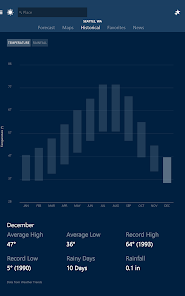
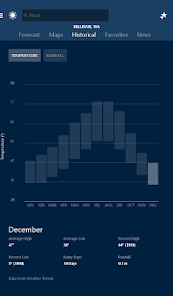
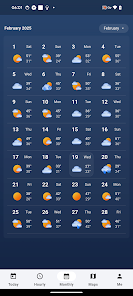
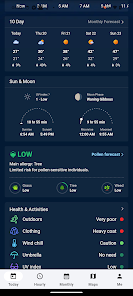
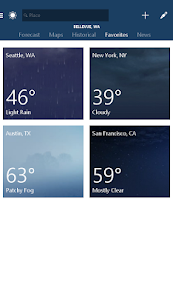
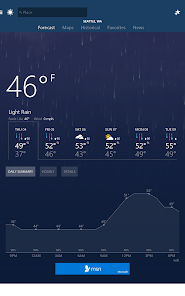
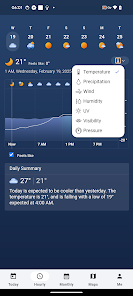
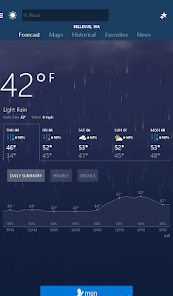
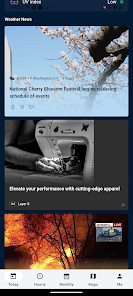
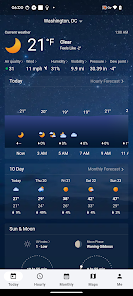
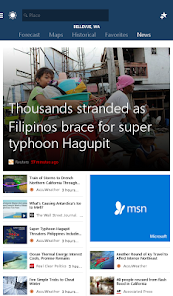
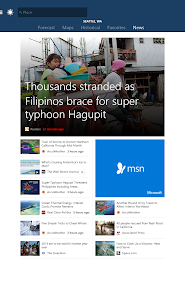
"MSN Weather - Forecast & Maps" offers a comprehensive suite of features designed to provide users with accurate and timely weather information. One of its standout features is the detailed weather forecasts, which include hourly, daily, and extended forecasts for various locations worldwide. Users can easily access real-time weather updates, ensuring they are always informed about current conditions.
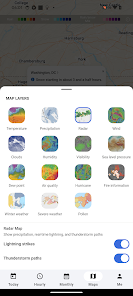
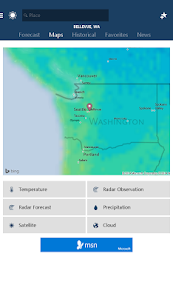
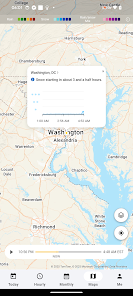
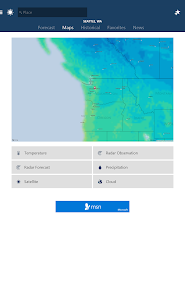
Additionally, the app provides interactive weather maps that display radar imagery, satellite views, and severe weather alerts. This feature allows users to visualize weather patterns and track storms effectively. The app also includes a customizable interface, enabling users to set their preferred locations and receive notifications for specific weather events. Furthermore, the integration of lifestyle forecasts helps users plan their activities based on weather conditions, such as air quality and UV index. Overall, "MSN Weather" combines functionality with user-friendly design, making it a reliable choice for weather enthusiasts.
Using "MSN Weather - Forecast & Maps" is straightforward and user-friendly. Upon launching the app, users are greeted with a clean interface that displays the current weather for their default location. To check the weather for a different area, simply tap on the search bar and enter the desired city or location. The app will quickly provide the latest weather information for that area.
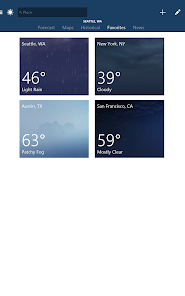
Users can navigate through various sections, including hourly forecasts, daily summaries, and detailed maps. To customize notifications, go to the settings menu, where you can select specific weather alerts you wish to receive. Additionally, the app allows users to save multiple locations, making it easy to switch between different forecasts. By exploring the interactive maps, users can gain insights into weather patterns and track severe weather events. Overall, the app is designed to be intuitive, ensuring that users can access the information they need with minimal effort.
Like any application, "MSN Weather - Forecast & Maps" has its advantages and disadvantages. One of the primary pros is its accuracy and reliability in providing weather forecasts. The app aggregates data from reputable sources, ensuring users receive up-to-date information. Additionally, the interactive maps and customizable notifications enhance the user experience, allowing for personalized weather tracking.
However, there are some cons to consider. Some users have reported occasional glitches or slow loading times, which can be frustrating when trying to access timely weather updates. Furthermore, while the app is generally user-friendly, some features may require a learning curve for new users. Lastly, the app may not cover all regions equally, leading to discrepancies in forecast accuracy for less populated areas. Overall, while "MSN Weather" is a solid choice for weather tracking, potential users should weigh these pros and cons before downloading.

 Accurate, real-time weather updates keep you informed of changing conditions. User-friendly interface makes navigation simple and intuitive for all ages. Detailed maps provide comprehensive insights, helping you plan outdoor activities. Customizable notifications ensure you never miss important weather alerts. Seamless integration with your location delivers personalized forecasts effortlessly.
 Limited customization options for personalized weather updates Data accuracy may vary by location User interface can be cluttered and hard to navigate
  Google Play
  App Store
 Yes, users can submit suggestions or feedback through the app’s settings or contact support channels provided by Microsoft.
MSN Weather - Forecast & Maps may collect certain data to improve user experience, but it prioritizes user privacy and provides options to manage data sharing settings.
Yes, MSN Weather - Forecast & Maps allows users to access certain weather information even when offline, although some features may require an internet connection.
Since MSN Weather - Forecast & Maps is free and does not have a traditional subscription model, there is no cancellation process. Users can simply uninstall the app if they choose to stop using it.
As of now, MSN Weather - Forecast & Maps does not have a subscription model; it is primarily a free app with optional features.
Customer numbers are typically permanent; if you need assistance, contact customer support through the app.
No, you need to log in to your MSN Weather account to manage your weather alerts and preferences.
You can reach customer service by visiting the support section on the MSN Weather app or website for assistance.
To activate your account, click the link sent to your email after registration and follow the instructions provided.
To delete your account, log in, go to account settings, and follow the instructions to deactivate your account.



























