

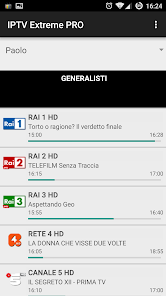
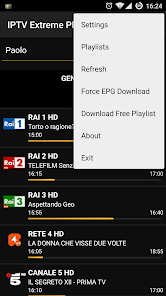
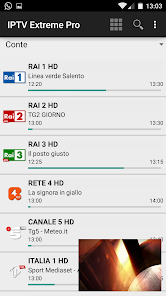
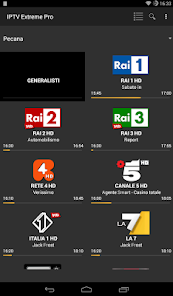
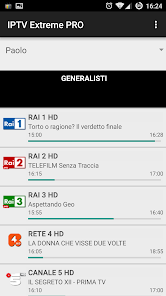



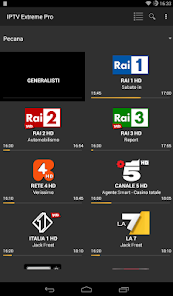
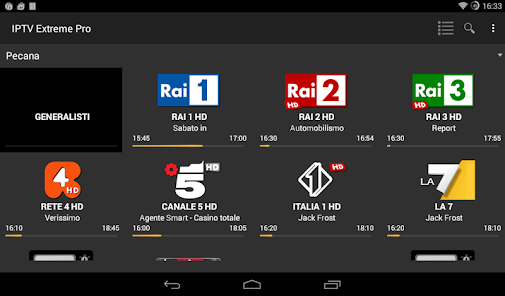
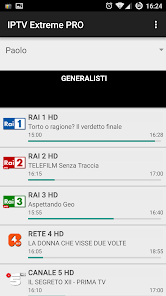
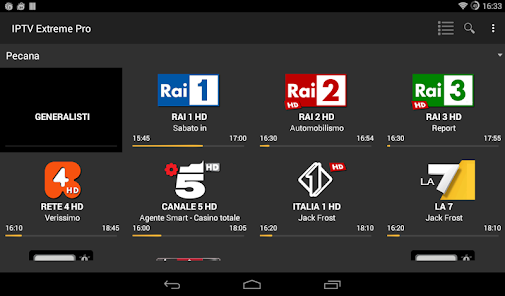

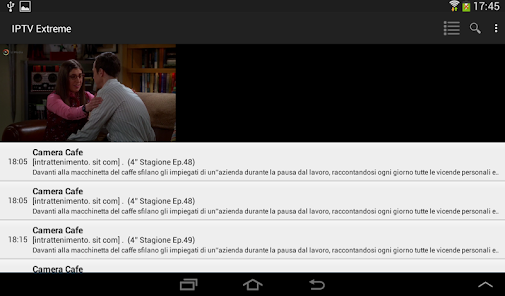
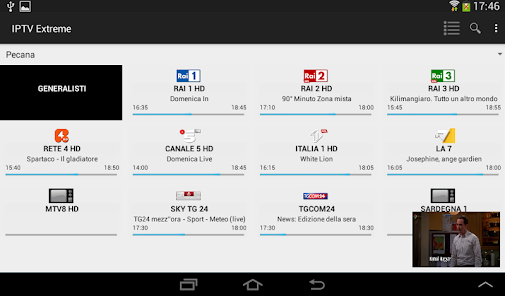
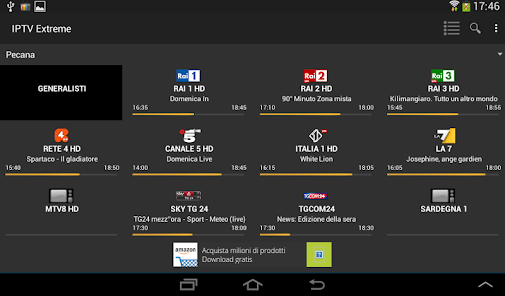
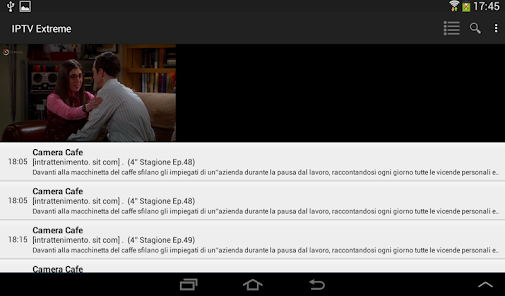
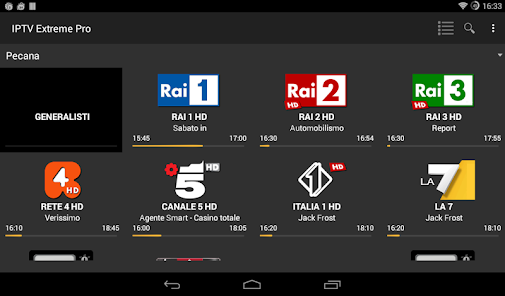

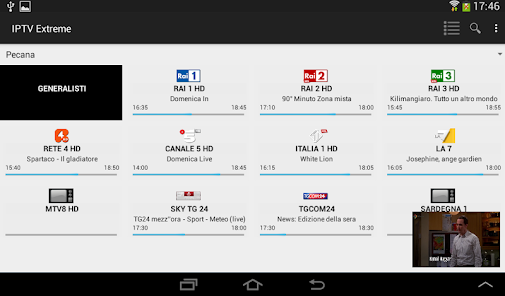








IPTV Extreme Pro is a powerful application designed for streaming live television channels over the internet. One of its standout features is the user-friendly interface, which allows users to easily navigate through various channels and categories. The app supports multiple playlist formats, including M3U and XSPF, enabling users to import their favorite channels effortlessly.
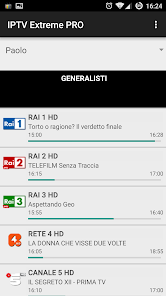
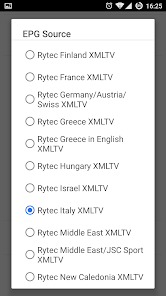
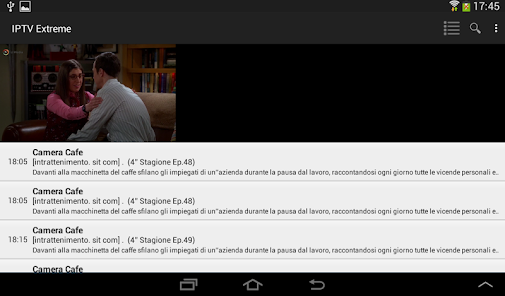
Another notable feature is the built-in EPG (Electronic Program Guide), which provides users with detailed information about upcoming shows and schedules. This feature enhances the viewing experience by allowing users to plan their watching accordingly. Additionally, IPTV Extreme Pro supports various video formats, ensuring compatibility with a wide range of devices.
The app also includes parental control options, allowing users to restrict access to certain channels, making it suitable for family use. Furthermore, it offers a recording feature, enabling users to save their favorite shows for later viewing. Overall, IPTV Extreme Pro combines functionality and ease of use, making it a popular choice among IPTV enthusiasts.
Using IPTV Extreme Pro is a straightforward process that can be completed in a few simple steps. First, download and install the app from the Google Play Store or the official website. Once installed, open the app and you will be greeted with a welcome screen that guides you through the initial setup.
Next, you will need to add your IPTV playlist. This can be done by selecting the "Add Playlist" option and entering the URL of your M3U or XSPF playlist. After adding the playlist, the app will load the channels, and you can start browsing through them. The EPG feature can also be activated to enhance your viewing experience.
To customize your experience further, explore the settings menu where you can adjust video quality, enable parental controls, and configure other preferences. Once everything is set up, you can enjoy streaming your favorite channels seamlessly. Remember to keep the app updated to access the latest features and improvements.
IPTV Extreme Pro comes with several advantages that make it a popular choice among users. One of the main pros is its extensive compatibility with various devices, including smartphones, tablets, and smart TVs. The app's user-friendly interface makes it easy for users of all ages to navigate and find their favorite channels. Additionally, the support for multiple playlist formats allows for flexibility in channel selection.
However, there are some drawbacks to consider. One of the cons is that the app requires a stable internet connection for optimal performance, which may not be available in all areas. Furthermore, while the app itself is free, some features may require in-app purchases or subscriptions, which could deter some users. Lastly, the availability of channels can vary based on geographical restrictions, limiting access for some users.
In summary, IPTV Extreme Pro offers a robust streaming experience with its array of features, but potential users should weigh the pros and cons before committing to the app.
```
 High-definition streaming offers crystal-clear picture quality for an enhanced viewing experience. Extensive channel selection includes global networks for diverse entertainment options. User-friendly interface ensures easy navigation and quick access to favorite content. Supports multiple devices, allowing viewing on smartphones, tablets, and smart TVs. Regular updates provide new features and improved performance for optimal user satisfaction.
 Limited channel selection may disappoint diverse viewing preferences. Buffering issues can disrupt viewing experiences unexpectedly. Lack of customer support can lead to unresolved technical problems.
  Google Play
  App Store
 IPTV Extreme Pro may collect certain user data, such as usage statistics and device information, to improve the app's performance and user experience. However, it is advised to review the privacy policy for specific details on data collection and usage.
IPTV Extreme Pro does not typically offer a free trial or free version; however, users may find promotional offers or limited trials through specific service providers.
Yes, IPTV Extreme Pro requires a stable internet connection to stream content, as it relies on internet-based protocols to deliver television programming.
You can contact IPTV Extreme Pro support or send feedback through the app’s support section, which may provide options for email support, a contact form, or links to community forums for assistance.
You can manage or cancel your IPTV Extreme Pro subscription through the app's settings or the platform where you subscribed, often involving navigating to your account settings and selecting the appropriate options.
Unfortunately, customer numbers cannot be changed. If you have issues, please reach out to customer service for guidance.
Open the app, enter your login credentials, and tap the login button to access your account.
Log in to your account and navigate to the profile settings to update your information. For further help, contact customer service.
You can reach our customer service via email or through the support section in the app for prompt assistance.
Use the "Forgot Password" option on the login screen to receive a password reset link via email.