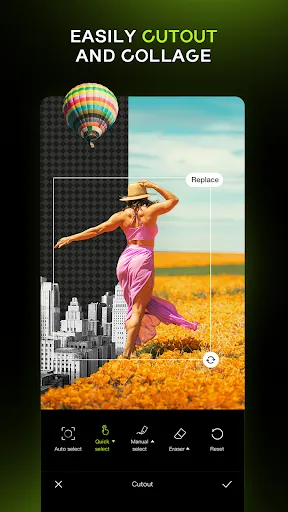
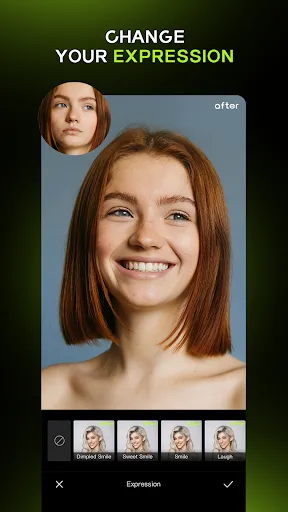
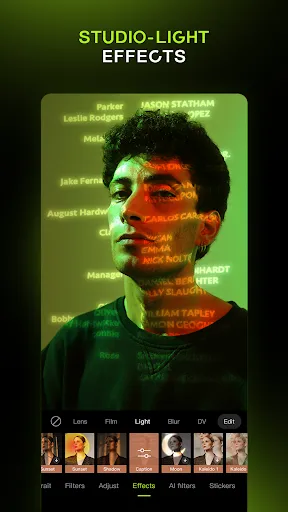
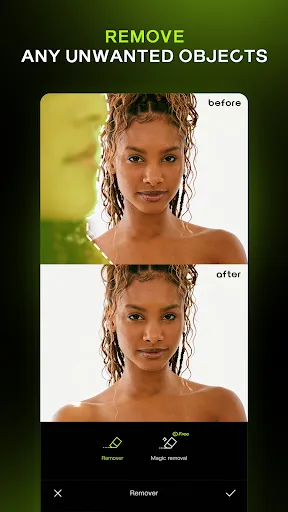


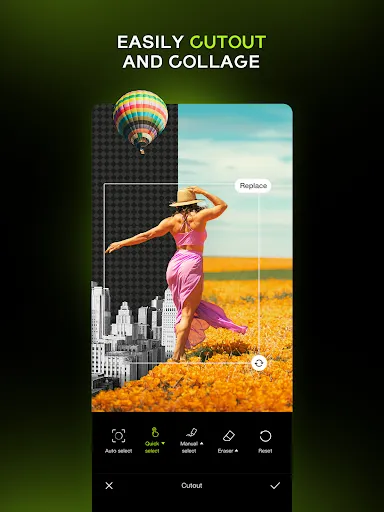
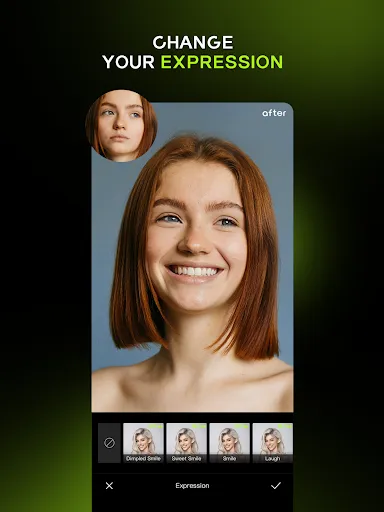
"Hypic - Photo Editor & AI Art" is a versatile application designed to enhance your photography and unleash your creativity. One of its standout features is the AI-driven art generation, which allows users to transform their photos into stunning artworks using various artistic styles. The app also includes a comprehensive set of editing tools, such as filters, cropping, and color adjustments, enabling users to fine-tune their images to perfection.
Additionally, Hypic offers a user-friendly interface that makes navigation seamless, even for beginners. The app supports high-resolution exports, ensuring that your edited images maintain their quality. Another notable feature is the community aspect, where users can share their creations and gain inspiration from others. With regular updates, Hypic continually introduces new features and improvements, keeping the editing experience fresh and engaging.
Using "Hypic - Photo Editor & AI Art" is straightforward and intuitive. To get started, download the app from your device's app store and create an account or log in. Once inside, you can either take a new photo or select one from your gallery. After choosing your image, you can explore the various editing tools available, such as filters, effects, and cropping options.
To utilize the AI art feature, simply select the desired style and let the app process your image. You can adjust the intensity of the effect to achieve your preferred look. Once you are satisfied with your edits, save your artwork to your device or share it directly on social media platforms. The app also allows you to revisit and edit your saved projects, making it easy to refine your creations over time.
Like any application, "Hypic - Photo Editor & AI Art" has its advantages and disadvantages. On the positive side, the app offers a wide range of editing tools and AI features that cater to both casual users and professional photographers. Its user-friendly interface makes it accessible for individuals of all skill levels, and the ability to share creations within a community fosters creativity and inspiration.
However, some users may find that certain advanced features require a subscription or in-app purchases, which could be a drawback for those seeking a completely free experience. Additionally, while the AI art generation is impressive, it may not always produce results that align with every user's vision. Overall, Hypic is a powerful tool for photo editing and artistic expression, but potential users should weigh these pros and cons before diving in.

 Hypic enhances photos with stunning filters and effects for creative expression. AI-driven art generation transforms ideas into unique visuals effortlessly. User-friendly interface makes editing accessible for everyone, regardless of skill level. Quick sharing options facilitate seamless social media integration for instant connectivity. Regular updates ensure fresh features and improvements for an evolving editing experience.
 Limited features compared to more established photo editing apps User interface may feel cluttered and confusing Occasional AI-generated images lack quality and detail
  Google Play
  App Store
 Yes, Hypic encourages users to submit their suggestions and feedback, which can typically be done through the app's support section or official website. Users’ input is valuable for future updates and improvements.
Hypic does collect some user data to enhance the app experience, but it is committed to user privacy and follows strict data protection regulations. Users are encouraged to review the privacy policy for detailed information.
Yes, Hypic allows users to access certain features offline, although some advanced functionalities, particularly those reliant on AI processing, may require an internet connection.
Users can cancel their subscription through their app store account settings or directly within the app, following the provided instructions for managing subscriptions.
Subscription costs for Hypic vary based on the plan selected, typically offering monthly and yearly options that provide access to premium features and tools.
Unfortunately, customer numbers are unique and cannot be changed once assigned. For any specific concerns, please contact customer service.
Yes, you can log in using your Facebook or Google account. Just select the respective option on the login page.
You can reach our customer service via the "Support" section in the app or email us at support
You can reset your password by clicking "Forgot Password?" on the login page and following the instructions sent to your email.
To activate your account, follow the activation link sent to your email after registration. If you didn't receive it, check your spam folder or contact us.