

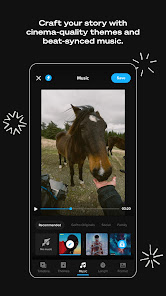
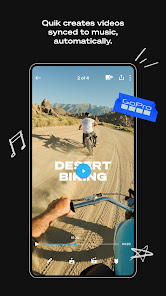
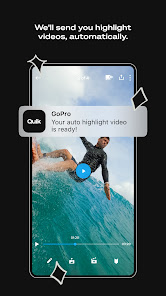
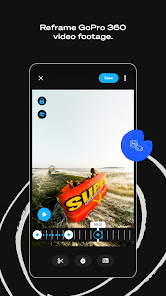
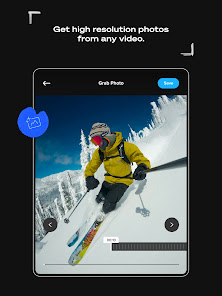
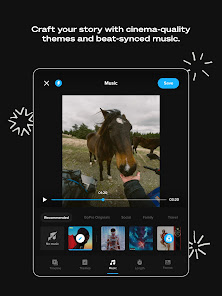
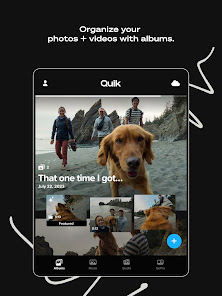
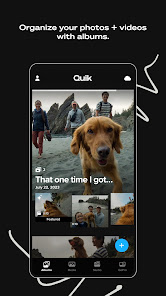
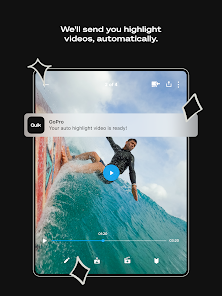
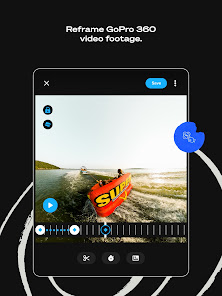
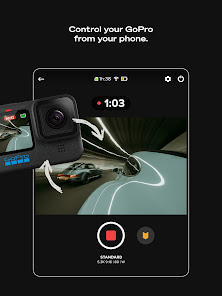
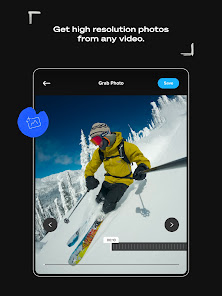
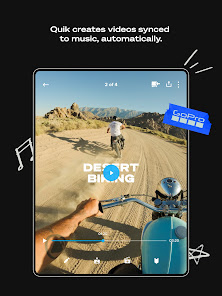
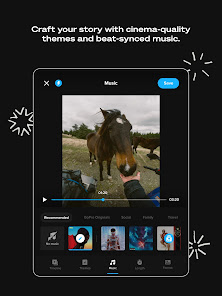
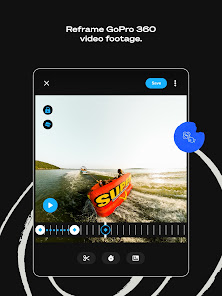
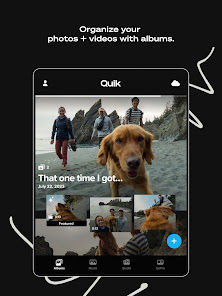
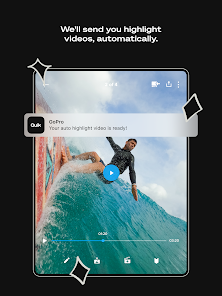
"GoPro Quik: Video Editor" is a powerful tool designed for both amateur and professional videographers. One of its standout features is the automatic editing capability, which analyzes your footage and selects the best moments to create a polished video in minutes. Users can also customize their edits with a variety of themes, transitions, and music options, allowing for a personalized touch. The app supports a wide range of video formats, making it versatile for different types of media.
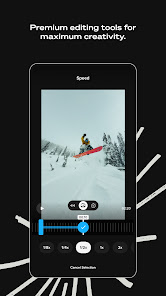
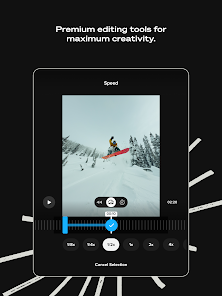
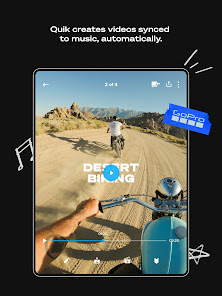
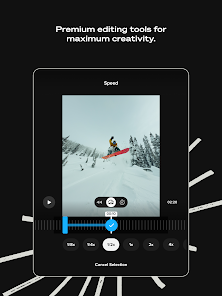
Another notable feature is the ability to sync your videos with music, enhancing the overall viewing experience. The app also offers advanced editing tools, such as trimming, cropping, and adding text overlays, which provide users with more control over their projects. Additionally, GoPro Quik allows for easy sharing on social media platforms, making it convenient to showcase your work. The user-friendly interface ensures that even those new to video editing can navigate the app with ease.
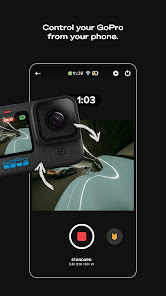
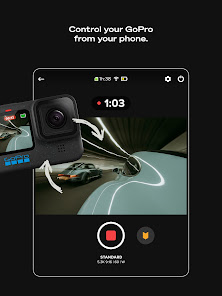
Using "GoPro Quik: Video Editor" is straightforward and user-friendly. First, download the app from your device's app store and open it. Once you launch the app, you can import videos and photos from your device or directly from your GoPro camera. After selecting your media, the app will automatically generate a video based on the best clips it identifies.
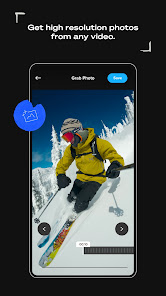
If you wish to customize your video, you can choose from various themes and music tracks available within the app. You can also manually edit your clips by trimming, rearranging, or adding text and effects. Once you are satisfied with your creation, simply tap the export button to save your video or share it directly to social media platforms. The intuitive design of GoPro Quik makes it easy for users to create stunning videos without extensive editing experience.
Like any application, "GoPro Quik: Video Editor" has its advantages and disadvantages. On the positive side, the app is incredibly user-friendly, making it accessible for beginners. Its automatic editing feature saves time and effort, allowing users to quickly produce high-quality videos. The variety of themes and music options enhances creativity, and the ability to share directly to social media is a significant plus for content creators.
However, there are some drawbacks to consider. Some users may find the automatic editing feature limiting, as it may not always select the clips they prefer. Additionally, while the app offers a range of editing tools, it may lack some advanced features found in more professional editing software. Lastly, the app is primarily designed for GoPro footage, which may not be ideal for users who work with other camera brands. Overall, while GoPro Quik is a fantastic tool for quick edits, it may not meet the needs of all video editors.

 User-friendly interface makes editing quick and easy for everyone. Automatically creates stunning videos from your clips with minimal effort. Wide range of customizable templates lets you personalize your edits. Seamless integration with GoPro cameras enhances workflow efficiency. One-tap sharing options simplify posting to social media platforms.
 Limited advanced editing features for professional use Requires a subscription for full functionality and access to premium features Can be slow and unresponsive on older devices or large projects
  Google Play
  App Store
 Yes, users can submit suggestions or feedback directly through the app or via GoPro's official website, where they value user input for future updates.
GoPro Quik may collect personal data as outlined in their privacy policy, primarily for improving services and user experience, but users have options to manage their data preferences.
Yes, GoPro Quik allows users to edit videos offline, although some features may require an internet connection for specific functions or downloads.
To cancel your GoPro Quik subscription, you can do so through your account settings in the app or via the app store settings on your device, depending on how you subscribed.
The subscription cost for GoPro Quik varies based on the plan chosen, with options typically including monthly or annual subscriptions, often priced competitively.
Yes, you can change your login email in your account settings once you are logged in.
Yes, contact customer service with your details, and they will assist you in recovering your account.
Yes, you must activate your account via the email sent to you upon registration before you can log in.
You can reach GoPro customer service through their official website or by calling their support number listed on the site.
Your customer number can typically be found in your account settings or on your order confirmation email.