

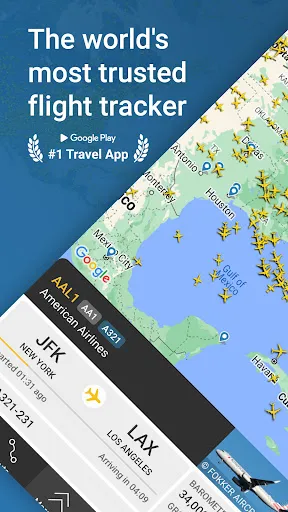
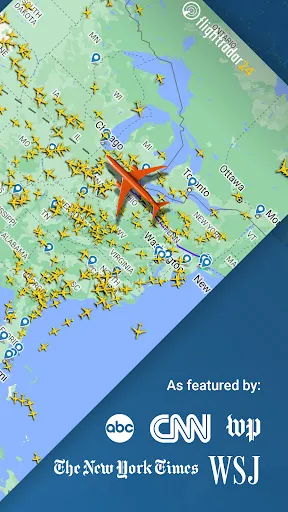
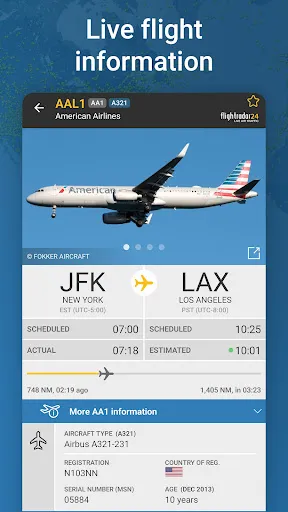

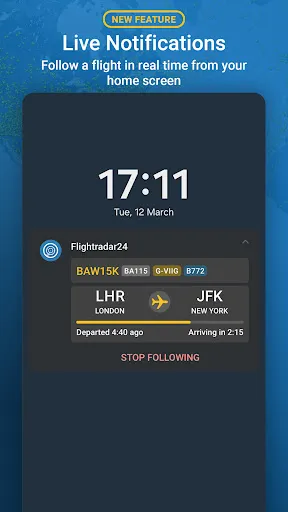
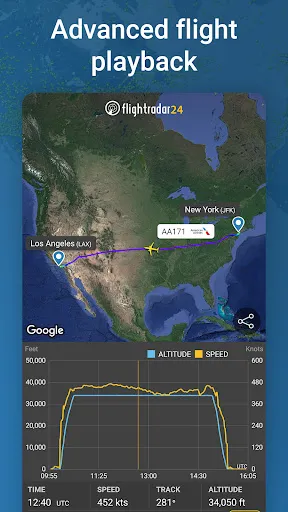
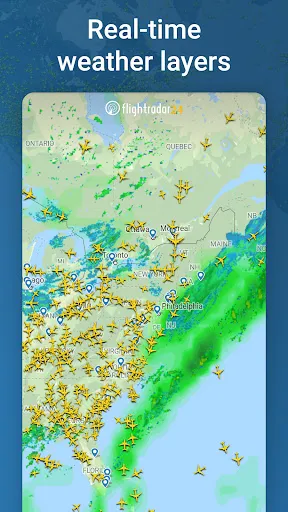
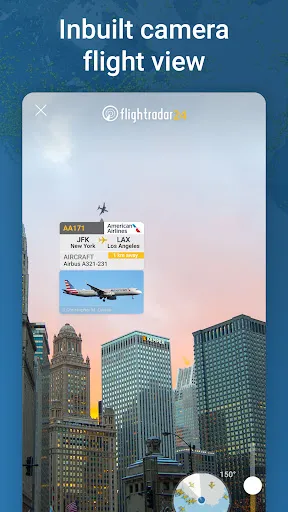
Flightradar24 Flight Tracker has quickly become my go-to app for tracking flights around the globe. Its array of features caters to aviation enthusiasts and casual users alike. Here are some of the standout features that make this app a must-have:
My experience with Flightradar24 started on a hectic day when I had to pick up a friend arriving from an international flight. The traffic was chaotic, and I was worried about missing their arrival. I quickly opened the app, searched for their flight number, and, to my relief, saw that their flight was delayed. I utilized the real-time tracking feature to monitor their progress and adjust my departure time accordingly. This app has since become my go-to resource for all travel-related activities, whether I'm planning a trip or just curious about flight activity in my area.
The user interface of Flightradar24 is sleek and intuitive, making it easy for anyone to navigate. The color-coded flight paths and icons help distinguish between different aircraft types and statuses. I particularly appreciate how smoothly the app performs; I’ve never experienced lag or crashes, even when viewing busy air traffic. The workflow is straightforward: you can search by flight number, airport, or even by tapping directly on the map. After using it consistently, I feel empowered to track flights precisely and efficiently, significantly enhancing my travel planning experience.
Flightradar24 offers a free version that provides basic tracking features, but for those who want the full experience, premium subscriptions are available. The premium tiers unlock additional features such as historical data, more detailed flight information, and the ability to track various aircraft types. Personally, I opted for the monthly subscription, which I find to be a worthwhile investment given how much I use it. The pricing is competitive compared to similar apps, making it a great choice for frequent travelers.
The developers of Flightradar24 consistently roll out updates that improve functionality and user experience. I’ve noticed enhancements in the AR features and detailed flight information since I first downloaded the app. Customer support is also commendable; they have a dedicated help section and are responsive to queries. I once reached out regarding a minor issue, and I was pleasantly surprised by their quick and helpful response. This level of support gives me confidence in continuing to use the app.
As an American user, I place a significant emphasis on security and privacy, and Flightradar24 does a commendable job in this area. The app is available on reputable sources like the App Store and Google Play, ensuring that users download a secure version. Registration is straightforward, requiring only essential information, and I appreciate that they don’t ask for excessive personal data.
In terms of ads and tracking behavior, I’ve noticed minimal advertising within the app, and it appears to respect user privacy. The premium version is ad-free, which enhances the browsing experience significantly. I feel confident using Flightradar24 knowing that my data is handled responsibly, allowing me to focus on tracking flights without privacy concerns. Overall, my experience has been positive, and I would recommend it to anyone looking for a reliable flight tracking app.

 Real-time flight tracking for accurate updates Global coverage for tracking flights worldwide User-friendly interface for easy navigation Historical data for analyzing flight patterns Alerts for flight status changes and delays
 Limited coverage in remote areas Delay in real-time data updates Subscription needed for advanced features Limited historical flight data access
  Google Play
  App Store
 Flightradar24 Flight Tracker may collect certain personal data to enhance user experience and provide services, but they adhere to privacy policies to protect user information.
Yes, Flightradar24 Flight Tracker offers a free version with basic features, as well as a free trial of its premium subscription that allows users to explore additional functionalities.
Yes, Flightradar24 Flight Tracker requires an internet connection to access real-time flight data and updates, as it pulls information from various data sources online.
You can contact Flightradar24 support or send feedback through their official website or app, where you will find options for submitting inquiries or feedback forms.
You can manage or cancel your Flightradar24 Flight Tracker subscription directly through the app or the website, typically in the account settings or subscription management section.
You can reach Customer Service through the app's help section or by visiting their website for support options.
You can reset your password by selecting the "Forgot Password?" link on the login screen and following the instructions.
Your Customer Number can typically be found in your account settings within the app.
Open the app, tap on the login option, and enter your registered email and password.
Go to the account settings in the app, where you can edit your personal information and preferences.