


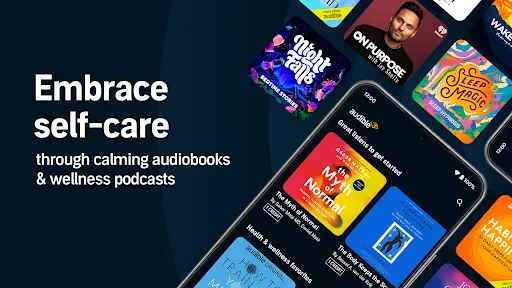
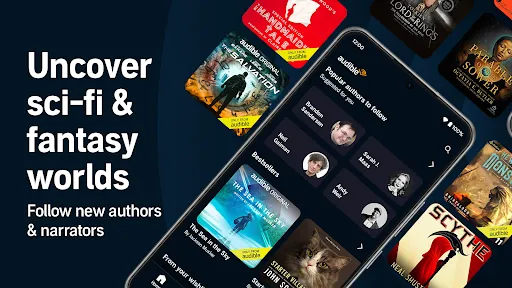

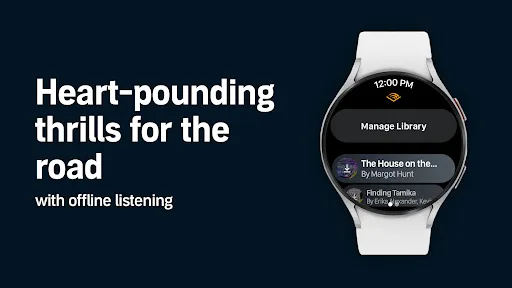
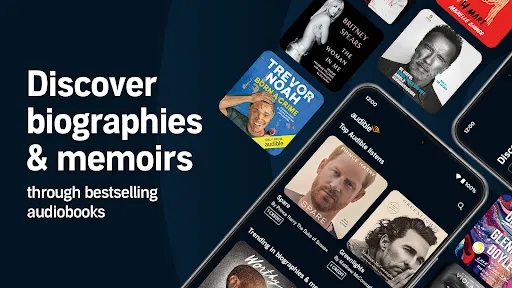

Audible: Audio Entertainment offers a vast library of audiobooks, podcasts, and original audio content, catering to a wide range of interests and genres. Users can access thousands of titles, from bestsellers to classic literature, ensuring there is something for everyone. The app allows for seamless downloading, enabling offline listening, which is perfect for commutes or travel.
Another notable feature is the ability to adjust playback speed, allowing listeners to consume content at their preferred pace. The app also includes a sleep timer, making it easy to enjoy stories before bed without worrying about battery life. Additionally, Audible provides personalized recommendations based on listening habits, enhancing the user experience. Users can also create bookmarks and notes, making it easier to revisit favorite sections or quotes.
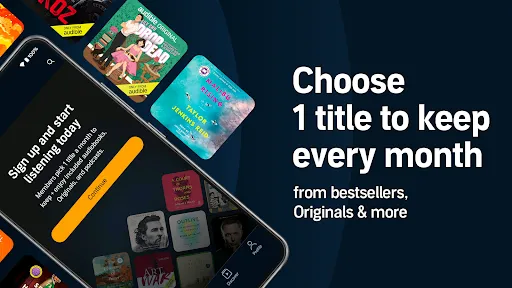
Audible's subscription model offers one credit per month, which can be used to purchase any audiobook, along with access to exclusive sales and discounts. The app is compatible with various devices, including smartphones, tablets, and smart speakers, ensuring that users can enjoy their audio entertainment anytime, anywhere.
To get started with Audible, first, download the app from your device's app store and create an account. Once registered, you can explore the extensive library of audiobooks and podcasts. The app's user-friendly interface allows you to browse by categories, genres, or curated lists, making it easy to find content that interests you.
After selecting a title, you can either purchase it using your monthly credit or buy it outright. Once downloaded, the audiobook is available for offline listening, which is particularly useful for those on the go. You can customize your listening experience by adjusting playback speed, setting a sleep timer, or using bookmarks to save your favorite moments.
Audible also offers a feature called "Audible Originals," which includes exclusive content available only to subscribers. To make the most of your subscription, regularly check for new releases and special offers. Finally, consider joining Audible's community forums or social media pages to connect with other listeners and share recommendations.
Audible: Audio Entertainment has several advantages that make it a popular choice among audiobook enthusiasts. One of the main pros is its extensive library, which includes a diverse range of genres and titles, ensuring that users can find something that piques their interest. The app's user-friendly interface and features, such as adjustable playback speed and offline listening, enhance the overall experience. Additionally, Audible's subscription model provides excellent value, allowing users to access high-quality content at a reasonable price.
However, there are some drawbacks to consider. One con is that while the subscription offers one credit per month, users may find that they want to listen to more than one audiobook, leading to additional costs for extra purchases. Furthermore, some users may experience issues with app performance or bugs, which can detract from the listening experience. Lastly, while Audible offers a vast selection, certain titles may not be available, limiting options for specific interests. Overall, weighing these pros and cons can help potential users decide if Audible is the right fit for their audio entertainment needs.

 Enjoy a vast library of audiobooks across various genres. Listen anytime, anywhere, fitting entertainment into your schedule. Engage with compelling narratives narrated by talented voice actors. Enhance your learning with educational content and podcasts. Experience seamless integration with devices for effortless listening.
 Subscription fees can add up over time, impacting your budget. Limited selection of titles may not satisfy all listeners. Audiobooks require time commitment, making multitasking challenging.
  Google Play
  App Store
 Yes, Audible collects personal data as part of its account registration and usage process, which may include information like your name, email address, and listening preferences, in accordance with its privacy policy.
Yes, Audible offers a free trial for new users, allowing them to access a selection of audiobooks and original content for a limited time without any charge.
While an internet connection is required to download titles and stream content, you can listen to downloaded audiobooks offline without an internet connection.
You can contact Audible support through their Help Center on the website, where you can find FAQs, chat with a representative, or submit a request for assistance or feedback.
You can manage or cancel your Audible subscription by logging into your account on the Audible website or app, navigating to the Account Details section, and following the prompts to update or cancel your subscription.
Yes, you can change your email in the account settings section of your Audible profile after logging in.
Customer numbers cannot be updated. If you have issues, contact Audible customer service for assistance.
To activate your Audible account, simply log in with your email and password, then follow the prompts to complete the activation process.
You can reach Audible customer service through the help section on the app or website, or by calling their support number directly.
For activation issues, contact Audible customer service through their help section or call their support line for immediate assistance.