
 Home
Home  Apps
Apps  Games
Games  Windows
  Topics
  Terms of Service
  Cookies & Privacy Policy
  Disclaimer
ExpressVPN: VPN Fast & Secure


Information
- Category: Tools
- Price: free
- Age Rating: Everyone
- Rating: 4.8
- Developer: ExpressVPN
- Version: 12.49.0

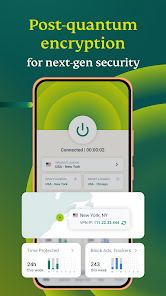
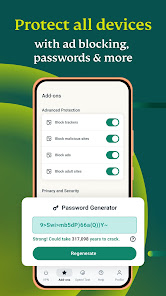

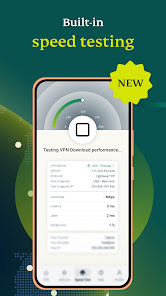

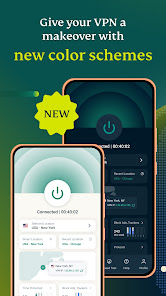
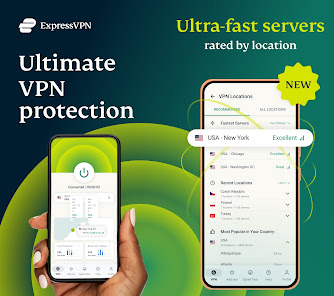
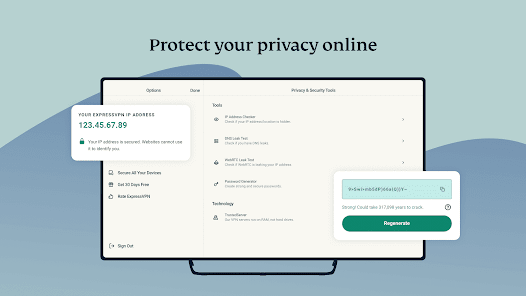
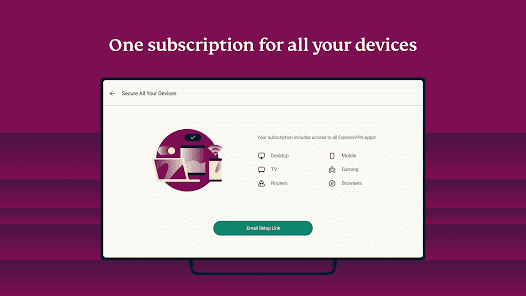
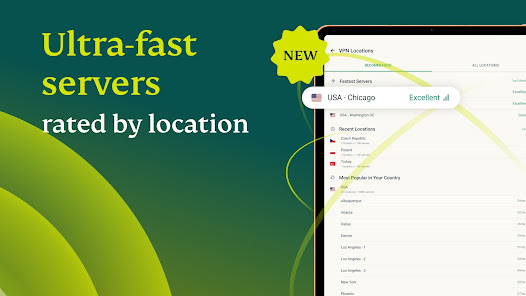
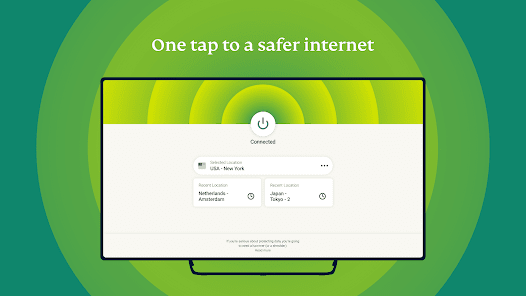

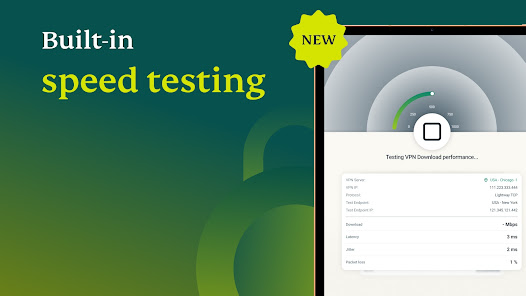
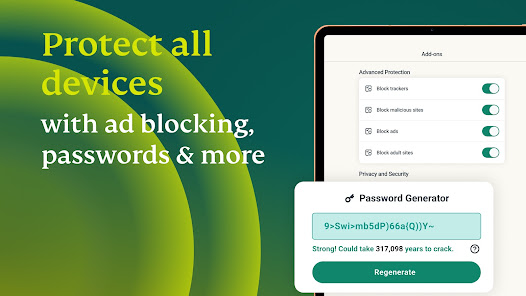
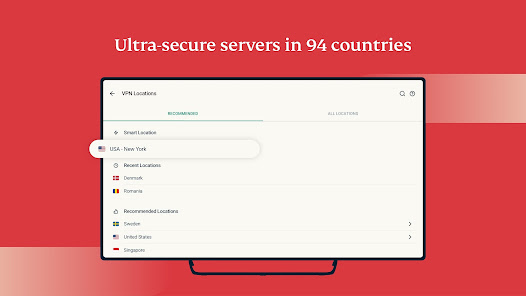

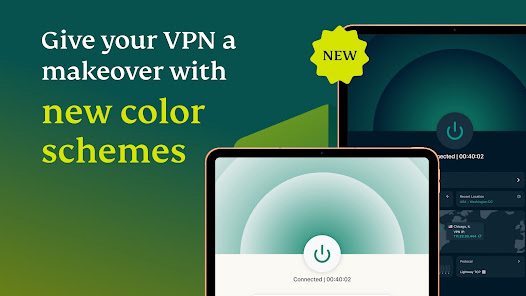
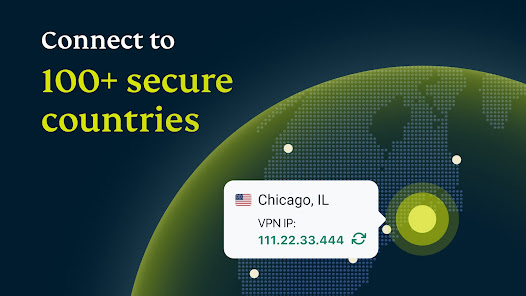
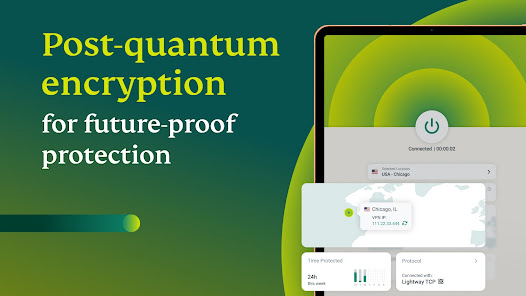


ExpressVPN is a fast and secure VPN app designed to protect your online privacy and enhance your internet experience. With a user-friendly interface, it allows you to browse the web anonymously, access geo-restricted content, and secure your data on public Wi-Fi networks. Enjoy high-speed connections and a wide range of server locations worldwide, ensuring you can stream, download, and surf the internet safely and without limitations. Experience the freedom of the internet with ExpressVPN.
Features of "ExpressVPN: VPN Fast & Secure"
ExpressVPN is renowned for its robust features that prioritize user privacy and internet security. One of its standout features is its extensive server network, boasting over 3,000 servers in 94 countries, which allows users to bypass geo-restrictions and access content from around the globe. The app employs AES-256 encryption, ensuring that your online activities remain private and secure from prying eyes.
Another significant feature is its user-friendly interface, making it accessible for both beginners and experienced users. ExpressVPN supports multiple platforms, including Windows, macOS, Android, and iOS, allowing seamless connectivity across devices. Additionally, the app offers a split tunneling feature, enabling users to choose which apps use the VPN and which connect directly to the internet.
ExpressVPN also includes a kill switch, which automatically disconnects your internet if the VPN connection drops, preventing any data leaks. Furthermore, it provides a no-logs policy, meaning that your browsing history is not stored or monitored. With 24/7 customer support and a 30-day money-back guarantee, ExpressVPN stands out as a reliable choice for those seeking a fast and secure VPN service.
How to Use "ExpressVPN: VPN Fast & Secure"
Using ExpressVPN is a straightforward process that ensures users can quickly establish a secure connection. First, download the app from the official website or your device's app store. Once installed, open the app and sign in with your account credentials. If you are a new user, you will need to create an account and select a subscription plan that suits your needs.
After logging in, you will be presented with a user-friendly interface. To connect to a VPN server, simply click on the large power button. The app will automatically select the best server based on your location, but you can also choose a specific server from the list of available locations. Once connected, you will see a notification indicating that your VPN is active, and your internet traffic is now encrypted.
For advanced users, you can access settings to customize features such as the kill switch, split tunneling, and protocol selection. To disconnect, simply click the power button again. ExpressVPN also allows you to easily switch between servers, making it convenient to access different content based on your needs. Overall, the app is designed for ease of use, ensuring that anyone can navigate it without hassle.
Pros & Cons of the App
ExpressVPN comes with a variety of advantages that make it a popular choice among users. One of the primary pros is its exceptional speed, which allows for smooth streaming and browsing without significant lag. The extensive server network ensures that users can find a reliable connection no matter where they are located. Additionally, the app's strong security features, including AES-256 encryption and a no-logs policy, provide peace of mind regarding privacy.
Another advantage is the app's compatibility with multiple devices and operating systems, making it versatile for users with different technology preferences. The 24/7 customer support is also a significant plus, as users can get assistance whenever needed. However, there are some drawbacks to consider. ExpressVPN is relatively more expensive than some competitors, which may deter budget-conscious users. Additionally, while the app is user-friendly, some advanced features may require a learning curve for new users.
Lastly, while ExpressVPN is effective in bypassing geo-restrictions, there may be occasional issues with specific streaming services that actively block VPN traffic. Overall, the pros generally outweigh the cons, making ExpressVPN a strong contender in the VPN market.
Get Installation Details  Google Play
  App Store
Google Play App Store FAQ
Can I create playlists on Spotify?
Yes, users can create, share, and collaborate on playlists with friends.
Can I download music on Spotify?
Yes, premium users can download songs and playlists for offline listening.
Can I listen to Spotify offline?
Yes, premium users can listen to downloaded music offline without an internet connection.
Can I use Spotify on multiple devices?
Yes, you can use Spotify on multiple devices, but only one device can stream at a time.
Does Spotify have podcasts?
Yes, Spotify hosts a wide range of podcasts across various genres.
Similar Apps
















You May Like

Calculator
Tools
4.4

SHAREit: Transfer, Share Files
Tools
4.3

Auto Clicker - Automatic tap
Tools
4.6

Beats
Tools
3.8

Starlink
Tools
4.9
APRSdroid - APRS Client
Tools
3.9

AVG AntiVirus & Security
Tools
4.6

AirMirror Receiver Pro
Tools
3

Amazon Fire TV
Tools
4.6

Automatic Call Recorder Pro
Tools
3.5

Blink Home Monitor
Tools
4.4

CC Booster
Tools
4.5