
 Home
Home  Apps
Apps  Games
Games  Windows
  Topics
  Terms of Service
  Cookies & Privacy Policy
  Disclaimer
Carista OBD2


Information
- Category: Auto & Vehicles
- Price: free
- Age Rating: Everyone
- Rating: 3.7
- Developer: Prizmos Ltd.
- Version: 9.7
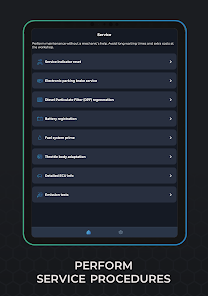
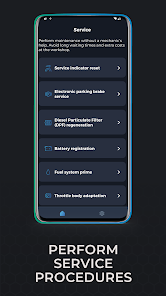
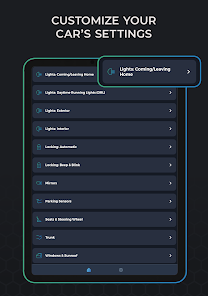
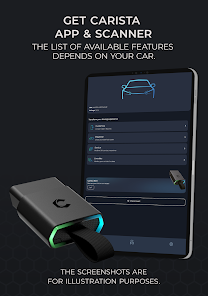
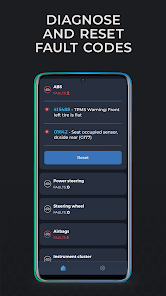
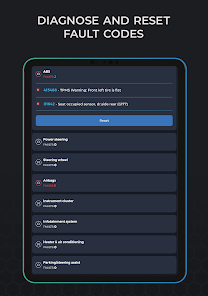
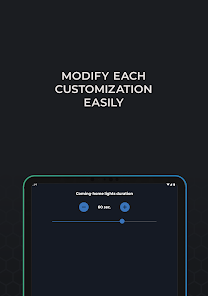
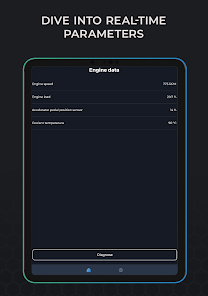
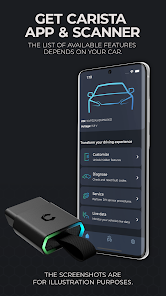
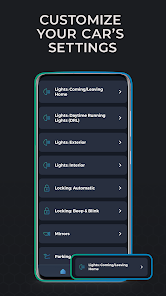
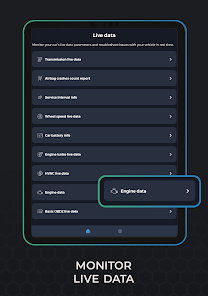
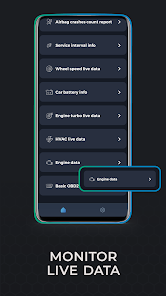
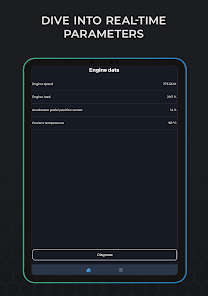
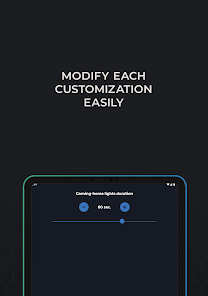
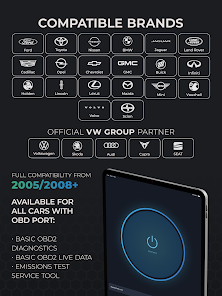
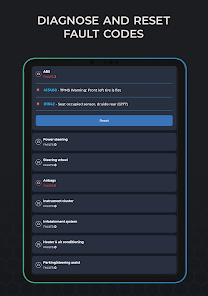
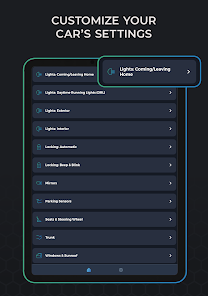
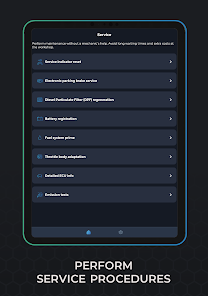
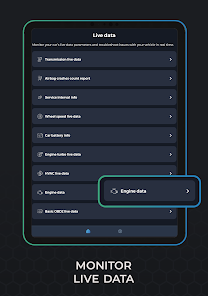
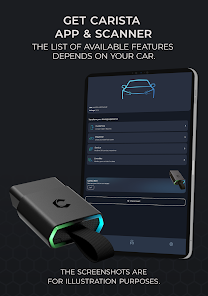
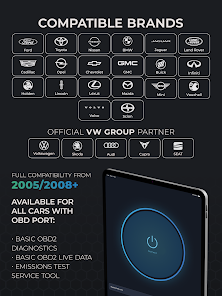
Carista OBD2 is a powerful app designed for car enthusiasts and everyday drivers alike, providing easy access to your vehicle's diagnostic information. With features like customizable settings, fault code reading, and real-time data monitoring, Carista empowers users to enhance their driving experience. Whether you want to optimize performance or troubleshoot issues, this user-friendly app connects seamlessly with your car's OBD2 system, making vehicle maintenance and personalization simpler than ever. Unlock your car's potential with Carista OBD2.
Features of Carista OBD2
Carista OBD2 is a versatile diagnostic tool designed for car enthusiasts and professionals alike. One of its standout features is the ability to read and clear diagnostic trouble codes (DTCs) from various vehicle systems, including the engine, transmission, and ABS. This functionality allows users to quickly identify issues and take corrective actions, saving both time and money on repairs.
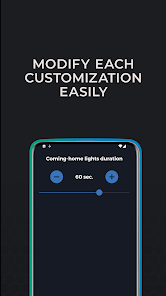
Another notable feature is the customization options it offers. Users can modify settings related to their vehicle's lighting, locking, and other electronic features, enhancing the overall driving experience. Additionally, Carista provides real-time data monitoring, enabling users to track performance metrics such as fuel efficiency and engine temperature. This feature is particularly useful for those looking to optimize their vehicle's performance.
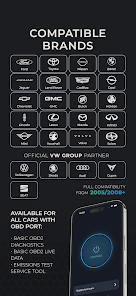
Carista also supports a wide range of vehicles, making it compatible with many makes and models. The user-friendly interface and mobile app make it accessible for both novice and experienced users. Furthermore, the tool offers advanced features like service resets and adaptations, which are essential for maintaining a vehicle's health over time.
How to Use Carista OBD2
Using Carista OBD2 is a straightforward process that can be completed in a few simple steps. First, you need to download the Carista app, available for both iOS and Android devices. Once installed, connect the Carista OBD2 adapter to your vehicle's OBD2 port, typically located under the dashboard near the steering column.
After connecting the adapter, launch the Carista app on your smartphone. The app will automatically detect the adapter and establish a connection. You may need to grant the app permission to access your vehicle's data. Once connected, you can navigate through the app's various features, such as reading DTCs, customizing settings, and monitoring real-time data.
To read trouble codes, simply select the appropriate option in the app, and it will display any existing codes along with their descriptions. If you wish to clear the codes, you can do so with a single tap. For customization, explore the available options and make adjustments as desired. Always remember to follow the app's instructions for optimal results and safety.
Pros & Cons of the App
Carista OBD2 comes with several advantages that make it a popular choice among users. One of the primary pros is its user-friendly interface, which simplifies the process of diagnosing and customizing vehicle settings. The app's compatibility with a wide range of vehicles is another significant benefit, allowing many users to take advantage of its features without needing multiple tools.
Additionally, the ability to read and clear DTCs, along with real-time data monitoring, provides valuable insights into vehicle performance. The customization options enhance the driving experience, allowing users to tailor their vehicle's settings to their preferences. Furthermore, the app is regularly updated, ensuring that users have access to the latest features and improvements.
 Google Play
  App Store
 FAQ
Can I create playlists on Spotify?
Yes, users can create, share, and collaborate on playlists with friends.
Can I download music on Spotify?
Yes, premium users can download songs and playlists for offline listening.
Can I listen to Spotify offline?
Yes, premium users can listen to downloaded music offline without an internet connection.
Can I use Spotify on multiple devices?
Yes, you can use Spotify on multiple devices, but only one device can stream at a time.
Does Spotify have podcasts?
Yes, Spotify hosts a wide range of podcasts across various genres.
Similar Apps
















You May Like

AlfaOBD
Auto & Vehicles
3.8
Car Launcher Pro
Auto & Vehicles
4.4
inCarDoc Pro | OBD2
Auto & Vehicles
4.3

PayByPhone
Auto & Vehicles
4.9

ParkMobile: Park. Pay. Go.
Auto & Vehicles
4.7

Shell: Fuel, Charge & More
Auto & Vehicles
3.5

Toyota
Auto & Vehicles
4.6

CarMax: Used Cars for Sale
Auto & Vehicles
4.6

Autotrader Used Cars for Sale
Auto & Vehicles
4.8

AutoZone Auto Parts & Repair
Auto & Vehicles
4.7
Android Auto
Auto & Vehicles
4.1

FIXD OBD2 Scanner
Auto & Vehicles
4.2