


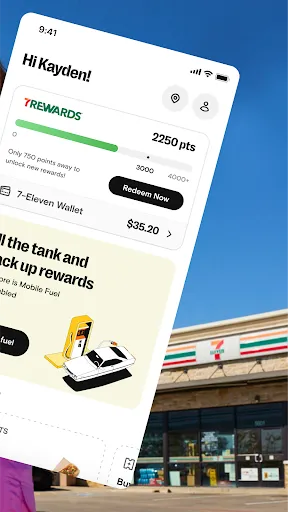
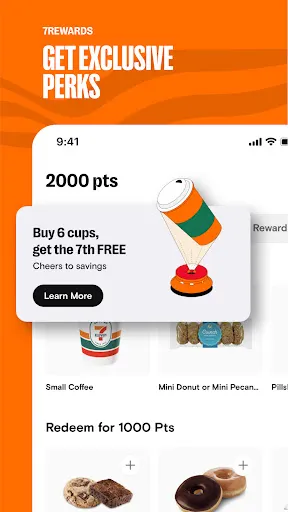
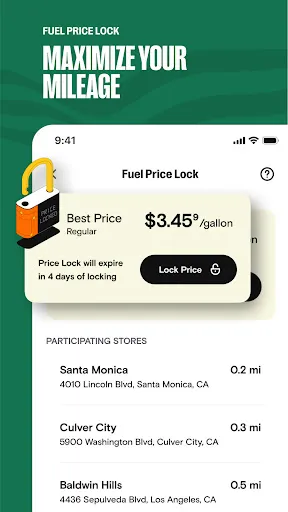
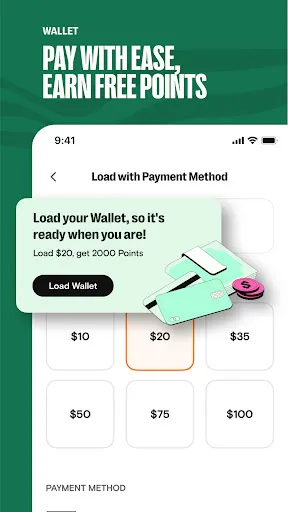
The "7-Eleven: Rewards & Shopping" app offers a variety of features designed to enhance the shopping experience for its users. One of the primary features is the rewards program, which allows customers to earn points on every purchase. These points can be redeemed for discounts, free items, or exclusive offers, making it a great way to save money while shopping. Additionally, the app provides users with access to special promotions and deals that are only available through the app, encouraging frequent visits to 7-Eleven stores.
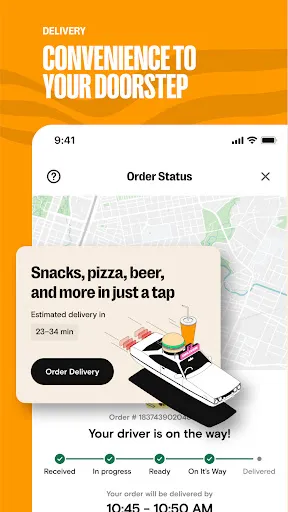
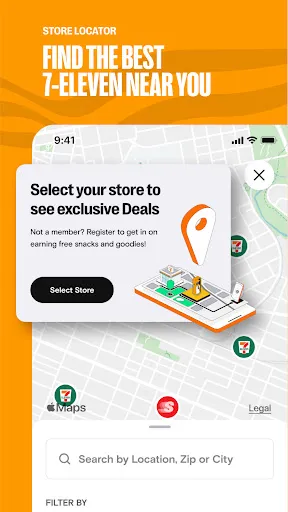
Another notable feature is the mobile ordering option, which allows customers to place their orders ahead of time for quick pickup. This is particularly convenient for those on the go, as it minimizes wait times in-store. The app also includes a store locator, helping users find the nearest 7-Eleven location easily. Furthermore, users can browse the full menu of products available at their local store, including snacks, beverages, and hot food items, making it easier to plan their shopping trips.
Lastly, the app offers personalized recommendations based on user preferences and purchase history, enhancing the overall shopping experience by making it more tailored to individual needs.
Using the "7-Eleven: Rewards & Shopping" app is straightforward and user-friendly. First, download the app from the App Store or Google Play Store and create an account. You can sign up using your email address or link your social media accounts for quicker access. Once registered, you can start exploring the app's features, including the rewards program and current promotions.
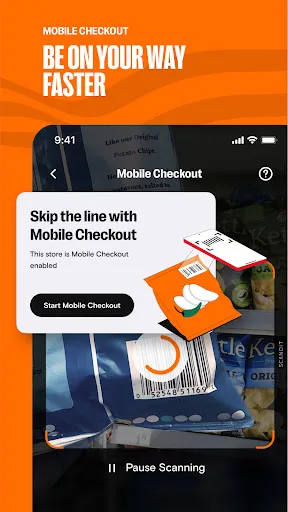
To earn rewards, simply make purchases at any participating 7-Eleven store and scan your app at checkout. Points will automatically accumulate in your account. You can also browse the app for exclusive deals and offers, which can be redeemed during your next visit. If you prefer to skip the line, utilize the mobile ordering feature to select your items and pay through the app, then pick them up at your convenience.
Additionally, take advantage of the store locator to find the nearest 7-Eleven and check the availability of specific products. Regularly checking the app can help you stay updated on new promotions and rewards, ensuring you get the most out of your shopping experience.
The "7-Eleven: Rewards & Shopping" app comes with several advantages that enhance the customer experience. One of the main pros is the rewards program, which allows users to earn points on purchases, leading to significant savings over time. The app also provides access to exclusive deals and promotions, making it a valuable tool for frequent shoppers. The mobile ordering feature is another significant benefit, as it saves time and reduces wait times in-store, catering to busy lifestyles.
However, there are some drawbacks to consider. One con is that the app may require a stable internet connection for optimal performance, which can be an issue in areas with poor connectivity. Additionally, some users have reported occasional glitches or slow loading times, which can be frustrating. Furthermore, while the rewards program is beneficial, it may not be as extensive as those offered by other retailers, potentially limiting the appeal for some customers. Overall, while the app has its pros and cons, it remains a useful tool for enhancing the 7-Eleven shopping experience.

 Earn points with every purchase easily Enjoy exclusive member discounts and offers Access to personalized deals tailored for you Convenient mobile app for quick shopping 24/7 availability for anytime convenience
 Limited reward options for frequent shoppers High prices compared to competitors App functionality can be inconsistent Redemption process may be confusing for users
  Google Play
  App Store
 Yes, the app collects certain personal data to enhance user experience, facilitate transactions, and manage the rewards program. Users are encouraged to review the privacy policy for detailed information.
The 7-Eleven: Rewards & Shopping app is free to download and use, with no subscription fees or trial periods required for accessing its basic features.
Yes, the 7-Eleven: Rewards & Shopping app requires an internet connection to access features such as promotions, rewards tracking, and order placement.
Users can contact support or send feedback through the app's "Help" section or by visiting the official 7-Eleven website for customer service assistance.
Since there are no subscription plans associated with the app, users do not need to manage or cancel a subscription. Users can simply stop using the app whenever they choose.
Unfortunately, once your account is activated, you cannot change your customer number. For any concerns, please reach out to customer service.
Yes, you can update your email address in your account settings after logging in. If you need help, feel free to contact customer service.
To activate your account, follow the link in your registration email or open the app and follow the prompts. If you encounter issues, contact customer service.
You can contact customer service through the app, website, or by calling the customer support number listed on your receipt. They'll assist you with any questions.
To delete your account, please contact customer service directly for assistance. They will guide you through the process.