
 Home
Home  Apps
Apps  Games
Games  Windows
  Topics
  Terms of Service
  Cookies & Privacy Policy
  Disclaimer
Wyze - Make Your Home Smarter


Information
- Category: Lifestyle
- Price: free
- Age Rating: Everyone
- Rating: 4.4
- Developer: Wyze Labs Inc.
- Version: 3.10.0.745
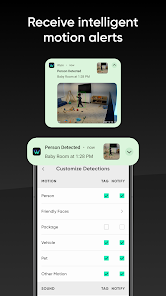
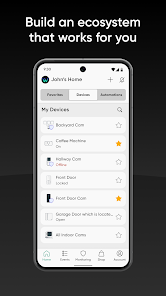
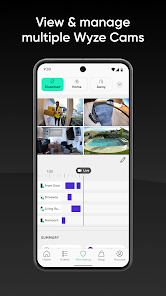
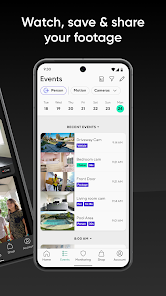
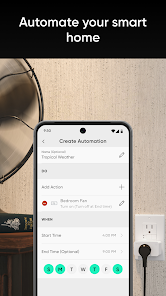
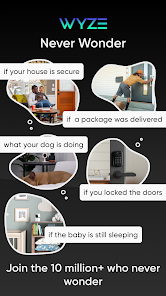
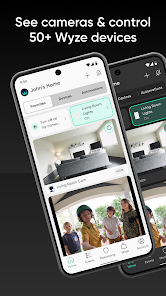
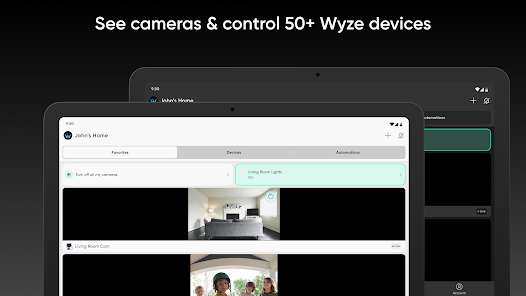
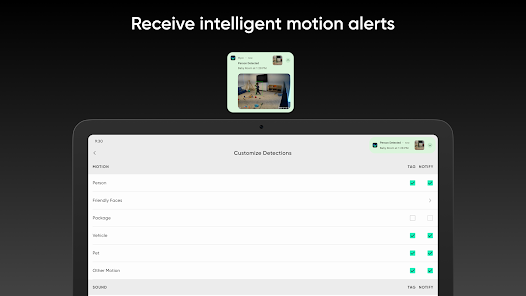
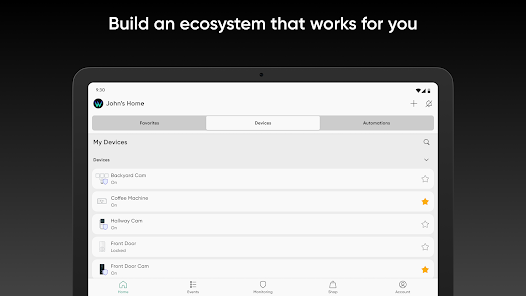

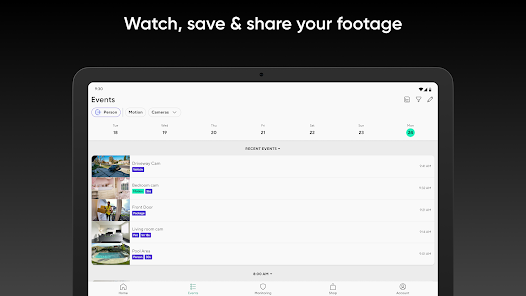
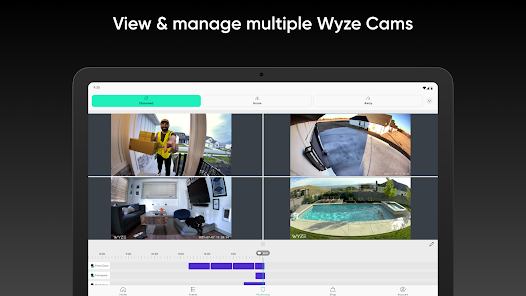
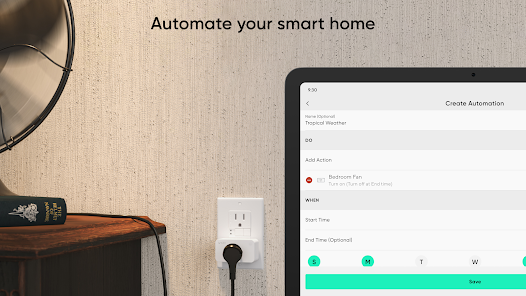
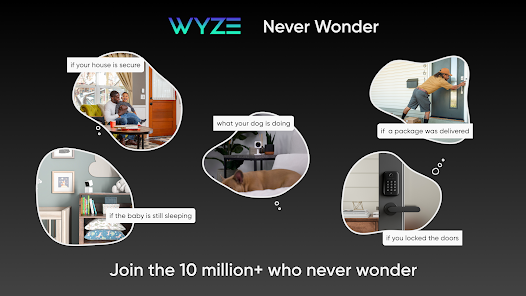
The Wyze app empowers you to transform your home into a smarter, more connected space. With intuitive controls and seamless integration, you can manage all your Wyze devices—from cameras and lights to sensors and plugs—right from your smartphone. Enjoy real-time monitoring, customizable settings, and automation features that enhance your home’s security and convenience. Experience the future of smart living with Wyze, where simplicity meets innovation.
Features of "Wyze - Make Your Home Smarter"
The "Wyze - Make Your Home Smarter" app offers a variety of features designed to enhance home automation and security. One of its standout features is the ability to control a wide range of Wyze devices, including cameras, lights, and sensors, all from a single interface. Users can easily monitor live feeds from security cameras, receive motion alerts, and even communicate through two-way audio.
Another notable feature is the integration of smart home routines. Users can create customized schedules for their devices, allowing for automated actions such as turning lights on or off at specific times. The app also supports voice commands through popular virtual assistants like Amazon Alexa and Google Assistant, making it convenient to control devices hands-free.
Additionally, the Wyze app provides cloud storage options for video recordings, ensuring that important moments are captured and easily accessible. The user-friendly interface and seamless setup process make it accessible for individuals of all tech levels. Overall, the app is designed to simplify home management while enhancing security and convenience.
How to Use "Wyze - Make Your Home Smarter"?
Using the "Wyze - Make Your Home Smarter" app is straightforward and user-friendly. First, download the app from the App Store or Google Play Store and create an account. Once registered, you can begin adding Wyze devices to your account by following the on-screen prompts. Each device typically comes with a QR code that can be scanned to facilitate quick setup.
After adding devices, you can customize their settings according to your preferences. For instance, you can adjust camera sensitivity, set up motion detection zones, or schedule lights to turn on and off at specific times. The app also allows you to create routines that automate multiple devices simultaneously, enhancing your home’s efficiency.
To monitor your home, simply navigate to the live view section of the app, where you can access real-time feeds from your cameras. Notifications can be enabled to alert you of any unusual activity. Overall, the app is designed to make home automation intuitive, allowing users to manage their smart devices effortlessly.
Pros & Cons of the App
The "Wyze - Make Your Home Smarter" app comes with several advantages that make it appealing to users. One of the primary pros is its affordability, as Wyze devices are generally priced lower than many competitors, making smart home technology accessible to a wider audience. The app's user-friendly interface simplifies the setup and management of devices, allowing even those with minimal tech experience to navigate it easily.
Another significant advantage is the extensive range of compatible devices, from cameras to smart plugs, which can all be controlled from a single app. Additionally, the cloud storage options for video recordings provide peace of mind, ensuring that important footage is saved and retrievable. However, there are some drawbacks to consider. Some users have reported occasional connectivity issues, which can be frustrating when trying to access devices remotely.
Moreover, while the app offers a variety of features, advanced functionalities may require a subscription, which could deter some users. Lastly, the customer support experience can vary, with some users expressing dissatisfaction with response times. Overall, while the app has its limitations, its benefits often outweigh the drawbacks for many users looking to enhance their home automation experience.
 Google Play
  App Store
 FAQ
Can I create playlists on Spotify?
Yes, users can create, share, and collaborate on playlists with friends.
Can I download music on Spotify?
Yes, premium users can download songs and playlists for offline listening.
Can I listen to Spotify offline?
Yes, premium users can listen to downloaded music offline without an internet connection.
Can I use Spotify on multiple devices?
Yes, you can use Spotify on multiple devices, but only one device can stream at a time.
Does Spotify have podcasts?
Yes, Spotify hosts a wide range of podcasts across various genres.
Similar Apps














You May Like

Ring - Always Home
Lifestyle
4.6

Amazon Alexa
Lifestyle
4.1

Great Clips
Lifestyle
4.2
Nextdoor: Neighborhood Network
Lifestyle
4.6

Design Space: DIY with Cricut
Lifestyle
3.9

Tile: Making Things Findable
Lifestyle
4.8

Tubi - Movies & TV Shows
Lifestyle
4.7

Falling Fruit
Lifestyle
3.2
Google Home
Lifestyle
4.1

Life360: Stay Connected & Safe
Lifestyle
4.4
My Face Shape Meter and frames
Lifestyle
3.9

Necrophonic
Lifestyle
3.9