


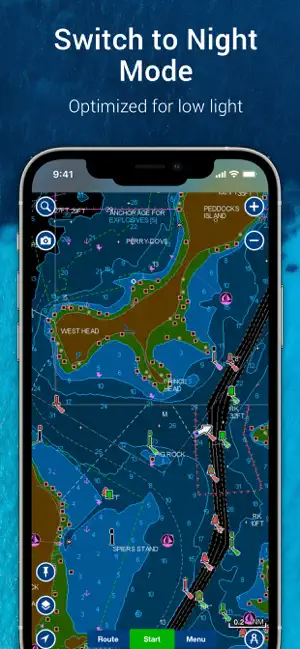
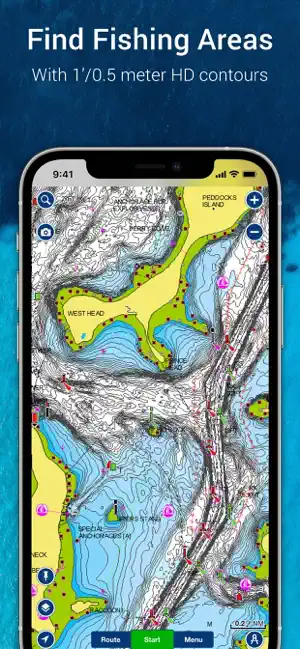
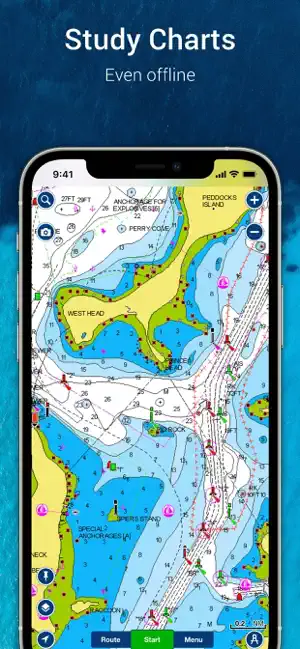
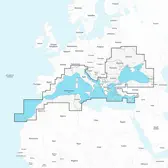
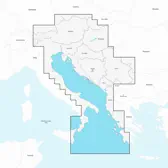
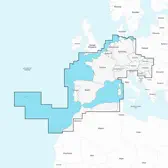
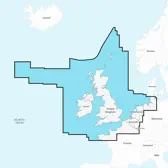
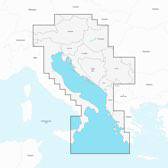
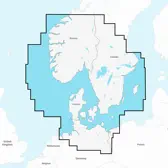
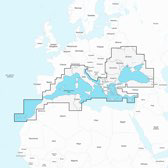
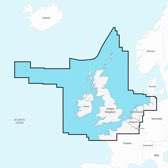
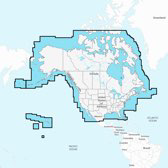
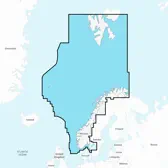
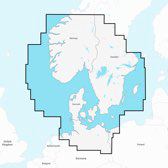
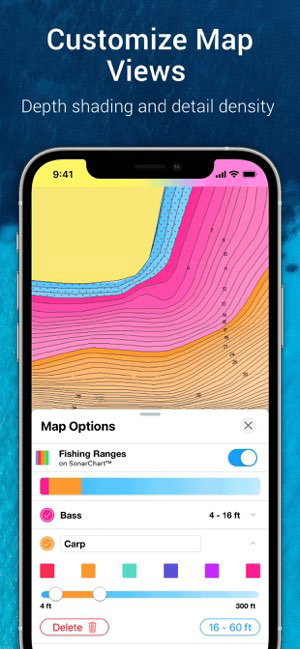
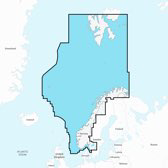
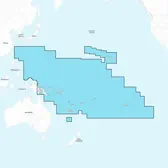
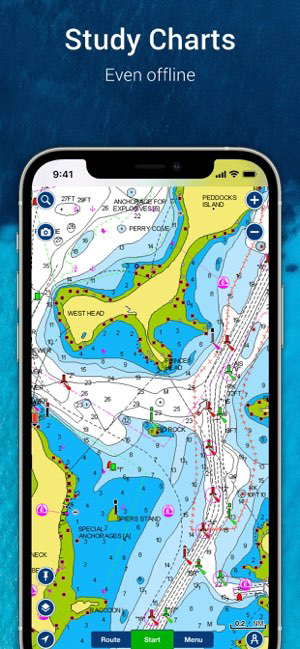
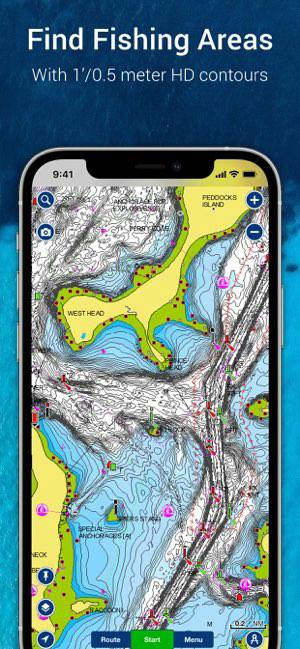
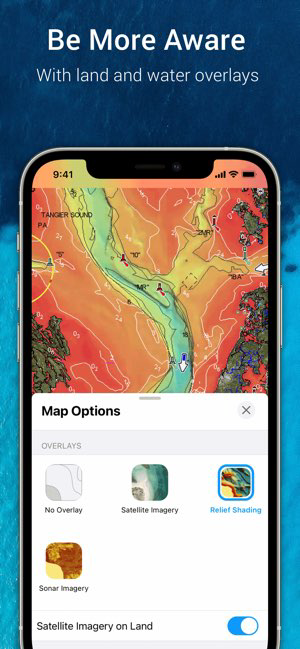
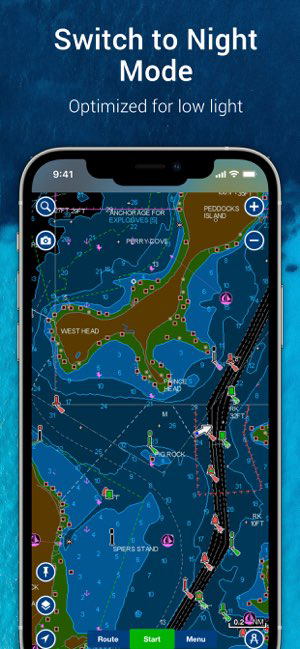




Navionics® Boating is a comprehensive marine navigation app designed for boaters and anglers. One of its standout features is the detailed nautical charts, which provide users with high-resolution maps that include depth contours, navigational aids, and points of interest. This ensures that users can navigate safely and efficiently in various water bodies.
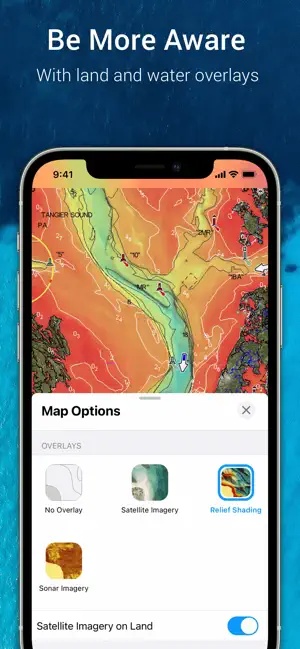
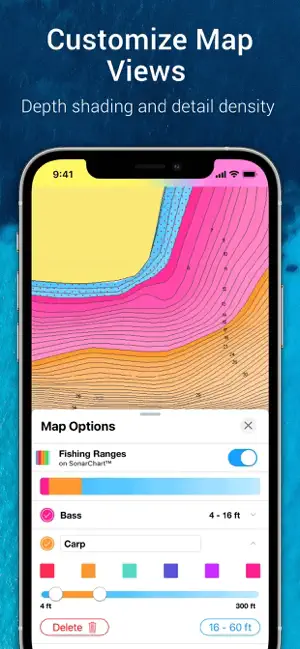
Another key feature is the SonarChart™ layer, which offers bathymetric data derived from sonar logs. This allows users to view underwater topography, making it easier to identify fishing spots and navigate through shallow areas. Additionally, the app includes a community layer where users can share their own data and insights, enhancing the overall experience for everyone.
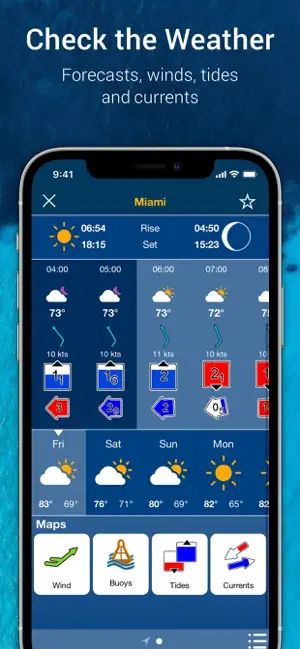
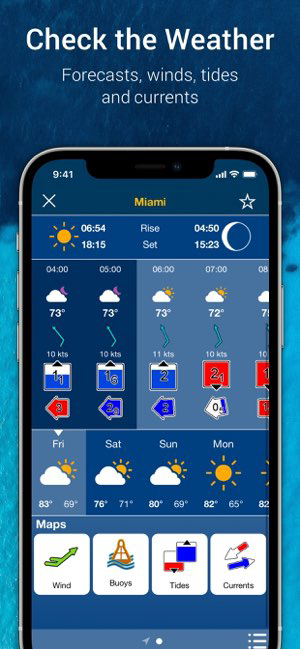
Real-time weather updates and tide information are also integrated into the app, helping users plan their outings more effectively. The route planning tool allows for customized navigation routes, while the ability to sync data across devices ensures that users have access to their information wherever they go. Overall, Navionics® Boating combines essential navigation tools with user-friendly features to enhance the boating experience.
Using Navionics® Boating is straightforward and user-friendly, making it accessible for both novice and experienced boaters. To get started, users need to download the app from their device's app store and create an account. Once installed, users can explore the app's interface, which is designed for easy navigation.
After setting up, users can access a variety of charts and maps. To find specific locations, the search function allows users to enter coordinates or names of places. Users can also zoom in and out on the map to view detailed information about their surroundings. The app's route planning feature enables users to create custom routes by selecting waypoints, which can be saved for future reference.
For those interested in fishing, the SonarChart™ feature provides valuable insights into underwater structures. Users can also check real-time weather updates and tide information to ensure safe navigation. Finally, syncing data across devices allows users to access their saved routes and points of interest from anywhere, making it a versatile tool for all boating adventures.
Navionics® Boating offers several advantages that make it a popular choice among boaters. One of the primary pros is its extensive database of nautical charts, which are regularly updated to ensure accuracy. The app's user-friendly interface allows for easy navigation, making it accessible for users of all skill levels. Additionally, the SonarChart™ feature provides valuable insights into underwater topography, enhancing fishing experiences.
However, there are some drawbacks to consider. One notable con is that the app requires a subscription for full access to its features, which may deter some users. Additionally, while the app is generally reliable, it may occasionally experience connectivity issues, especially in remote areas where signal strength is weak. Some users have also reported that the app can drain battery life quickly, necessitating the use of a power source during extended outings.
In summary, while Navionics® Boating has its pros and cons, its comprehensive features and ease of use make it a valuable tool for many boaters and anglers. Users should weigh these factors based on their specific needs and preferences to determine if the app is the right fit for them.

 Comprehensive marine charts for accurate navigation Real-time updates ensure current information always User-friendly interface enhances ease of use Integrated weather forecasts for safer outings Customizable routes for personalized boating experiences
 Limited offline functionality can hinder navigation Subscription fees may accumulate over time User-generated data can be inaccurate or outdated Interface may be complex for new users
 Yes, Navionics® Boating may collect personal data as outlined in their privacy policy, which includes information necessary for account management and app functionality.
Navionics® Boating typically does not offer a free version, but it may provide a trial period for new users to explore its features before committing to a subscription.
While Navionics® Boating can function offline with previously downloaded maps, an internet connection is needed for certain features like updating charts and accessing the latest weather data.
You can contact support or send feedback through the app's help section, the Navionics® website, or by emailing their customer service team directly.
You can manage or cancel your Navionics® Boating subscription through your app store account settings, or by visiting the Navionics® website for further instructions.
Unfortunately, customer numbers cannot be changed. If you have concerns, please contact customer service for assistance.
To activate your account, follow the instructions in the activation email sent to you upon purchase.
You can reach customer service through the support section on our website or by calling the provided phone number.
You can update your customer information by logging into your account and navigating to the profile section.
If you can't log in after activation, ensure you're using the correct credentials. If needed, reset your password through the "Forgot Password" link.








 Google Play
  App Store





