

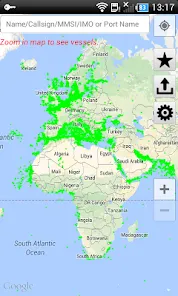
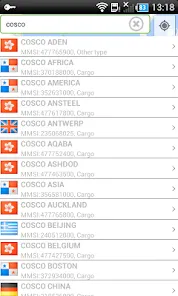
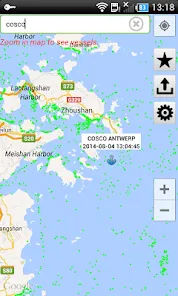
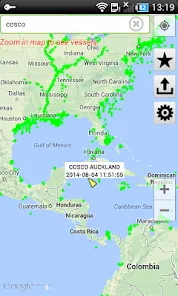
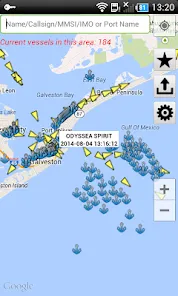
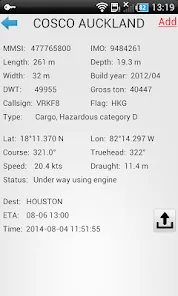
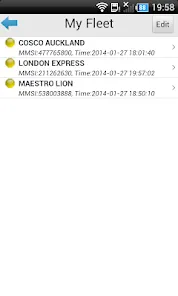
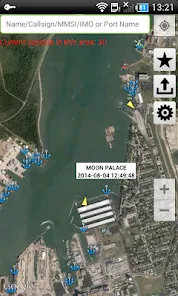
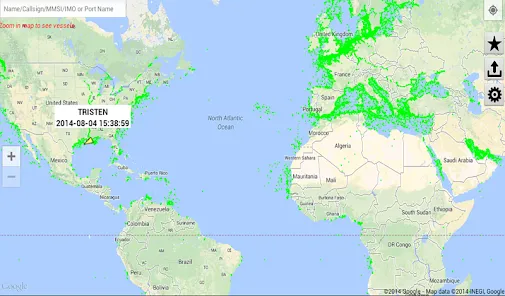
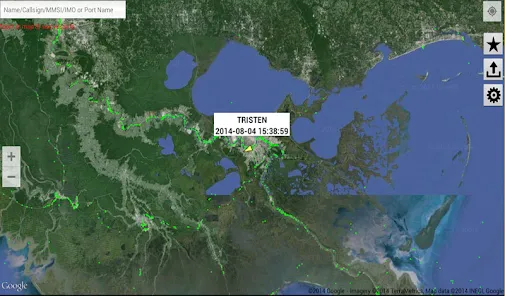
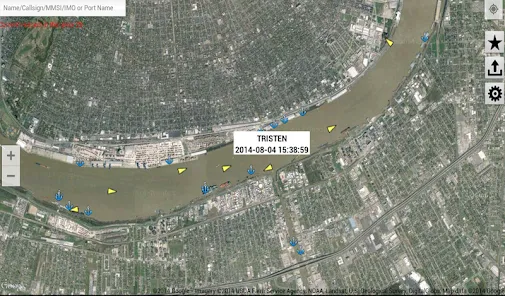
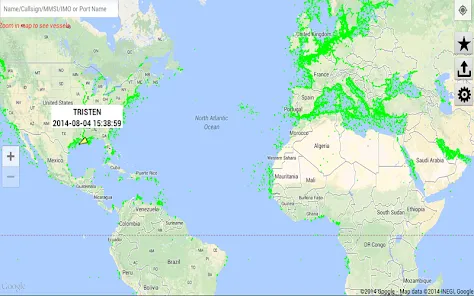
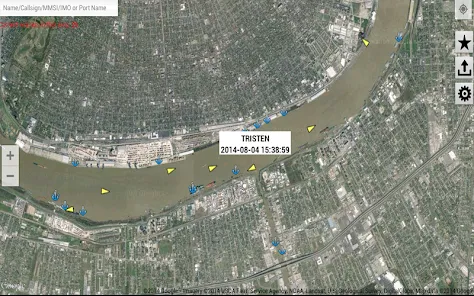
"FindShip" is a comprehensive maritime tracking application designed to provide users with real-time information about ships and their movements. One of its standout features is the ability to track vessels globally, allowing users to monitor the location of ships across various seas and oceans. The app offers detailed information about each ship, including its name, type, and current status, which enhances user experience and provides valuable insights into maritime activities.
Another notable feature is the interactive map interface, which allows users to visualize ship locations and routes easily. Users can filter searches based on specific criteria, such as ship type or destination, making it easier to find relevant vessels. Additionally, "FindShip" provides notifications and alerts for specific ships, ensuring users stay updated on their movements. The app also includes historical data, enabling users to analyze past routes and behaviors of ships, which can be particularly useful for research and logistics planning.
Overall, "FindShip" combines user-friendly design with powerful tracking capabilities, making it an essential tool for maritime enthusiasts, professionals, and anyone interested in shipping logistics.
Using "FindShip" is straightforward and user-friendly, making it accessible for both novice and experienced users. To get started, download the app from your device's app store and create an account if necessary. Once installed, open the app to access the main interface, which features an interactive map displaying the locations of various ships in real-time.
To track a specific vessel, utilize the search function by entering the ship's name or its unique identification number. The app will display relevant results, allowing you to select the desired ship for more detailed information. You can also customize your experience by setting filters based on ship type, size, or destination, which helps narrow down your search effectively. Additionally, consider enabling notifications for specific vessels to receive updates on their movements directly to your device. This feature is particularly useful for those monitoring shipments or planning maritime activities.
Overall, "FindShip" is designed to be intuitive, ensuring that users can easily navigate its features and access the information they need with minimal effort.
"FindShip" offers several advantages that make it a popular choice among maritime enthusiasts and professionals. One of the primary benefits is its real-time tracking capability, which provides users with up-to-date information on ship locations and movements. This feature is invaluable for logistics planning and monitoring shipments. The app's user-friendly interface and interactive map enhance the overall experience, making it easy to navigate and find specific vessels. Additionally, the ability to set alerts for particular ships ensures that users stay informed about important updates.
However, "FindShip" is not without its drawbacks. One potential downside is that the app may require a stable internet connection for optimal performance, which can be a limitation in remote areas. Furthermore, while the app provides a wealth of information, some users may find the abundance of data overwhelming, especially if they are new to maritime tracking. Lastly, certain advanced features may be locked behind a paywall, which could deter users who are looking for a completely free experience. Balancing these pros and cons is essential for users to determine if "FindShip" meets their specific needs.

 FindShip simplifies shipment tracking with real-time updates for all carriers. Enjoy intuitive navigation that makes finding shipments quick and easy. Save time with automated notifications for any shipment changes or delays. Benefit from comprehensive analytics to optimize your shipping processes. Access customer support for assistance anytime, ensuring a smooth experience.
 Limited shipping options may restrict user flexibility in delivery choices. High fees can lead to increased costs for users and businesses alike. Customer support may be slow to respond, causing delays in issue resolution.
  Google Play
  App Store
 Yes, users can submit suggestions or feedback through the app's feedback feature or by contacting the support team directly.
FindShip may collect personal data to enhance user experience, but it prioritizes user privacy and data protection.
Yes, FindShip allows users to access certain features offline, although real-time tracking requires an internet connection.
Users can cancel their FindShip subscription through their account settings in the app or by contacting customer support for assistance.
The subscription cost for FindShip varies based on the chosen plan, with options for monthly or yearly billing.
Customer numbers are unique and cannot be changed. If you have concerns, please contact customer service for further assistance.
You can reach our customer service team through the support section on our website or by calling the customer service number provided in your account details.
You can update your customer information by logging into your account and navigating to the settings section. For further help, contact customer service.
To activate your account, click the activation link sent to your registered email during the sign-up process. If you didn't receive it, check your spam folder or contact customer service.
You will receive a confirmation email once your account is activated. If you haven’t received it, please check your spam folder or contact customer service.