


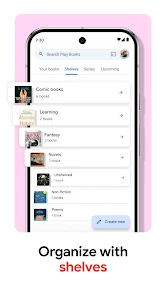
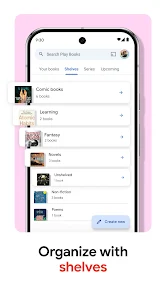
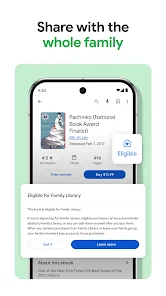
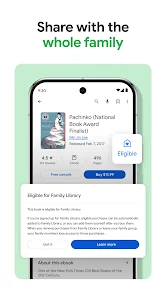

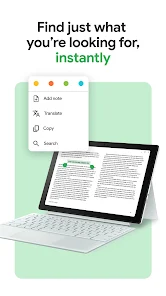
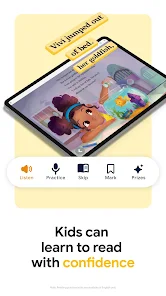


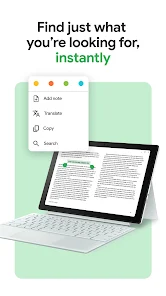

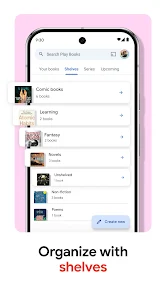
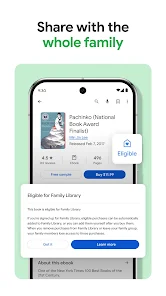

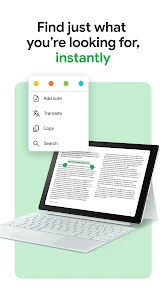
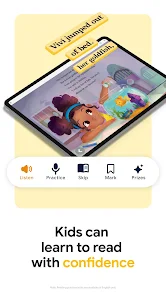

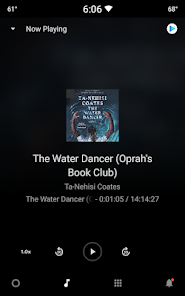
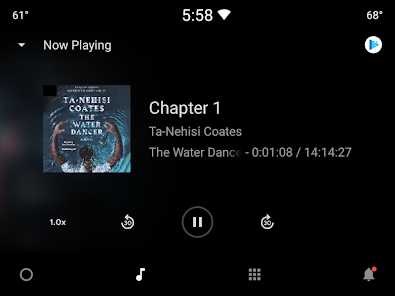
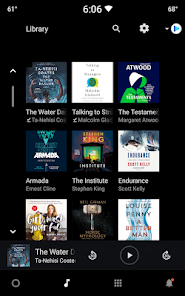
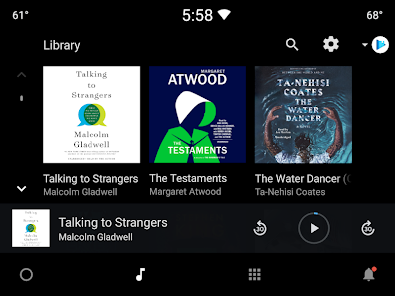
Google Play Books & Audiobooks offers a diverse range of features that enhance the reading and listening experience for users. One of the standout features is the extensive library, which includes millions of eBooks and audiobooks across various genres, ensuring that there is something for everyone. Users can easily search for titles, authors, or genres, making it simple to find their next read or listen.
Another notable feature is the ability to customize the reading experience. Users can adjust font sizes, background colors, and even switch to night mode for comfortable reading in low-light conditions. The app also supports bookmarks, notes, and highlights, allowing readers to engage with the text more deeply. For audiobooks, users can control playback speed and set sleep timers, making it convenient to enjoy stories at their own pace.
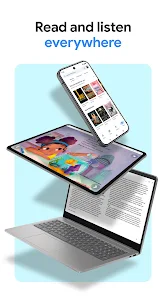
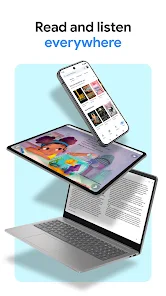
Additionally, Google Play Books & Audiobooks allows for seamless syncing across devices. This means that users can start reading on one device and continue on another without losing their place. The app also offers personalized recommendations based on reading habits, enhancing the discovery of new titles. Overall, the combination of a vast library, customization options, and cross-device functionality makes Google Play Books & Audiobooks a compelling choice for book lovers.
Using Google Play Books & Audiobooks is a straightforward process that begins with downloading the app from the Google Play Store or Apple App Store. Once installed, users can sign in with their Google account or create a new one. After logging in, users can browse the extensive library of eBooks and audiobooks, utilizing the search function to find specific titles or explore curated collections.
To purchase or borrow a book, simply select the desired title and follow the prompts to complete the transaction. Once acquired, the book will be available in the user's library. For reading, users can tap on the book cover to open it, where they can customize their reading experience by adjusting settings such as font size and background color. For audiobooks, users can play, pause, and adjust playback speed easily.
Additionally, users can take advantage of features like bookmarks, notes, and highlights to enhance their engagement with the content. Syncing across devices ensures that users can pick up where they left off, whether on a smartphone, tablet, or computer. Overall, the app is designed to provide a user-friendly experience, making it easy for anyone to dive into the world of books and audiobooks.
Google Play Books & Audiobooks comes with several advantages that make it a popular choice among readers and listeners. One of the primary pros is the vast selection of titles available, covering a wide range of genres and interests. This extensive library allows users to discover new authors and books easily. Additionally, the app's user-friendly interface and customization options enhance the reading and listening experience, catering to individual preferences.
Another significant advantage is the ability to sync across multiple devices, ensuring that users can access their library anytime, anywhere. The app also offers personalized recommendations, which can help users find books that align with their tastes. However, there are some drawbacks to consider. For instance, while the app is free to download, many titles require purchase, which may not be ideal for budget-conscious users.
Moreover, some users have reported occasional issues with app performance, such as slow loading times or glitches. Additionally, the availability of certain titles may vary by region, limiting access for some users. Overall, while Google Play Books & Audiobooks offers a wealth of features and a large library, potential users should weigh these pros and cons to determine if it meets their reading and listening needs.

 Access a vast library of ebooks and audiobooks anytime, anywhere. Enjoy seamless integration with your Google account for easy access. Discover personalized recommendations tailored to your reading preferences. Sync your progress across devices for a continuous reading experience. Read or listen offline, perfect for travel or commutes.
 Limited selection compared to other platforms may restrict user choices. User interface can be clunky and less intuitive for some readers. Audiobook features may lack synchronization with eBook text for seamless transitions.
  Google Play
  App Store
 Yes, users can submit feedback and suggestions through the app’s support features or the Google Play Store review section.
Yes, the app may collect personal data such as your purchase history and preferences to enhance user experience and provide personalized recommendations.
Yes, users can download eBooks and audiobooks for offline access, allowing them to enjoy content without an internet connection.
Users can cancel their subscription through their Google Play account settings or directly in the app under the subscription management section.
Subscription costs may vary based on the plan selected, and users can typically find pricing information within the app.
Unfortunately, customer numbers cannot be sent via email. You can view it by logging into your Google Play account.
To activate your account, log in using your Google credentials and follow the on-screen instructions for account setup.
You can reach customer service through the Google Play Help Center or directly via the Google Play app. Just select "Help" and follow the prompts.
To reset your password, click on "Forgot Password?" on the login screen and follow the instructions sent to your registered email.
To retrieve your customer number, log in to your Google Play account, navigate to account settings, and look for your customer details.