

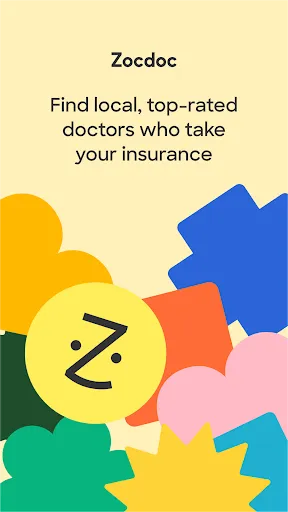
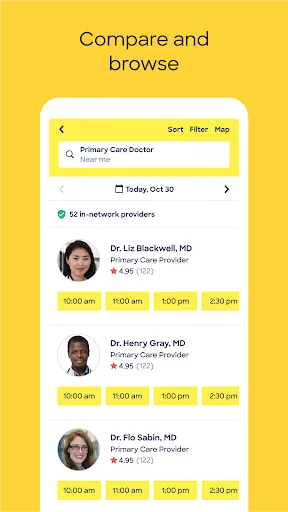
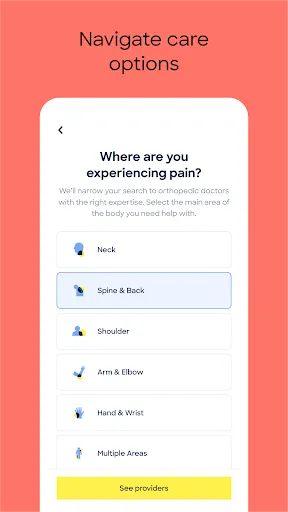
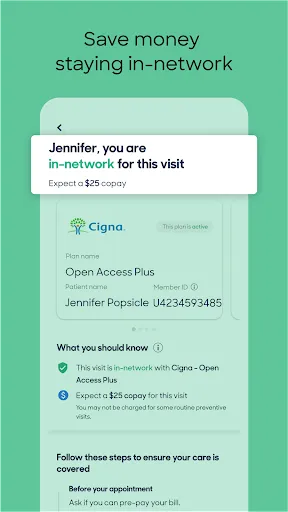
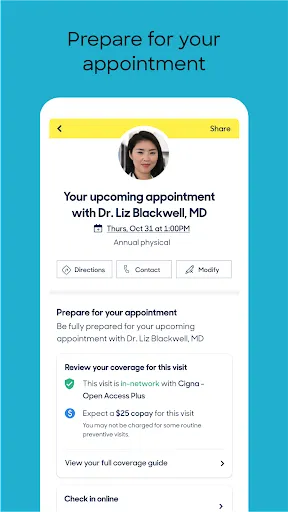
Zocdoc is a user-friendly platform designed to simplify the process of finding and booking healthcare providers. One of its standout features is the ability to search for doctors based on various criteria, including specialty, location, and insurance acceptance. This allows users to find the right healthcare professional tailored to their specific needs.
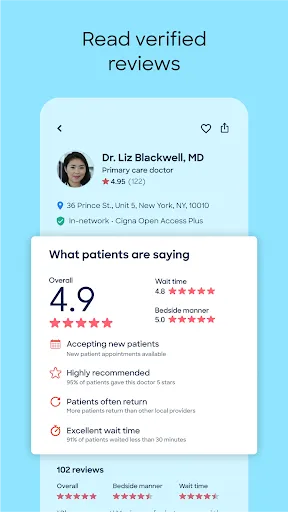
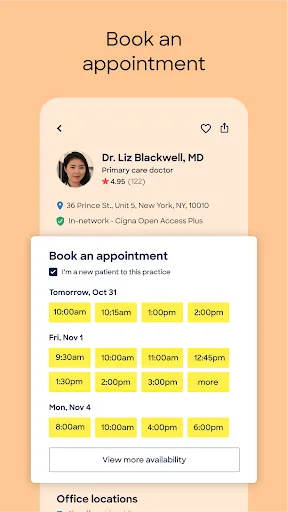
Another notable feature is the real-time availability of appointments. Users can view open time slots and book appointments instantly, eliminating the need for back-and-forth communication with the doctor's office. Additionally, Zocdoc provides patient reviews and ratings, helping users make informed decisions based on the experiences of others.
The platform also offers telehealth options, allowing patients to consult with doctors remotely, which is especially beneficial for those with busy schedules or mobility issues. Furthermore, Zocdoc sends reminders for upcoming appointments and allows users to manage their bookings easily through the app or website.
Overall, Zocdoc combines convenience, transparency, and accessibility, making it a valuable tool for anyone seeking medical care.
Using Zocdoc is a straightforward process that begins with downloading the app or visiting the website. Once on the platform, users can enter their location and the type of healthcare provider they are seeking. The search results will display a list of available doctors, complete with their specialties, ratings, and the insurance plans they accept.
After selecting a doctor, users can view their profiles, which include detailed information about their qualifications, patient reviews, and available appointment times. To book an appointment, simply choose a convenient time slot and follow the prompts to confirm the booking. Users may also need to create an account to manage their appointments and receive notifications.
For those interested in telehealth services, Zocdoc offers an option to schedule virtual visits. This feature allows patients to consult with healthcare providers from the comfort of their homes. After booking, users will receive reminders and can easily reschedule or cancel appointments if necessary, making the entire process efficient and user-friendly.
Overall, Zocdoc streamlines the healthcare appointment process, making it accessible and convenient for all users.
Zocdoc offers several advantages that enhance the healthcare experience for users. One of the primary benefits is the convenience of finding and booking appointments online, which saves time and reduces the hassle of phone calls. The platform's extensive database of healthcare providers allows users to compare options based on ratings, specialties, and insurance compatibility, ensuring they find the right fit for their needs.
Additionally, Zocdoc's telehealth feature provides flexibility for patients who prefer virtual consultations, making healthcare more accessible. The app also sends reminders for upcoming appointments, helping users stay organized and informed.
In summary, while Zocdoc has its pros and cons, it remains a valuable tool for simplifying the process of finding and booking healthcare providers.

 Easily search for doctors based on specialty and location View real-time availability for hassle-free booking Read verified patient reviews to make informed choices Receive appointment reminders and updates directly to your phone Access telehealth options for convenient at-home consultations
 Limited availability of certain specialists may lead to longer wait times User interface can be confusing for some patients Not all insurance plans are accepted, which may result in unexpected costs
  Google Play
  App Store
 Yes, users can submit feedback or suggestions through the app or the Zocdoc website to help improve their services.
Yes, Zocdoc collects personal data to provide its services, including information necessary for booking appointments and verifying identities.
Zocdoc requires an internet connection to access its features, so it does not support offline use.
Since Zocdoc does not have a subscription model for users, there is no subscription to cancel; users can simply stop using the app at any time.
Zocdoc does not have a subscription fee for users, but certain healthcare services may incur charges.
Yes, you can log in using your Facebook or Google account if you linked them during registration.
You can reach our customer service team through the "Help" section on the Zocdoc website or app for assistance with your account.
To activate your account, check your email for a confirmation link and click on it. This will complete the activation process.
Please contact customer service for assistance in updating your customer number to ensure it's accurate.
If you're having trouble logging in, try resetting your password using the "Forgot Password?" link on the login page.