


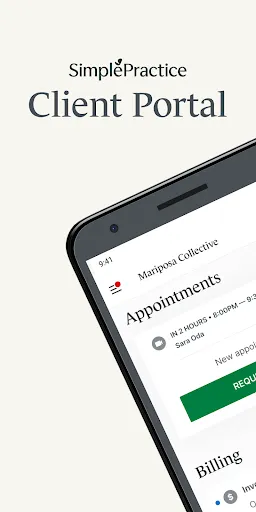


The SimplePractice Client Portal offers a range of features designed to enhance the client experience and streamline administrative tasks for practitioners. One of the key features is secure messaging, which allows clients to communicate directly with their providers in a confidential environment. This ensures that sensitive information remains protected while facilitating easy communication.
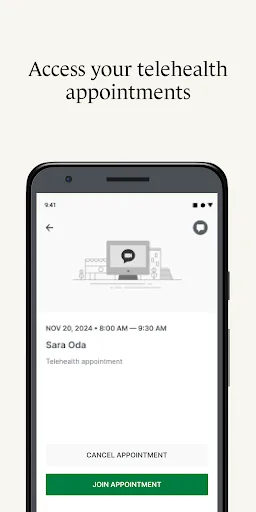
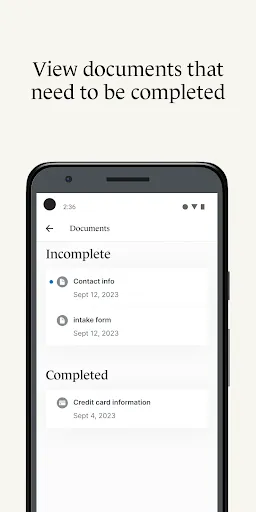
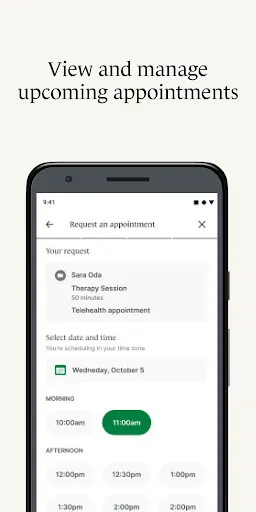
Another notable feature is the ability for clients to complete intake forms online. This not only saves time during appointments but also helps practitioners gather essential information beforehand. Additionally, clients can schedule appointments through the portal, providing them with flexibility and control over their therapy sessions.
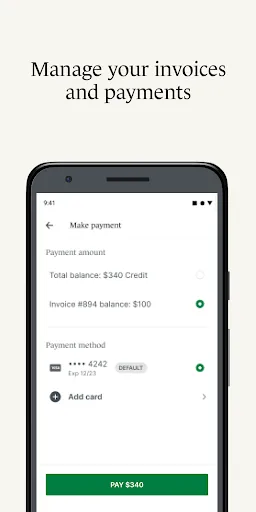
The portal also supports billing and payment processing, allowing clients to view invoices and make payments securely. This feature simplifies the financial aspect of therapy, making it easier for both clients and practitioners to manage transactions. Overall, the SimplePractice Client Portal is designed to improve client engagement and streamline practice management.
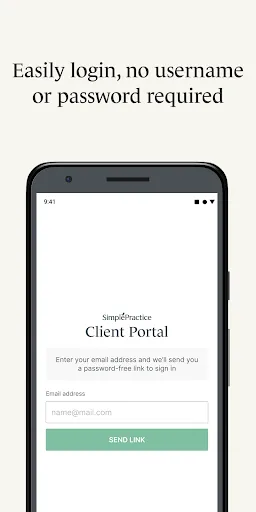
Using the SimplePractice Client Portal is straightforward and user-friendly. First, clients need to receive an invitation from their practitioner to create an account. Once they have the invitation, they can follow the link provided to set up their profile by entering their personal information and creating a secure password.
After logging in, clients can navigate the portal to access various features. They can complete intake forms, schedule appointments, and send messages to their provider. The interface is designed to be intuitive, making it easy for clients to find what they need without confusion.
Clients can also manage their billing information and view past invoices directly through the portal. For any issues or questions, there is typically a help section or support contact available. Overall, the SimplePractice Client Portal is designed to enhance the client experience by providing a centralized platform for all therapy-related activities.
Like any application, the SimplePractice Client Portal has its advantages and disadvantages. One of the primary pros is its user-friendly interface, which makes it easy for clients to navigate and access necessary features. The secure messaging system is another significant benefit, allowing for confidential communication between clients and practitioners.
Additionally, the ability to complete intake forms and manage appointments online saves time and enhances the overall efficiency of the therapeutic process. The billing features also simplify financial transactions, making it easier for clients to keep track of their payments.
On the downside, some users may experience technical issues or glitches, which can be frustrating. Additionally, while the portal is designed to be secure, concerns about data privacy and security are always present in digital platforms. Lastly, some clients may prefer face-to-face interactions and find the online format less personal. Balancing these pros and cons is essential for practitioners and clients alike when considering the use of the SimplePractice Client Portal.

 Enhances client engagement with easy access to services and information Streamlines appointment scheduling, reducing no-shows and cancellations Facilitates secure messaging for confidential communication between clients and therapists Offers convenient online billing and payment options for clients' ease Provides access to resources and documents, empowering clients in their care
 Limited customization options may not fit all practice needs. User interface can be overwhelming for some clients. Integration with third-party tools may be lacking or complex.
  Google Play
  App Store
 Yes, users can submit suggestions and feedback through the app or by reaching out to SimplePractice's customer support team.
Yes, SimplePractice Client Portal collects personal data necessary for managing appointments, communication, and billing, while adhering to strict privacy and security standards.
No, SimplePractice Client Portal requires an internet connection to access its features and manage client information.
You can cancel your subscription through your account settings within the app or by contacting SimplePractice support for assistance.
Subscription costs vary based on the plan selected, starting from a monthly fee that can be tailored to the needs of individual practitioners or practices.
Yes, customer service is available to assist you with any account activation issues you may encounter. Just reach out for support.
To activate your account, check your email for an activation link and follow the instructions provided. If you need help, reach out to customer service.
You can reach customer service through the support section of the SimplePractice website or by emailing support
You can update your customer information by logging into your account and navigating to the account settings section.
Customer service contact information is available on the SimplePractice website under the support section.